
Cross-platform · Covers & banners
Match the banner ratio before you brand the edges
Covers, headers, and channel art are wide strips phones re-frame. Pick the network’s ratio, keep logos out of avatar pockets and side trims, then crop.
Last verified 2026-09-06 Practical covers and banners sizes observed in community UI as of 2026-09-06. Not an official single-pixel mandate—preview on-device before you publish.
Cover and banner sizes by platform
Practical header pixels. Open each guide for desktop vs mobile notes—do not stretch a Facebook cover into an X or LinkedIn slot.
| Platform | Surface | Size | Ratio | Guide |
|---|---|---|---|---|
| Cover photo Mobile center crop + avatar overlap. | 1640 × 624 | ~2.63:1 | Open | |
| Group cover | 1640 × 856 | ~1.91:1 | Open | |
| Event cover | 1920 × 1005 | ~1.91:1 | Open | |
| X (Twitter) | Header banner | 1500 × 500 | 3:1 | Open |
| Personal cover | 1584 × 396 | 4:1 | Open | |
| Company cover Upload size; display is shorter. | 4200 × 700 | 6:1 | Open | |
| YouTube | Channel banner TV / desktop / mobile safe zones. | 2560 × 1440 | 16:9 | Open |
| Bluesky | Banner | 3000 × 1000 | 3:1 | Open |
| Google Business | Cover | 1024 × 576 | 16:9 | Open |
| Patreon | Cover | 1600 × 400 | 4:1 | Open |
| Mastodon | Header | 1500 × 500 | 3:1 | Open |
| Kick | Channel banner | 1280 × 700 | ~64:35 | Open |
| Event cover | 1776 × 444 | 4:1 | Open |
-
Facebook
Cover photo
1640 × 624 · ~2.63:1
Mobile center crop + avatar overlap.
-
Facebook
Group cover
1640 × 856 · ~1.91:1
-
Facebook
Event cover
1920 × 1005 · ~1.91:1
-
X (Twitter)
Header banner
1500 × 500 · 3:1
-
LinkedIn
Personal cover
1584 × 396 · 4:1
-
LinkedIn
Company cover
4200 × 700 · 6:1
Upload size; display is shorter.
-
YouTube
Channel banner
2560 × 1440 · 16:9
TV / desktop / mobile safe zones.
-
Bluesky
Banner
3000 × 1000 · 3:1
-
Google Business
Cover
1024 × 576 · 16:9
-
Patreon
Cover
1600 × 400 · 4:1
-
Mastodon
Header
1500 × 500 · 3:1
-
Kick
Channel banner
1280 × 700 · ~64:35
-
LinkedIn
Event cover
1776 × 444 · 4:1
Browser crop · stays on your device
Crop a cover or banner
1640 × 624
Add a photo to crop
Upload a photo—or try the sample—then pick a preset from the chart above.
Wide strips fail at the edges
Headers look broken when phones trim the sides or an avatar sits on top of your logo. Pixel labels alone are not enough—safe zones matter more than the canvas number.
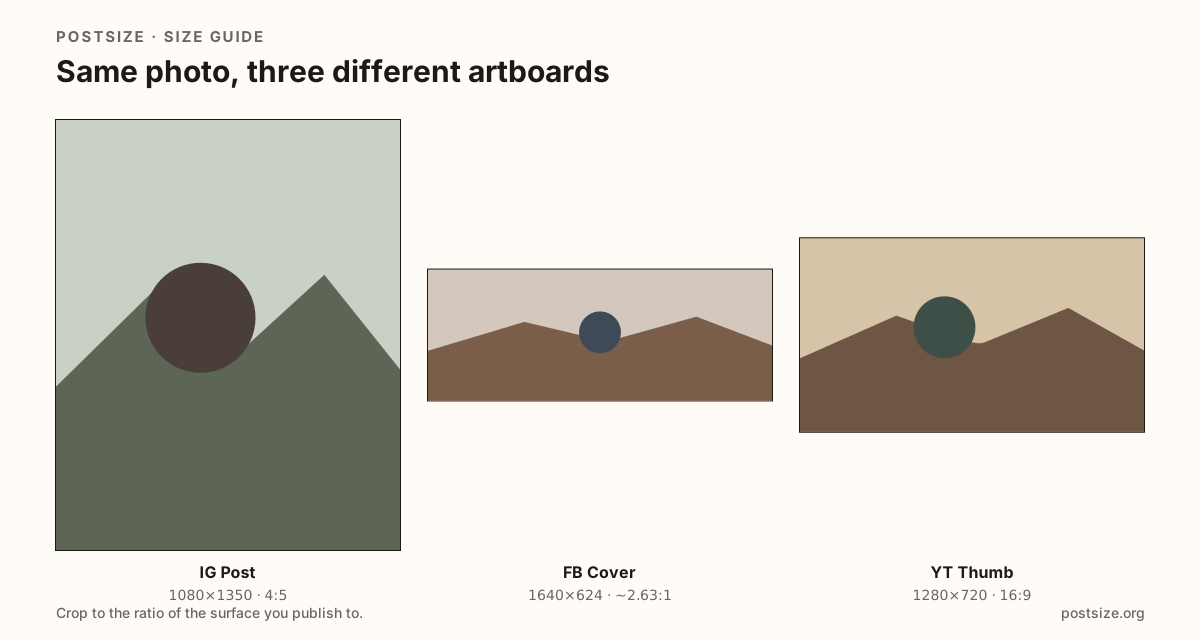
Facebook, X, LinkedIn, and YouTube each use a different width-to-height habit. Stretching one export into another warps faces and pushes type into the avatar pocket. Re-crop for the surface you are editing.
Link previews (1200×630) are not covers. If you are sizing an og:image, open the link-preview chart instead.
Quick picks
Match the job to the row so you do not export the wrong ratio.
- Facebook Page or profile header → Cover photo 1640×624 with live desktop/mobile preview.
- X profile strip → 1500×500; leave lower-left quiet for the avatar.
- LinkedIn personal vs Company → different uploads—do not stretch personal into Company.
- YouTube channel art → 2560×1440 and keep critical art inside the TV-safe center.
- Shared URL card → Link preview sizes, not this chart.
Frequently asked questions
What is the Facebook cover photo size?
A practical upload is 1640×624. Phones re-crop through the center and your profile photo overlaps a corner—use the Facebook cover guide for dual preview.
Can I use a Facebook cover as my X banner?
Not without a fresh crop. Ratios differ (roughly ~2.63:1 vs 3:1). Stretching looks wrong under the X avatar.
What size is a LinkedIn cover?
Personal covers are 1584×396 (4:1). Company Page covers upload much wider (4200×700)—use the Company guide.
Is 1200×630 a cover size?
No. That habit is for Open Graph / link previews. Covers are profile or Page headers.