
Nextdoor · Image sizes
Pick the Nextdoor surface you are publishing to
Neighborhood posts and business page banners are different ratios. Design for local trust—practical sizes, preview after upload.
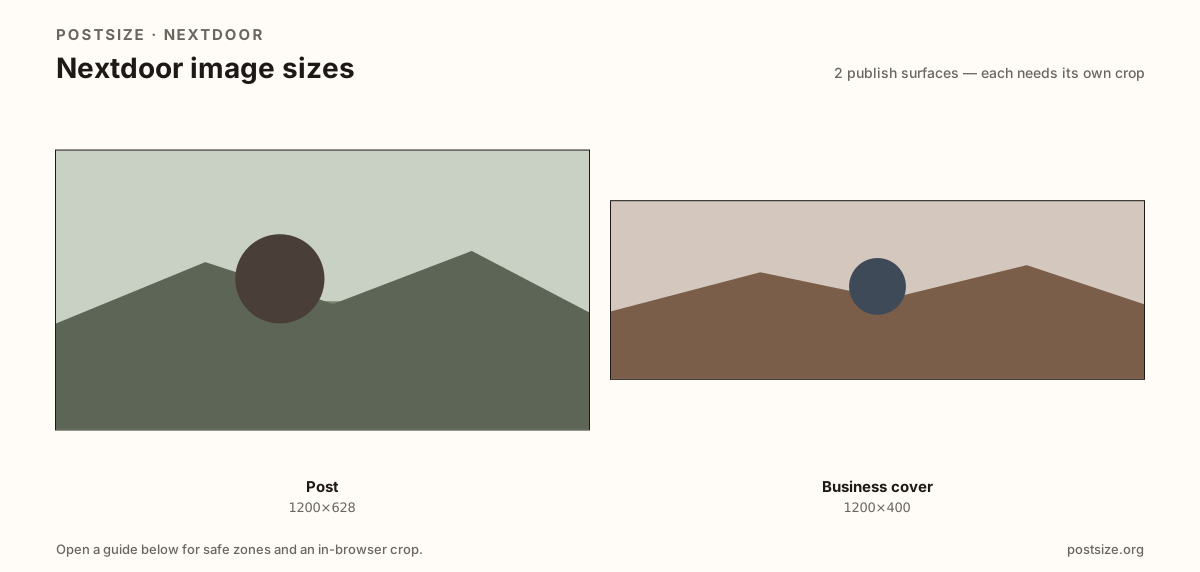
Sizes on Nextdoor
Open a guide for exact pixels, safe zones, and an in-browser crop for that surface.
Neighborhood feed cards vs business banners
Posts often use a practical 1200×628 card for yard sales, recommendations, and local updates. Clear, honest photos beat over-filtered stock.
Business covers lean on a practical 1200×400 (3:1) strip for shop pages—shorter than many Facebook covers. Show a recognizable storefront or mark.
Sizes are practical community targets, not a fake official mandate. Re-crop Facebook starters, then preview on Nextdoor.
Quick picks
Match the task to the guide so you do not export the wrong ratio.
- Neighborhood update → Post at 1200×628.
- Business page strip → Business cover at 1200×400.
- Prefer real storefront / item photos over generic stock.
- Coming from Facebook → Re-crop; preview on Nextdoor.
- Sizes are practical—preview on-device.
Frequently asked questions
What size is a Nextdoor post?
A practical export is 1200×628 (~1.91:1). Preview on Nextdoor after upload.
What size is a Nextdoor business cover?
A practical export is 1200×400 (3:1). It is not a feed post card.
Can I reuse a Facebook post image?
Often as a starter. Still preview on Nextdoor for local chrome and trust context.
Are these official Nextdoor sizes?
No. Practical community targets as of 2026-08-21. Preview before you publish.
Can I crop Nextdoor sizes in the browser?
Yes. Every guide on this hub includes an in-browser crop—files stay on your device.