
Beehiiv · Image sizes
Pick the Beehiiv surface you are publishing to
Publication logos are tiny squares; social previews are wide share cards. Crop each before you upload in Beehiiv.
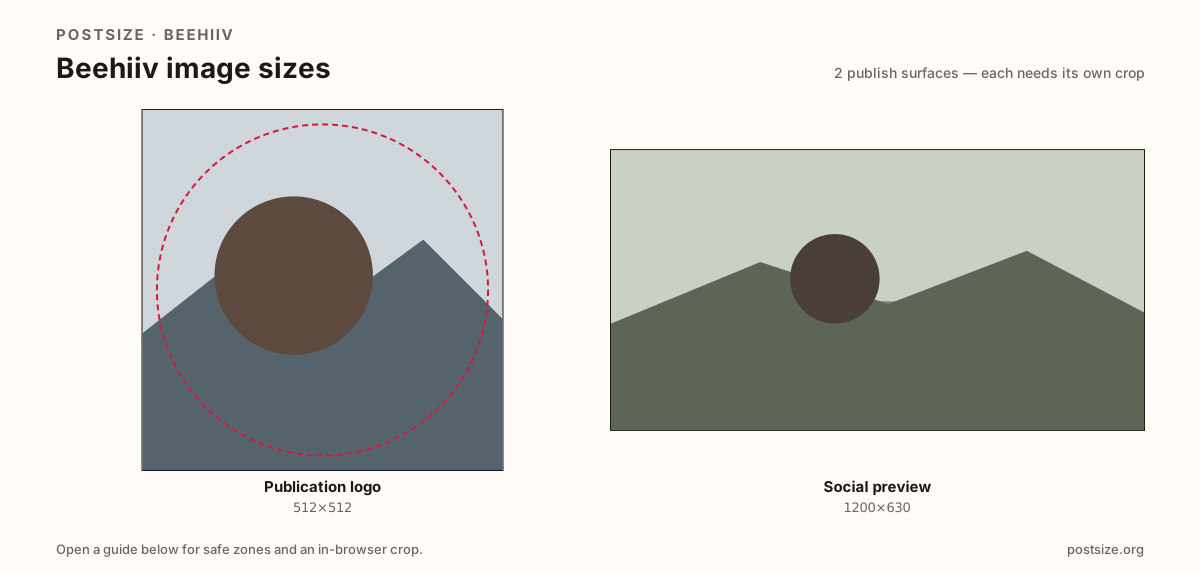
Sizes on Beehiiv
Open a guide for exact pixels, safe zones, and an in-browser crop for that surface.
Sender tiles vs link unfurls
A practical 512×512 logo keeps the mark readable beside subject lines and on site chrome.
Social previews at 1200×630 sell the click when URLs unfurl on X, LinkedIn, or Slack.
Generic email headers (~1200×400) are a third strip—do not stretch one file into every slot.
Quick picks
Match the task to the guide so you do not export the wrong ratio.
- Inbox / site tile → Logo at 512×512.
- Link unfurl / OG → Social preview at 1200×630.
- Mail header strip → See the Email header guide.
- Coming from Substack → Re-upload after re-crop.
Frequently asked questions
What size is a Beehiiv logo?
A practical export is 512×512. Keep a bold mark that still reads as a tiny sender tile.
What size is a Beehiiv social preview?
A practical card is 1200×630 (~1.91:1) for link previews and social shares.
Are these official Beehiiv sizes?
No. Practical community targets as of 2026-08-25. Preview before you publish.
Can I crop Beehiiv sizes here?
Yes. Every guide on this hub includes an in-browser crop—files stay on your device.