
Zoom · Image sizes
Crop Zoom virtual backgrounds for a clear center stage
Virtual backgrounds are Full HD plates behind your silhouette. Keep faces and logos in the center safe zone, then download a clean still.
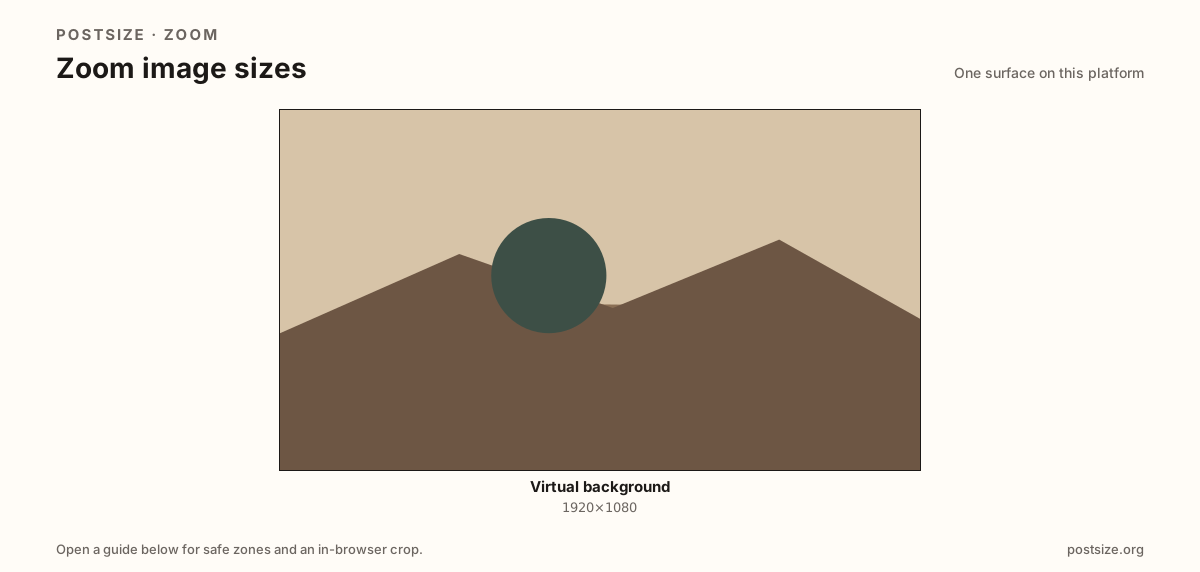
Sizes on Zoom
Open a guide for exact pixels, safe zones, and an in-browser crop for that surface.
Call backdrops are not thumbnails
A practical 1920×1080 (16:9) master matches HD meetings without shipping a multi-megapixel poster Zoom will compress anyway.
Soft masks fail first at busy edges. Quiet rims and a bold center subject beat wallpaper stretches from 9:16 Stories.
Microsoft Teams uses a similar Full HD habit—re-crop and preview in each app before a client call.
Quick picks
Match the task to the guide so you do not export the wrong ratio.
- In-call backdrop → Virtual background at 1920×1080.
- Also using Teams → Re-crop in the Teams guide.
- Quiet edges; busy subject in the mid-frame.
- Preview on-camera with your real lighting.
Frequently asked questions
What size is a Zoom virtual background?
A practical export is 1920×1080 (16:9). Keep faces and logos in the center.
Do I need 4K for Zoom backgrounds?
Usually no. Full HD is enough for typical meetings after compression.
Can I reuse a Teams background in Zoom?
Often yes at 16:9—re-crop and preview soft edges in Zoom before the call.
Can I crop Zoom backgrounds here?
Yes. In-browser crop—files stay on your device until you download and upload in Zoom.