
Microsoft Teams · Image sizes
Crop Microsoft Teams backgrounds for clear meetings
Teams meeting plates are practical Full HD stills. Keep brand marks centered, confirm org policy, then download.
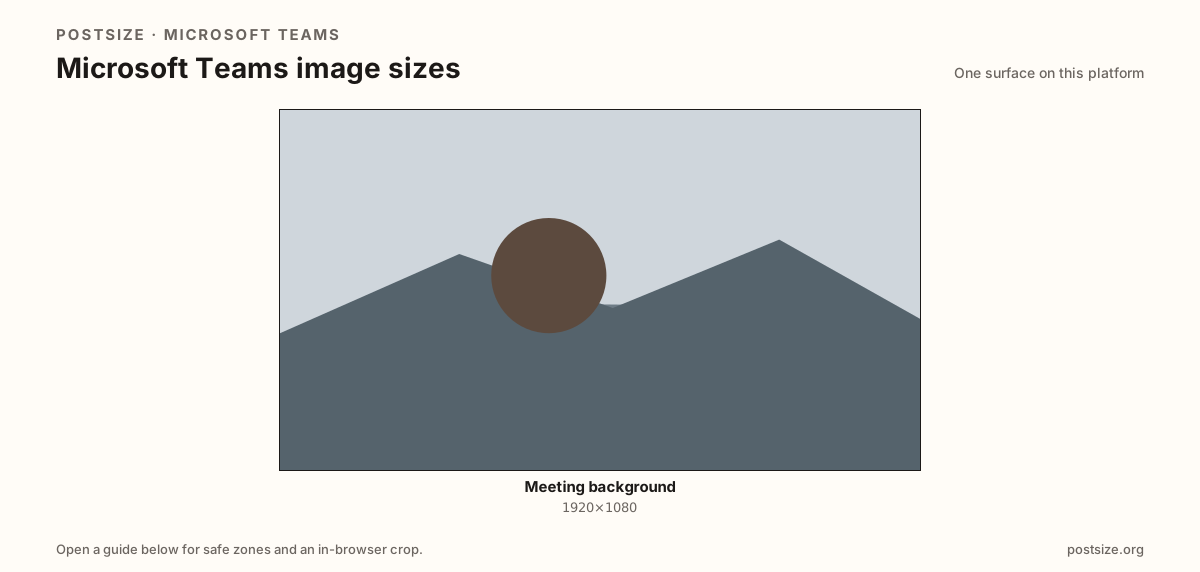
Sizes on Microsoft Teams
Open a guide for exact pixels, safe zones, and an in-browser crop for that surface.
Org policy first, pixels second
Many workplaces block custom backgrounds. Confirm you can upload before spending design time on a 1920×1080 plate.
Quiet edges help person segmentation; bold center marks survive soft masking around hair and headsets.
Zoom uses a similar 16:9 habit—share photography, then preview in Teams live.
Quick picks
Match the task to the guide so you do not export the wrong ratio.
- In-meeting backdrop → Meeting background at 1920×1080.
- Check IT policy before relying on custom art.
- Also using Zoom → Re-crop in the Zoom guide.
- On-camera preview with desk lighting.
Frequently asked questions
What size is a Microsoft Teams background?
A practical export is 1920×1080 (16:9). Preview on-camera—soft edges vary.
Can my company block custom Teams backgrounds?
Yes. Many organizations restrict custom images—confirm policy first.
Same size as Zoom?
Both often use 1920×1080, but re-crop and preview in each app.
Can I crop Teams backgrounds here?
Yes. In-browser crop—files stay on your device until you upload in Teams.