
Spotify · Image sizes
Pick the Spotify surface you are publishing to
Album art, playlist covers, artist avatars, artist headers, and podcast covers are different uploads. Open the guide that matches the slot, keep the safe zone clear, then download.
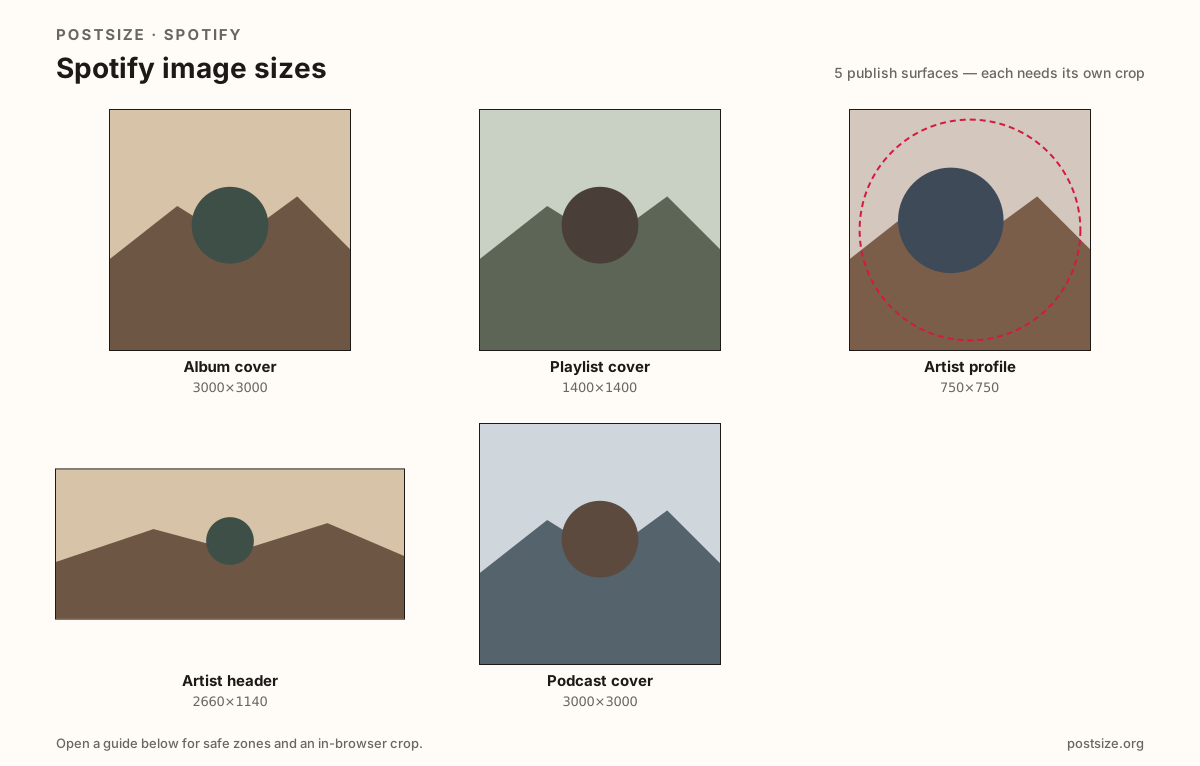
Sizes on Spotify
Open a guide for exact pixels, safe zones, and an in-browser crop for that surface.
Album cover
3000 × 3000
Release jacket for albums/singles—not a playlist mix stamp.
Playlist cover
1400 × 1400
Square library stamp—design for tiny sidebar thumbs.
Artist profile
750 × 750
Spotify for Artists avatar—center the face or mark.
Artist header
2660 × 1140
Wide For Artists banner—keep subjects above the Play UI.
Podcast cover
3000 × 3000
Large square show art for catalogs, TV, and car views.
Release jackets, library stamps, For Artists pages, and show art
Album (and single) covers are catalog release squares—prefer 3000×3000 (or 1400×1400 lighter). A playlist cover is a disposable mix stamp in Your Library. Do not ship a playlist collage as official album art.
Spotify for Artists uses a square profile image (at least 750×750) and a wide header (at least 2660×1140). The header’s lower band is covered by the artist name and Play controls—keep faces and logos in the upper two-thirds.
Podcast covers need a large square (often 3000×3000) so titles stay readable on TVs and in car views. Do not stretch a playlist doodle into show art, and do not treat Canvas looping video as a still crop here.
Quick picks
Match the task to the guide so you do not export the wrong ratio.
- Shipping a release through a distributor → Album cover at 3000×3000.
- Dressing a playlist in Your Library → Playlist cover; try 1400×1400.
- Updating the circle on your artist page → Artist profile at 750×750.
- Refreshing the wide artist banner → Artist header at 2660×1140; protect the lower UI band.
- Publishing a show → Podcast cover at 3000×3000 (or a clear 1400×1400 master).
- Coming from Instagram or X → Re-crop; those ratios are not Spotify artboards.
Frequently asked questions
What size is a Spotify album cover?
Export a square. 3000×3000 is the quality master; 1400×1400 is a lighter alternative. Album art is catalog release packaging—not a playlist stamp.
What size is a Spotify playlist cover?
Use a square. 1400×1400 is a clear practical upload; 640×640 still works when the design is bold. Keep marks readable at tiny library sizes.
What size is the Spotify artist header?
At least 2660×1140 (~7:3). Keep important faces and logos in the upper two-thirds—Play controls and the artist name sit on the lower band.
What size should a Spotify podcast cover be?
A large square—3000×3000 is a common catalog target. Title and show mark must read when the cover is small.
Is playlist cover the same as album art?
No. Playlist covers are user uploads for playlists. Album art usually arrives through distributors. Crop each job separately.
Can I crop Spotify sizes in the browser?
Yes. Every guide on this hub includes an in-browser crop—files stay on your device until you download and upload to Spotify yourself.