
Google Play · Image sizes
Size Play screenshots and the feature graphic
Phone screenshots fill the gallery. The feature graphic is a wide 1024×500 listing header. Crop each on purpose, then upload in Play Console.
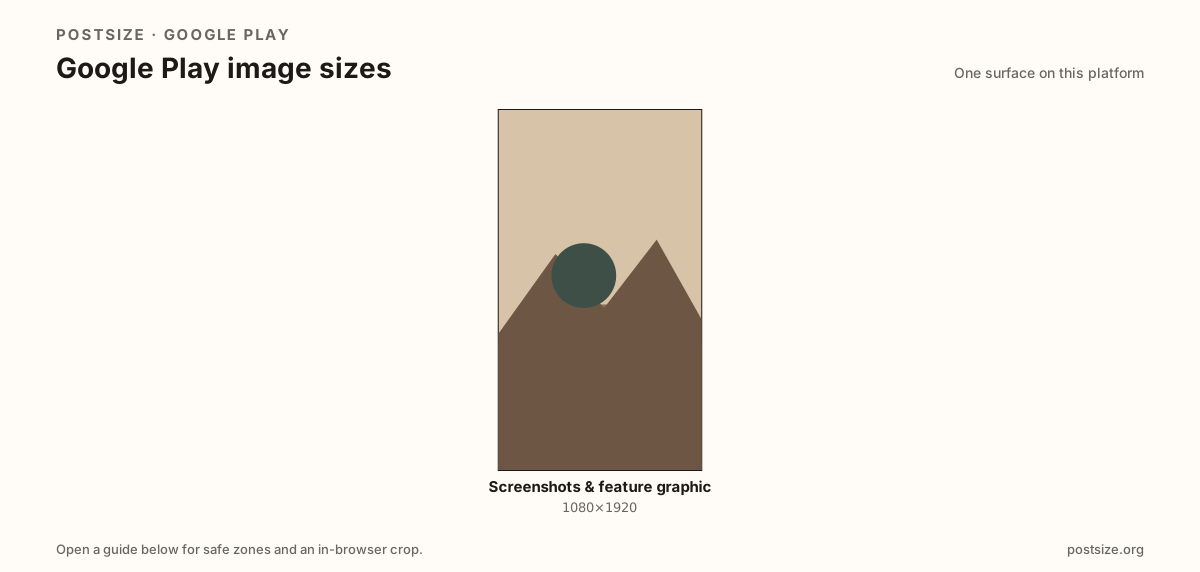
Sizes on Google Play
Open a guide for exact pixels, safe zones, and an in-browser crop for that surface.
Two different Play artboards
A practical phone screenshot master is 1080×1920. Landscape apps should also prepare 1920×1080. Console enforces min/max edges—validate before release.
The feature graphic (1024×500) is not a screenshot. Export it as its own wide promo strip.
App Store iPhone classes differ (for example 1290×2796). Re-crop per store.
Quick picks
Match the task to the guide so you do not export the wrong ratio.
- Phone gallery → 1080×1920 (or landscape 1920×1080).
- Listing header → Feature graphic 1024×500.
- Also on iOS → App Store screenshot guide.
Frequently asked questions
What size are Google Play screenshots?
1080×1920 is a practical phone default. Confirm limits in Play Console.
What size is the feature graphic?
1024×500 pixels for the store listing header.