
Shopify · Image sizes
Pick the Shopify surface you are publishing to
Product media, homepage heroes, and collection tiles are different uploads. Open the matching guide, keep the safe zone clear, then download a clear file.
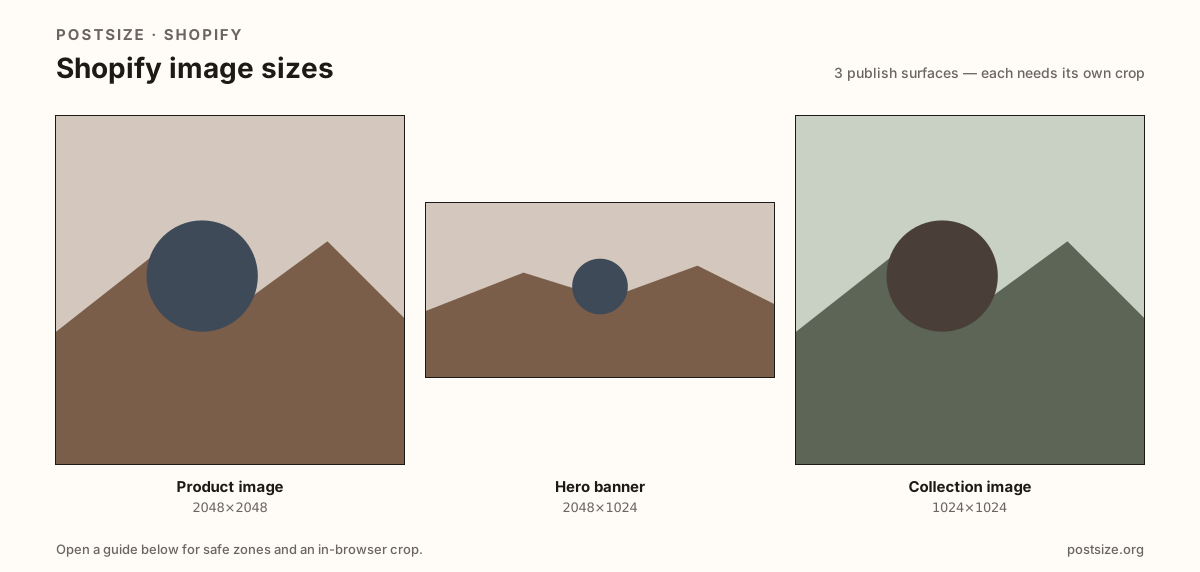
Sizes on Shopify
Open a guide for exact pixels, safe zones, and an in-browser crop for that surface.
SKU masters, theme heroes, and category stamps
Product images sell one SKU—start with a 2048×2048 square master so themes can crop grids without looking soft. Homepage heroes often begin at 2048×1024 (2:1), but the live frame is theme-dependent—always preview in Customize.
Collection images brand a category at 1024×1024. Stretching a hero into a product gallery, or a product square into a full-width banner, is how letterboxed storefronts happen.
Each guide includes practical pixels, a checklist, and an in-browser crop. Nothing is uploaded to a server—you download the file and publish in Shopify admin yourself.
Quick picks
Match the task to the guide so you do not export the wrong ratio.
- New product media → Product image at 2048×2048.
- Homepage or section billboard → Hero banner at 2048×1024; re-check the theme.
- Dressing a collection card → Collection image at 1024×1024.
- Coming from Etsy or Instagram → Re-crop; those frames are not Shopify’s hero settings.
Frequently asked questions
What size should Shopify product images be?
A practical high-res master is 2048×2048. Themes may crop the card—keep the product centered with a quiet margin.
What size is a Shopify hero banner?
Start at 2048×1024 (2:1). The live crop depends on your theme and section settings—preview in Customize.
What size is a Shopify collection image?
1024×1024 is a practical square tile for collection / category art.
Can I crop Shopify sizes in the browser?
Yes. Every guide on this hub includes an in-browser crop—files stay on your device until you download and upload to Shopify yourself.