
Twitch · Image sizes
Crop Twitch for banner, offline, panel, or the circle
Profile banners, offline player screens, About panels, and chat avatars are different uploads. Size each one on purpose.
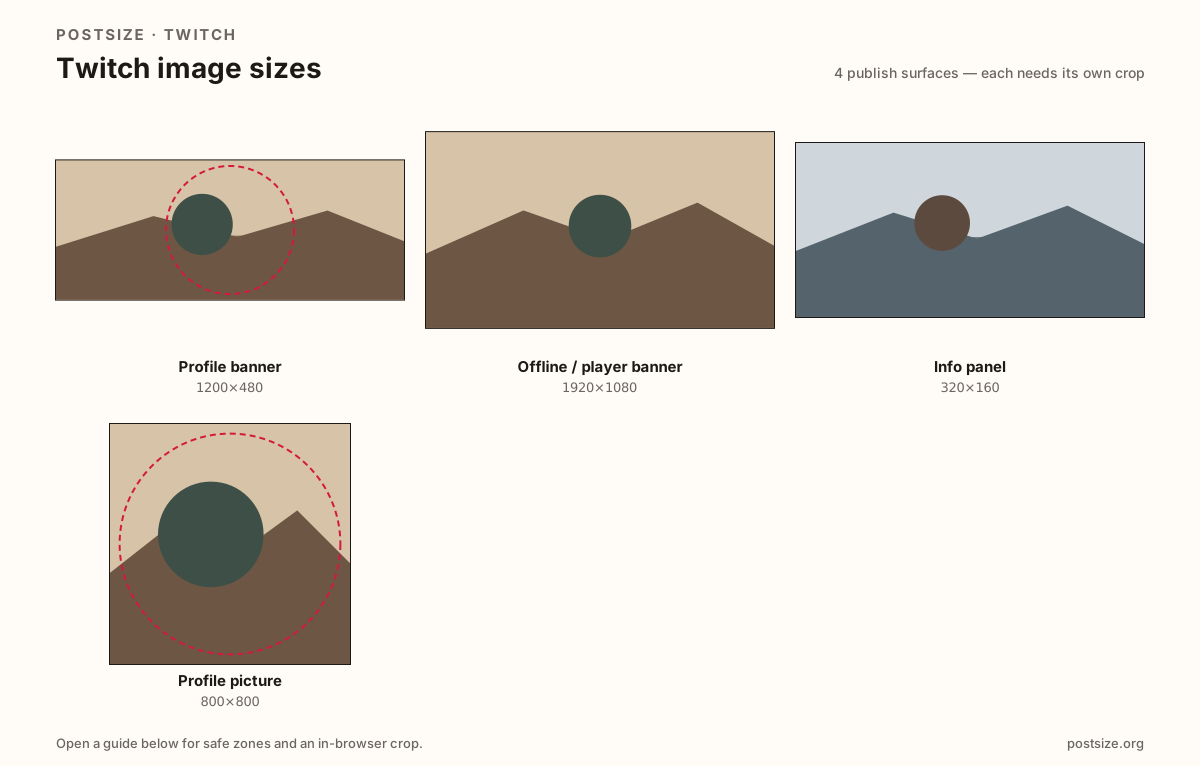
Sizes on Twitch
Open a guide for exact pixels, safe zones, and an in-browser crop for that surface.
Profile banner
1200 × 480
Wide profile header—keep critical type away from extreme edges.
Offline / player banner
1920 × 1080
Full 16:9 screen when you are not live—schedule and social CTAs.
Info panel
320 × 160
About-tab cards—narrow width, not a stretched offline screen.
Profile picture
800 × 800
Circular avatar for chat and directories.
Four Twitch surfaces, four exports
Twitch banners are wide and short at 1200×480. Text glued to the far edges can disappear depending on layout.
The offline / video player banner is a full 1920×1080 stage when you are not live—schedule CTAs belong here, not on the thin profile strip.
About panels are narrow ~320-wide cards under the channel description. The profile picture appears tiny in chat—fill the circle with a clear face or simple mark.
Quick picks
Match the task to the guide so you do not export the wrong ratio.
- Redesigning the strip on your channel page → Profile banner.
- What viewers see when you are offline → Offline banner at 1920×1080.
- About-tab graphics under the description → Panels at ~320 wide.
- Only the circle in chat → Profile picture.
- Coming from Kick or YouTube → Re-crop; do not stretch those exports.
Frequently asked questions
What is the Twitch banner size?
1200×480 is a practical profile banner target. Keep important type out of the far edges.
What is the Twitch offline screen size?
1920×1080 (16:9) for the video player banner when you are not live. It is not the same as the 1200×480 profile banner.
What size are Twitch panels?
Panels are about 320px wide; 320×160 is a practical default. Height can vary—do not design them as a full HD offline collage.
What size is a Twitch profile picture?
Upload a square—800×800 works well. Twitch shows it as a circle in many places.
Can I crop Twitch sizes here?
Yes—each guide includes an in-browser crop. Files stay on your device until you download.