
Channel banner (official min)
Recommended1280×700 ~64:35
Kick help lists 1280×700 as the minimum banner dimensions. One wide strip for the channel page.
Use in toolKick · Image size
Kick channel banners target 1280×700. Keep logos in the center safe band, do not stretch a Twitch 1200×480 strip, then download a clear file in your browser.
Browser crop · stays on your device
1280 × 700
Add a photo to crop
Upload a wide photo—or try the sample—then keep wordmarks inside the center safe band before you download.
Publish at 1280×700 when you can. This is Kick’s channel banner—not Twitch’s 1200×480 profile strip, and not the 1920×1080 offline screen.
Export this for Kick upload.
1280×700 ~64:35
Kick help lists 1280×700 as the minimum banner dimensions. One wide strip for the channel page.
Use in tool| Asset | Pixels | Ratio | Notes | Action |
|---|---|---|---|---|
| Channel banner (official min) Recommended | 1280×700 | ~64:35 | Kick help lists 1280×700 as the minimum banner dimensions. One wide strip for the channel page. | Use in tool |
Your Kick channel page shows a wide banner behind the profile area. Kick’s help documents list a minimum of 1280×700 (~64:35). That is taller relative to width than Twitch’s common 1200×480 channel banner. Stretching a Twitch export into Kick warps faces and pushes type into the wrong band.
Correct pixels keep the graphic clear after Kick compresses the upload. Soft, noisy, or heavily upscaled files look muddy next to HD stream previews. Export a true 1280×700 instead of padding a square logo across the strip.
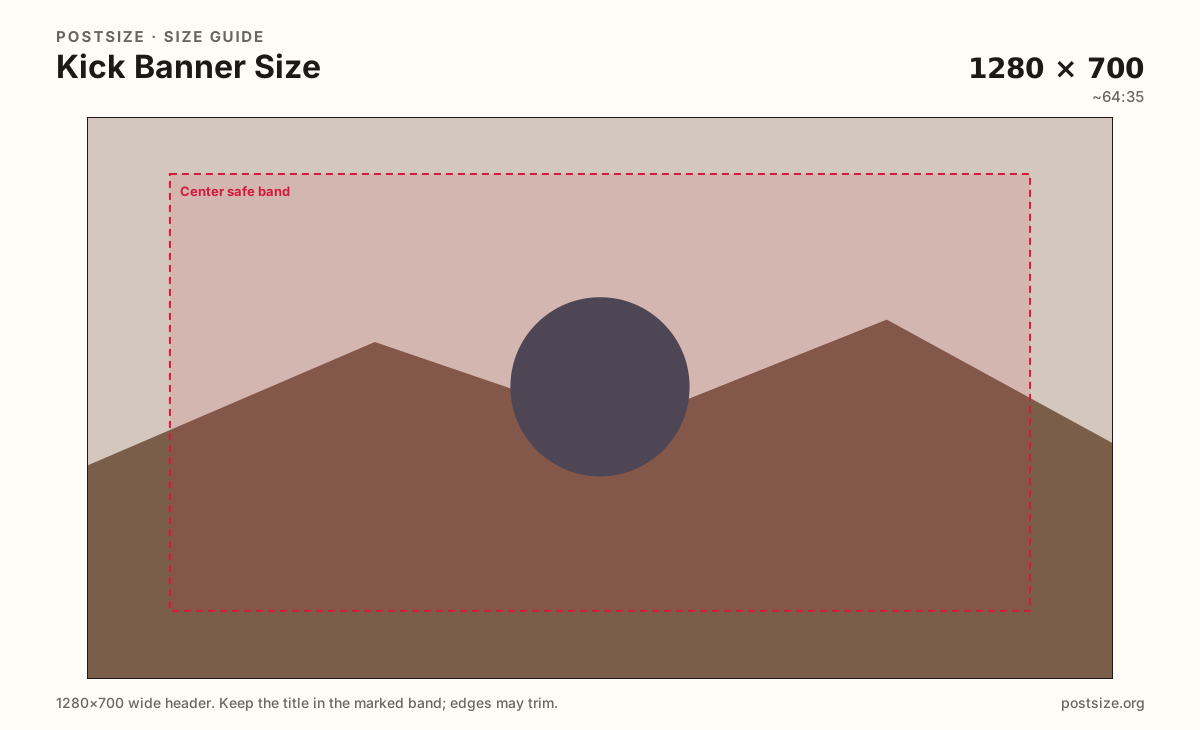
Keep the subject in the center safe band. Far edges can feel tighter depending on layout and screen size. Treat the rim as atmosphere—soft color or empty brand field—not the only place your wordmark lives.
The offline banner is a different upload at 1920×1080. Schedule CTAs and “next stream” art belong there, not forced into this shorter channel strip. Export two files with two jobs.
Same header strip—keep the avatar pocket clear and the subject in the open band.
Tick these off against your crop preview—nothing is saved.
Similar-looking slots often use different ratios—do not reuse one export for all of them.
1280 × 700
This page. Wide strip on the channel profile.
512 × 512
Circular avatar—separate square export.
1920 × 1080
Full-screen offline art—different upload.
1200 × 480
Different ratio—re-crop for Kick.
| Surface | Typical size | Note |
|---|---|---|
| Channel banner | 1280 × 700 | This page. Wide strip on the channel profile. |
| Profile picture | 512 × 512 | Circular avatar—separate square export. |
| Offline banner | 1920 × 1080 | Full-screen offline art—different upload. |
| Twitch banner (do not reuse raw) | 1200 × 480 | Different ratio—re-crop for Kick. |
Creators often copy a Twitch brand kit into Kick. Twitch’s common profile banner is 1200×480—a shorter strip. Kick’s documented minimum is 1280×700. Those are different artboards.
Reuse photography if you want. Re-crop for Kick so faces are not stretched and type lands in the Kick safe band—not the Twitch one.
Kick’s channel header is a wide strip, not a square card. Viewers may see less width on smaller screens. Keep the hero subject and wordmark in the center band and treat the outer margins as atmospheric only.
Photos usually look best as JPG; hard-edged logos can stay PNG. Prefer sRGB. Keep the file light enough for mobile networks—banners load on channel visits.
Upload a wide photo (or try the sample), choose Channel banner (1280×700), drag until the subject clears the edge risk, then download. Processing stays in your browser.
From this download to a live upload in a few minutes.
Download the 1280×700 JPG (or PNG for hard-edged graphics) from the tool.
On kick.com in a browser, open channel / creator settings → banner or channel art (wording may vary).
Upload the file and confirm framing in Kick’s preview.
Save, then open your channel on desktop and on a phone or narrow window.
If the logo sits off-screen, re-crop here and upload again.
1280×700 pixels is the official minimum channel banner size documented by Kick (~64:35). Export that frame and keep critical content centered.
No. Twitch commonly uses 1200×480. Kick’s minimum banner is 1280×700—taller relative to width. Re-crop; do not stretch the Twitch file.
No. The channel banner is 1280×700. The offline banner is 1920×1080 and is a separate upload for when the stream is offline.
You may see less width on smaller screens. Keep logos and faces out of the far edges, then preview the live channel after upload.
JPG for photographs, PNG for hard-edged logos or flat type. Export sRGB and keep the file reasonably light.
Coordinate colors if you like, but export them as separate files. The avatar is a square circle crop; the banner is a 1280×700 strip.
Reuse the photo, not the finished export. Re-crop to 1280×700 so Kick’s taller strip stays intentional.