
Apple Podcasts · Image sizes
Size the Apple Podcasts show cover on purpose
Show covers are large squares listeners see in Search, Library, and Now Playing. Export a clear master, keep the title bold, then download in your browser.
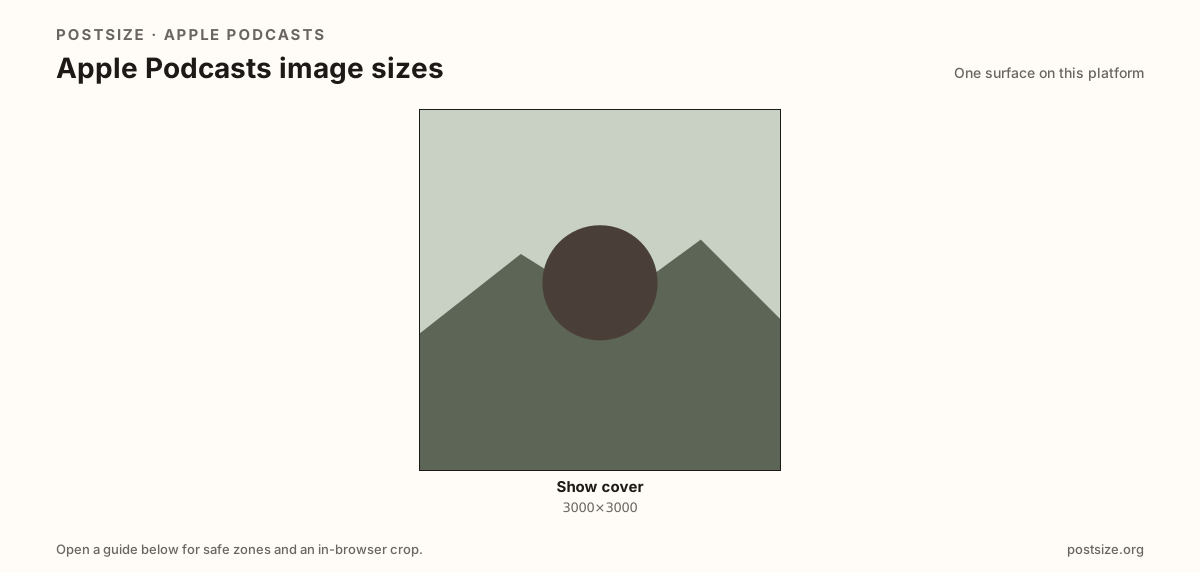
Sizes on Apple Podcasts
Open a guide for exact pixels, safe zones, and an in-browser crop for that surface.
One job: catalog show packaging
Apple Podcasts does not need a wide profile banner like X. The artwork that matters for most creators is the show cover square—judged as a tiny tile long before anyone hits play.
Prefer 3000×3000. Treat roughly 1400×1400 as a clarity floor—not an excuse to ship soft art. Upscaling a tiny logo still looks muddy next to crisp catalog neighbors.
Spotify podcast covers often share the same large-square habit. Still re-check titles and badges per storefront, then upload through your host or Podcasts Connect and wait for directory caches.
Quick picks
Match the task to the guide so you do not export the wrong ratio.
- Publishing or refreshing a show → Cover at 3000×3000.
- Host only accepts a smaller square → Stay at or above ~1400×1400 and keep type bold.
- Coming from Spotify → Re-check titles; re-export if badges differ.
- Art looks soft in Library → You upscaled a tiny logo—start from a sharper master.
- Listeners use CarPlay → Test readability at phone thumbnail size before you ship.
Frequently asked questions
What size is Apple Podcasts cover art?
A square—3000×3000 recommended, with ~1400×1400 as a common clarity floor.
Is Apple Podcasts cover the same as Spotify podcast cover?
Often the same large-square habit—still re-check titles and crops per storefront.
Where do I upload Apple Podcasts artwork?
Usually through your podcast host, which syncs to Apple. Manage in Podcasts Connect when you own that side, and expect cache lag.
Can I crop Apple Podcasts covers here?
Yes. The guide includes an in-browser crop—files stay on your device until you download and upload yourself.