
eBay · Image sizes
Size the eBay listing photo on purpose
Search tiles and gallery zooms need a clear product still. Export a sharp square, keep the item inside the safe margin, then download in your browser.
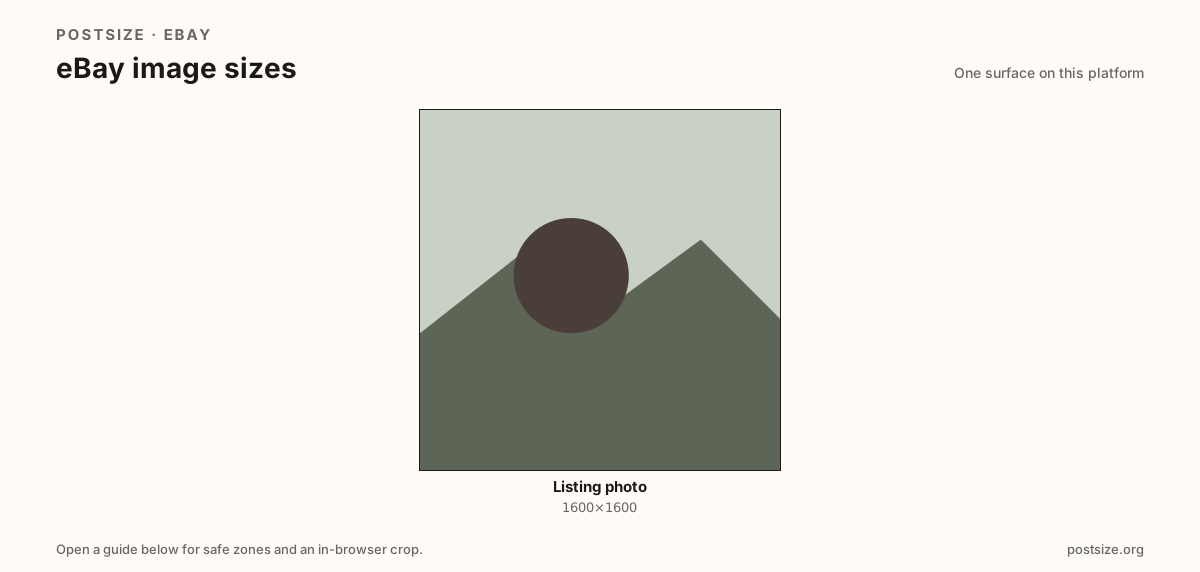
Sizes on eBay
Open a guide for exact pixels, safe zones, and an in-browser crop for that surface.
One job: listing stills that survive search and zoom
Buyers judge eBay listings from small search cards and then open the gallery. A practical high-resolution still is 1600×1600. Soft phone shots and stretched banner strips look unfinished next to sellers who ship true square masters.
Amazon pushes white backgrounds harder on the main image; eBay is more flexible, but a clean backdrop still wins clicks. Secondary angles should match the same clarity habit even when composition differs.
Each guide includes practical pixels, a checklist, and an in-browser crop. Nothing is uploaded to a server—you download the file and publish in Seller Hub yourself.
Quick picks
Match the task to the guide so you do not export the wrong ratio.
- New listing primary photo → Listing photo at 1600×1600.
- Showing defects or scale → Secondary gallery shots at the same clarity.
- Coming from Amazon → Re-crop; white-BG rules and pixel targets differ.
- Art looks soft in search → You upscaled a tiny phone crop—start from a sharper master.
Frequently asked questions
What size should eBay listing photos be?
A practical primary size is 1600×1600. Square masters keep search and gallery crops predictable.
Does eBay require square photos?
Not strictly, but a 1600×1600 square is a strong default. Always preview the live listing.
Is this the same as Amazon’s main image?
Close but not identical. Amazon often pushes 2000×2000 on pure white for the main image. eBay is more flexible—still prefer a clean, sharp square.
Can I crop eBay sizes in the browser?
Yes. The guide on this hub includes an in-browser crop—files stay on your device until you download and upload yourself.