
Email · Image sizes
Crop email headers as short inbox strips
Newsletter headers are 3:1 strips, not OG cards. Export a 1200×400 @2x master (or 600×200 when templates force 1×), then test-send.
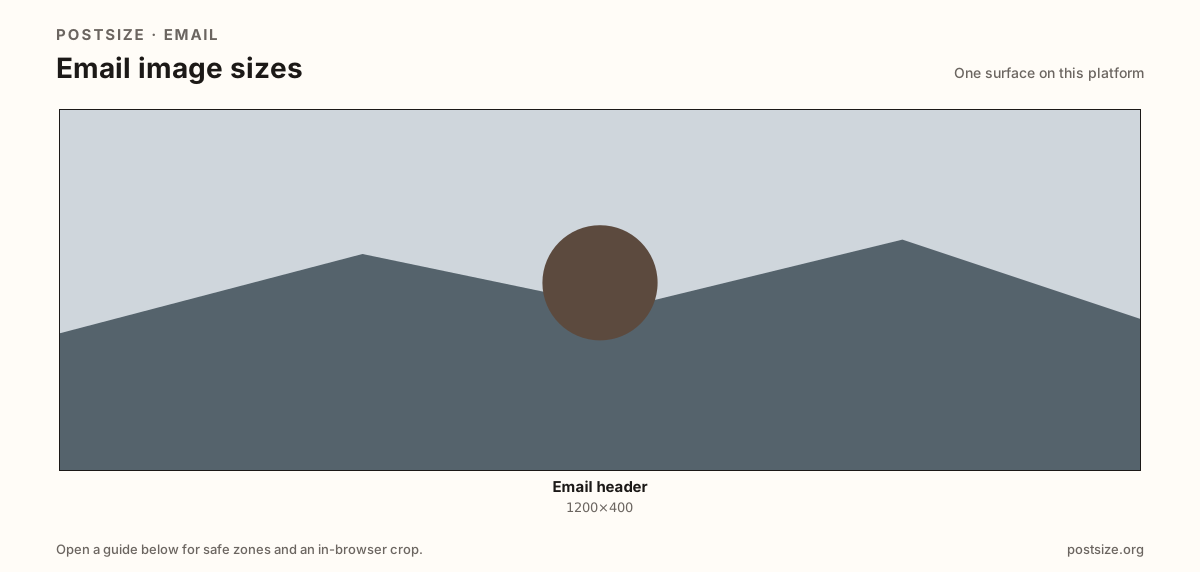
Sizes on Email
Open a guide for exact pixels, safe zones, and an in-browser crop for that surface.
Inbox strips vs social share cards
Most templates display ~600×200. A 1200×400 master keeps the strip sharp on retina without a heavyweight hero.
OG cards (~1200×630) and Substack email banners (~1100×220) are cousins—re-crop instead of stretching.
Design for Gmail and Outlook padding; keep logos in the center band.
Quick picks
Match the task to the guide so you do not export the wrong ratio.
- Newsletter / transactional header → 1200×400 @2x.
- Builder only accepts 1× → Optional 600×200.
- Share cards for social → Use OG / Beehiiv preview guides.
- Always send a test email before a blast.
Frequently asked questions
What size should an email header be?
A practical master is 1200×400 (3:1) for ~600×200 display. Use 600×200 when a template hard-codes 1×.
Is email header size the same as OG image size?
No. OG cards are often ~1200×630. Email headers are shorter strips.
Can I crop email headers here?
Yes. In-browser crop—files stay on your device until you upload to your ESP.