
App Store · Image sizes
Match App Store Connect size classes
Apple rejects the wrong pixel class. Prepare iPhone and iPad screenshots at the required sizes, keep captions clear, then upload in Connect.
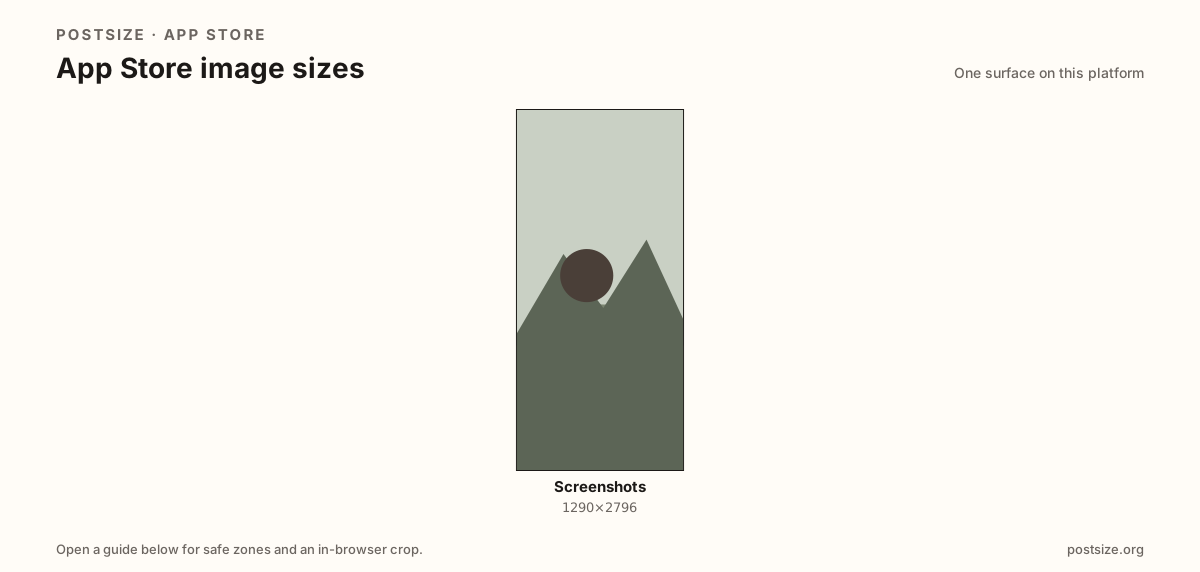
Sizes on App Store
Open a guide for exact pixels, safe zones, and an in-browser crop for that surface.
Screenshots follow device size classes
Modern iPhone listings commonly need 1290×2796 (6.7") screenshots. Phone and iPad classes differ—do not stretch one canvas into another.
Crop a clean master here, then match the size slots App Store Connect shows for your app version before you submit.
Google Play uses different rules and a 1024×500 feature graphic—see that hub if you also ship Android.
Quick picks
Match the task to the guide so you do not export the wrong ratio.
- High-end iPhone listing → 1290×2796 class.
- iPad support → separate iPad screenshot set.
- Also on Google Play → re-export on the Play guide.
Frequently asked questions
What size are App Store screenshots?
A common modern iPhone class is 1290×2796. Confirm required slots in App Store Connect.
Can I crop screenshots here?
Yes. Download the export, then upload in App Store Connect yourself.