
Cross-platform · Thumbnails
Thumbnails are click bait—crop for the title face
YouTube thumbnails, playlist covers, offline screens, and many video cards prefer clean 16:9 (or near-wide) frames. Keep the face or title in the center, then download.
Last verified 2026-09-06 Practical video thumbnails sizes observed in community UI as of 2026-09-06. Not an official single-pixel mandate—preview on-device before you publish.
Thumbnail and video-card sizes
Clickable stills and offline art. Vertical Shorts/Reels covers live on the Story chart—this page is for wide thumbs and stream cards.
| Platform | Surface | Size | Ratio | Guide |
|---|---|---|---|---|
| YouTube | Video thumbnail | 1280 × 720 | 16:9 | Open |
| YouTube | Playlist cover | 1280 × 720 | 16:9 | Open |
| YouTube | Community post | 1280 × 720 | 16:9 | Open |
| Vimeo | Thumbnail | 1280 × 720 | 16:9 | Open |
| Twitch | Offline banner | 1920 × 1080 | 16:9 | Open |
| Kick | Channel banner | 1280 × 700 | ~64:35 | Open |
| Post image | 1200 × 627 | ~1.91:1 | Open | |
| Post card | 1200 × 628 | ~1.91:1 | Open | |
| X (Twitter) | Post image | 1600 × 900 | 16:9 | Open |
| YouTube | Shorts frame Vertical—see also Story sizes. | 1080 × 1920 | 9:16 | Open |
-
YouTube
Video thumbnail
1280 × 720 · 16:9
-
YouTube
Playlist cover
1280 × 720 · 16:9
-
YouTube
Community post
1280 × 720 · 16:9
-
Vimeo
Thumbnail
1280 × 720 · 16:9
-
Twitch
Offline banner
1920 × 1080 · 16:9
-
Kick
Channel banner
1280 × 700 · ~64:35
-
LinkedIn
Post image
1200 × 627 · ~1.91:1
-
Reddit
Post card
1200 × 628 · ~1.91:1
-
X (Twitter)
Post image
1600 × 900 · 16:9
-
YouTube
Shorts frame
1080 × 1920 · 9:16
Vertical—see also Story sizes.
Browser crop · stays on your device
Crop a thumbnail
1280 × 720
Add a photo to crop
Upload a photo—or try the sample—then pick a preset from the chart above.
Wide cards win clicks; tall frames are another job
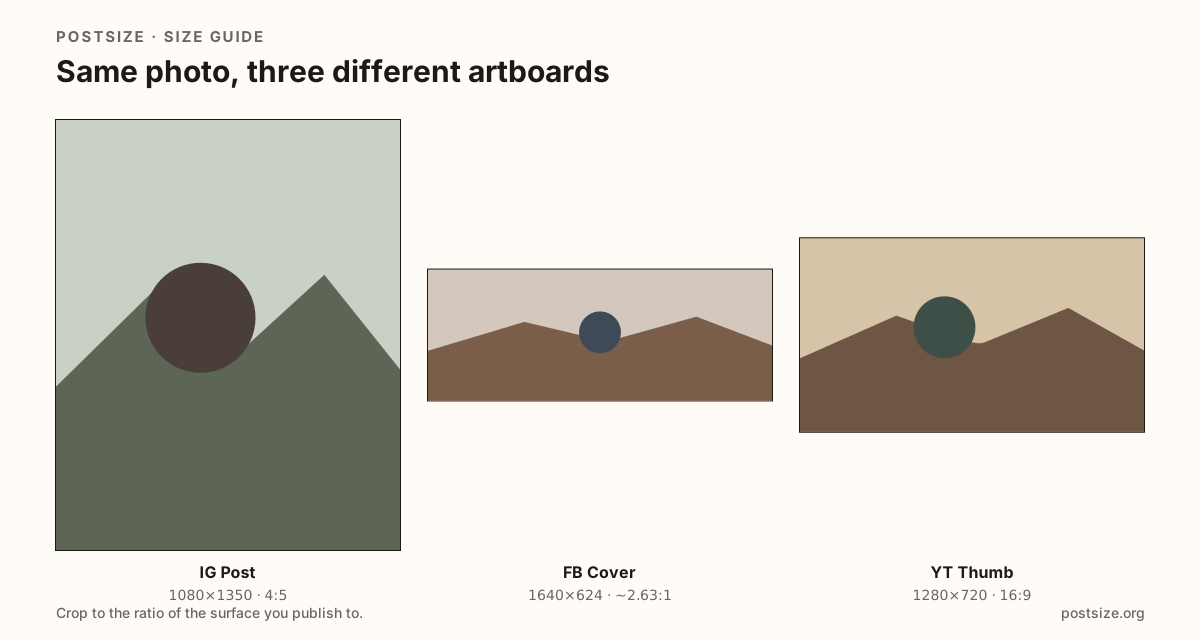
For classic video thumbs, start with YouTube’s 1280×720. Close cousins include playlist art, Vimeo thumbs, and 16:9 stream offline screens.
Tiny text fails after compression. Put the face or a short title in the center third. Avoid packing the whole script onto the thumb.
Shorts and Reels stills are 9:16—use the Story sizes chart when that is the surface, not a classic landscape thumb.
Quick picks
Match the job to the row so you do not export the wrong ratio.
- New YouTube upload → Thumbnail 1280×720.
- Playlist branding → Playlist cover (same ratio habit).
- Twitch “stream offline” art → 1920×1080 offline banner.
- LinkedIn document-style link posts → ~1200×627 post image.
- Vertical Shorts cover → Shorts guide or Story sizes chart.
Frequently asked questions
What size should a YouTube thumbnail be?
1280×720 (16:9) is the practical standard. Keep faces and titles away from the far edges.
Is a thumbnail the same as a channel banner?
No. Banners are channel headers with multi-device safe zones. Thumbnails are per-video click images.
What about Shorts thumbnails?
Shorts use vertical 9:16 frames. Treat them like Stories/Reels covers, not 1280×720 landscape thumbs.
Can I crop thumbnails here?
Yes. Use the presets below, download, then upload in YouTube Studio or your host’s thumbnail field.