
Link-style / shared card
Recommended1200×628 ~1.91:1
Practical frame for link posts and many shared cards. Keep headlines inside the margin.
Use in toolReddit · Image size
Reddit posts need a clear card in the feed. Export 1200×628 for link-style previews, or a clear square / 16:9 still for image posts, then download in your browser.
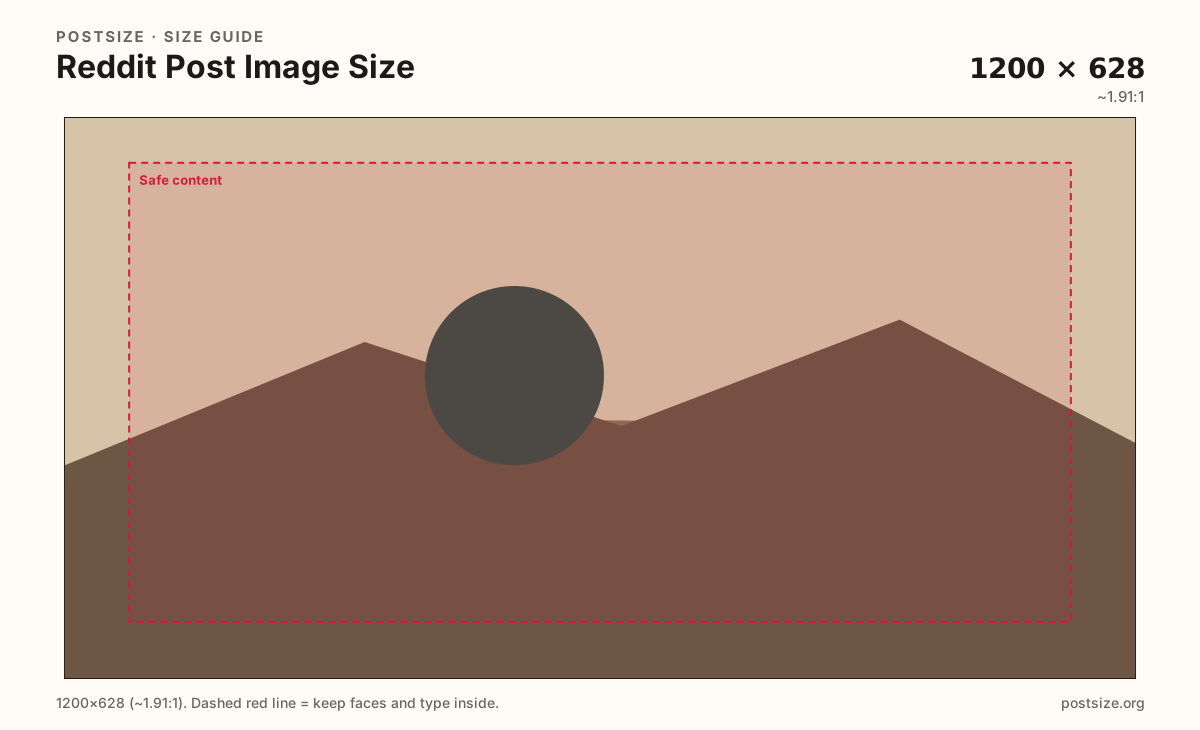
Browser crop · stays on your device
1200 × 628
Add a photo to crop
Upload a graphic or photo—or try the sample—then keep headlines inside the margin before you download.
Use 1200×628 when the image is a link or shared card. Prefer square or 16:9 for native image posts. Keep subjects inside the safe margin either way.
Export this for Reddit upload.
1200×628 ~1.91:1
Practical frame for link posts and many shared cards. Keep headlines inside the margin.
Use in tool1080×1080 1:1
Clean when the photo is already square—memes, products, and face-forward stills.
Use in tool1920×1080 16:9
Strong for photo and screenshot posts that should fill the viewer without soft upscales.
Use in tool| Asset | Pixels | Ratio | Notes | Action |
|---|---|---|---|---|
| Link-style / shared card Recommended | 1200×628 | ~1.91:1 | Practical frame for link posts and many shared cards. Keep headlines inside the margin. | Use in tool |
| Square image post | 1080×1080 | 1:1 | Clean when the photo is already square—memes, products, and face-forward stills. | Use in tool |
| Widescreen image post | 1920×1080 | 16:9 | Strong for photo and screenshot posts that should fill the viewer without soft upscales. | Use in tool |
Reddit compresses images and shows them in busy feeds next to titles, votes, and comments. A clear 1200×628 card keeps link-style posts predictable. Soft phone screenshots and microscopic flyer text fail first.
Native image posts are more flexible. Square 1080×1080 and 16:9 1920×1080 are practical masters when the photo is the point. Odd panoramic dumps and banner strips usually look letterboxed or cropped oddly.
Link posts often pull Open Graph images from the destination URL. If you control that site, export a dedicated 1200×628 still—do not assume a Facebook cover or X banner will look intentional.
Banners and avatars are different jobs. Do not paste a 1920×384 community header into a post slot and expect a clean card.
Same landscape card—edges and tiny type fail after compression or multi-image crop.
Tick these off against your crop preview—nothing is saved.
Similar-looking slots often use different ratios—do not reuse one export for all of them.
1200 × 628
This page. Shared cards and many link previews.
1080 × 1080
Native photo posts when the scene is square.
1920 × 1080
Photo and screenshot posts in 16:9.
1920 × 384
Headers—not post substitutes.
| Surface | Typical size | Note |
|---|---|---|
| Link-style post image | 1200 × 628 | This page. Shared cards and many link previews. |
| Square image post | 1080 × 1080 | Native photo posts when the scene is square. |
| Widescreen image post | 1920 × 1080 | Photo and screenshot posts in 16:9. |
| Profile / community banners | 1920 × 384 | Headers—not post substitutes. |
Link-style posts behave best around ~1.91:1 (1200×628). Image posts can use square or 16:9 when you want the photo to lead.
If Reddit is fetching a preview from your website, fix the source OG image. Cropping only inside Reddit will not repair a soft upstream file.
JPG for photographs; PNG for hard-edged graphics. Prefer sRGB. Reddit may re-encode uploads—start clear and avoid hairline strokes.
Profile and community banners are short wide strips. Forcing them into a post leaves empty bands or warps the art. Crop a dedicated feed graphic even from the same photo library.
Upload, choose Link-style 1200×628 (or Square / Widescreen), drag to protect the subject inside the margin, then download. Processing stays on your device.
From this download to a live upload in a few minutes.
Download the JPG (or PNG) from the tool.
Create a Reddit post and upload the image—or set the destination page’s OG image to the 1200×628 file for link posts.
Avoid extra cropping in the composer if this frame is already final.
Preview on your phone in the feed before you cross-post widely.
If type looks soft, re-export with fewer words and larger letters.
1200×628 is a practical default for link-style cards. For native image posts, square 1080×1080 or 16:9 1920×1080 are strong options—keep content inside a safe margin.
Yes. Reddit is flexible, but odd panoramic or banner crops often look worse in the feed. Pick a deliberate card ratio before you upload.
Aim for about 1200×628 on the destination page’s Open Graph image when you control the site. That keeps the shared card predictable.
JPG for photographs, PNG for logos and clear type. Prefer sRGB either way.
You can, but very tall frames may feel cramped next to titles and comments. Square or ~1.91:1 cards are easier to control for many posts.
Reddit re-encodes uploads. Soft sources and noisy screenshots get worse. Start from a clear export at the target pixels.
No. Banners are short wide headers for profiles or communities. Crop a dedicated post card instead of stretching the banner into the feed.