
Video thumbnail (recommended)
Recommended1280×720 16:9
Practical 16:9 custom thumbnail for Vimeo player and gallery cards.
Use in toolVimeo · Image size
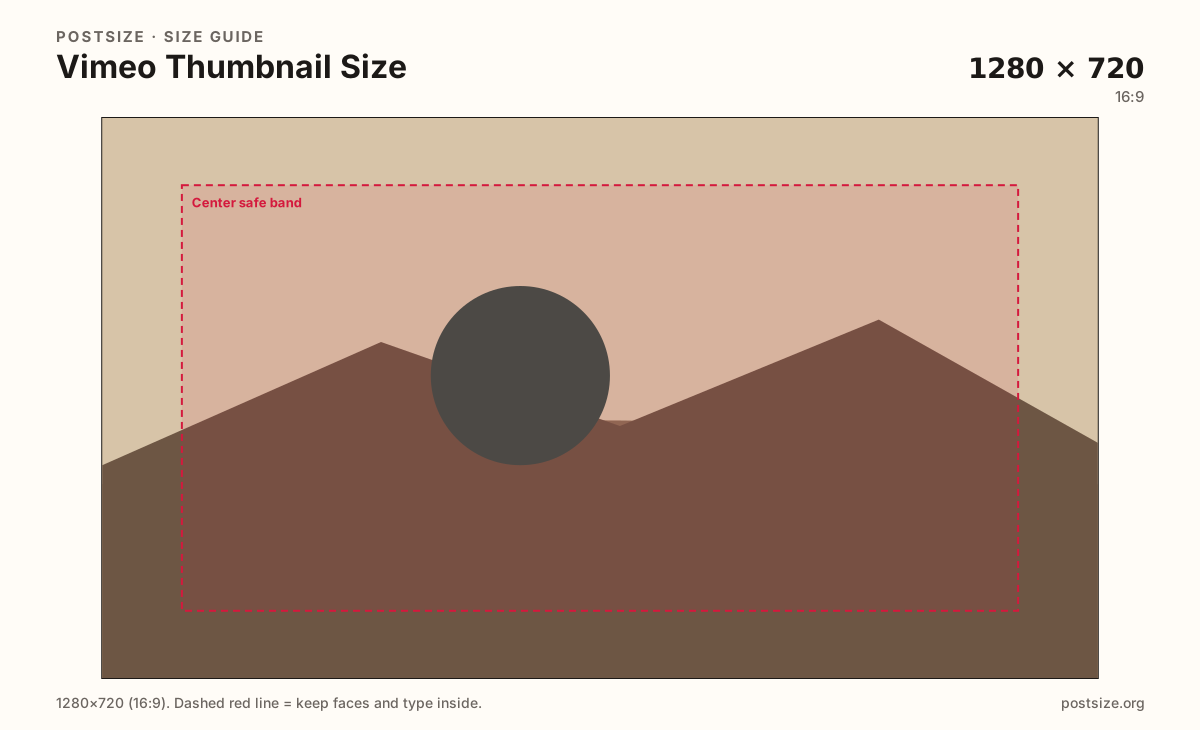
Vimeo custom thumbnails commonly use 1280×720. Keep faces and titles inside the center band, then download.
Browser crop · stays on your device
1280 × 720
Add a photo to crop
Upload a still or frame grab—or try the sample—then keep the title and face inside the center band before you download.
This is the video click card—not the channel header strip. Design for gallery grids and player posters.
Export this for Vimeo upload.
1280×720 16:9
Practical 16:9 custom thumbnail for Vimeo player and gallery cards.
Use in tool| Asset | Pixels | Ratio | Notes | Action |
|---|---|---|---|---|
| Video thumbnail (recommended) Recommended | 1280×720 | 16:9 | Practical 16:9 custom thumbnail for Vimeo player and gallery cards. | Use in tool |
Vimeo galleries, showcases, and embed posters lean on widescreen stills. A soft phone photo or a random mid-roll frame looks muddy next to HD video. Treat the thumbnail like a YouTube-style click card: one clear subject, optional short title, high contrast.
1280×720 (16:9) matches the clarity habit of many video platforms. Keep type large enough for phone browse size—portfolio clients and festival jurors often scan grids on mobile before they press play.
Channel headers are a different wide strip (practical ~1920×480 on this site). Stretching a thumbnail into the header letterboxes the art and wastes the billboard. Export each surface separately even when they share brand colors.
Prefer a dedicated still over a random auto-picked frame. Motion blur, half-blink faces, and busy timelines fail as posters. If you pull a frame from the timeline, pause on a sharp beat and re-crop here so titles stay inside the safe band.
Same landscape card—edges and tiny type fail after compression or multi-image crop.
Tick these off against your crop preview—nothing is saved.
Similar-looking slots often use different ratios—do not reuse one export for all of them.
1280 × 720
This page. Player / gallery click card.
1920 × 480
Practical wide strip—separate guide.
1280 × 720
Same 16:9 habit—re-check titles.
9:16
Not this slot—re-crop for Stories / Reels.
| Surface | Typical size | Note |
|---|---|---|
| Video thumbnail | 1280 × 720 | This page. Player / gallery click card. |
| Channel header | 1920 × 480 | Practical wide strip—separate guide. |
| YouTube thumbnail | 1280 × 720 | Same 16:9 habit—re-check titles. |
| Vertical social crop | 9:16 | Not this slot—re-crop for Stories / Reels. |
Many Vimeo viewers meet your work as a tile among other films. If the topic is unclear at stamp size, play rate suffers even when the cut is excellent.
The thumbnail sells one video. The channel header brands the whole channel page. Share a mood—not a crop.
JPG suits photographic stills; PNG suits flat titles. Prefer sRGB. Start from a sharp frame—do not upscale a soft 640×360 grab.
Upload a still, keep Video thumbnail (1280×720) selected, drag until the subject sits in the center band, then download. Cropping stays in the browser.
From this download to a live upload in a few minutes.
Download the 1280×720 JPG or PNG from the tool.
In Vimeo, open the video settings → Custom thumbnail / poster (wording varies) and upload.
Preview the video page and any showcase grid on a phone.
If the title vanishes at grid size, enlarge it and replace.
1280×720 (16:9) is a strong practical custom thumbnail for player and gallery cards.
No. Thumbnails are 16:9 click cards. Channel headers are a wider practical strip—see the header guide.
Often yes as a starting file—both are commonly 1280×720. Still re-check titles and safe zones for Vimeo grids and embeds.
Prefer a custom still. Auto frames often catch blinks, blur, or busy moments that underperform as posters.
Yes. This guide includes an in-browser crop—files stay on your device until you download and upload yourself.