
Post / link-style image
Recommended1200×627 ~1.91:1
Best default LinkedIn post image size for shared stills and link-style cards.
Use in toolLinkedIn · Image size
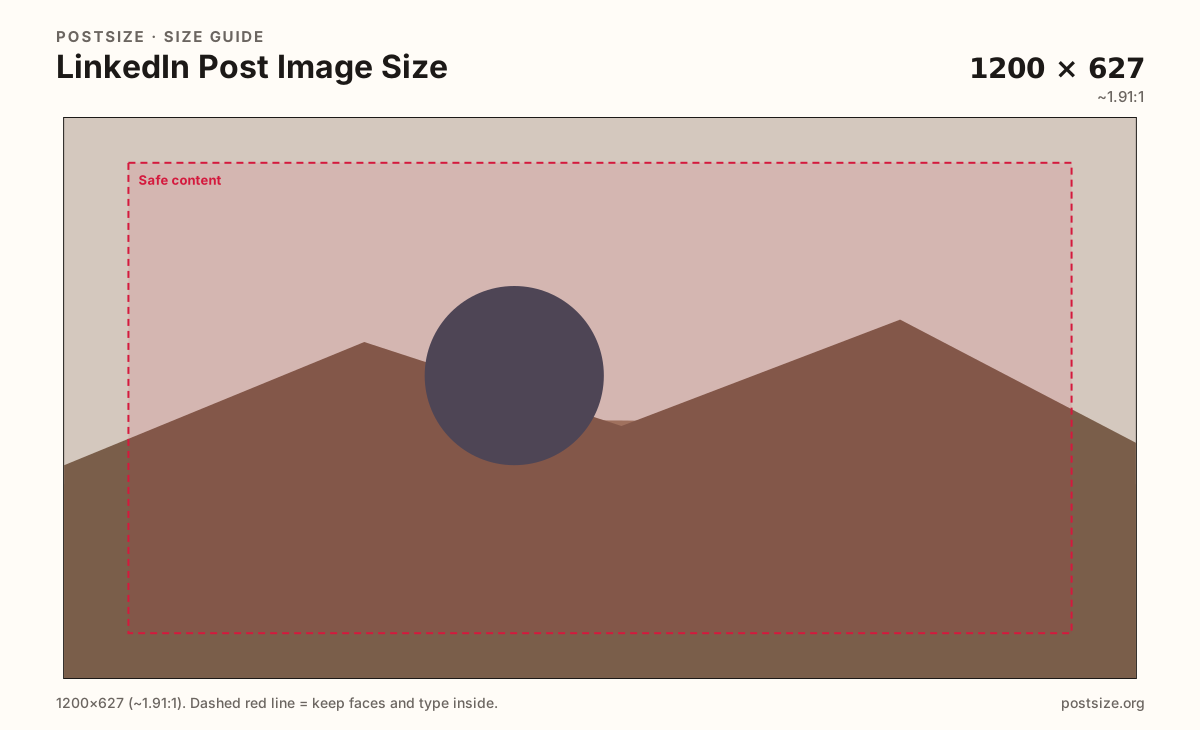
The best LinkedIn post size for most shared stills is 1200×627 pixels (~1.91:1). Keep the headline inside a clean margin, then download a ready JPG in your browser.
Browser crop · stays on your device
1200 × 627
Add a photo to crop
Upload a graphic or photo—or try the sample—then keep headlines inside the margin before you download.
1200×627 pixels is the dependable shared-image default. Keep type large—feeds are skimmed quickly on laptops and phones.
Export this for LinkedIn upload.
1200×627 ~1.91:1
Best default LinkedIn post image size for shared stills and link-style cards.
Use in tool| Asset | Pixels | Ratio | Notes | Action |
|---|---|---|---|---|
| Post / link-style image Recommended | 1200×627 | ~1.91:1 | Best default LinkedIn post image size for shared stills and link-style cards. | Use in tool |
Reference sizes and crops—not always separate upload files.
1080×1080 1:1
Works for some native photo posts when a square crop fits the story better.
Use in tool| Asset | Pixels | Ratio | Notes | Action |
|---|---|---|---|---|
| Square alternative | 1080×1080 | 1:1 | Works for some native photo posts when a square crop fits the story better. | Use in tool |
LinkedIn compresses images and can letterbox odd ratios. Starting at 1200×627 pixels (~1.91:1) keeps shared posts predictable on laptop and phone—that is the LinkedIn post image size to export by default in 2026.
People skim. A headline glued to the edge or set in hairline type often fails after compression. Leave a safe margin around logos and first lines so UI chrome and scaling do not clip the message.
Your cover banner (1584×396) is not a post. Dropping that 4:1 strip into the feed leaves awkward bands or stretches type. Crop a dedicated shared-image frame even when you reuse the same photo.
Square 1080×1080 can work for some native photo posts, but link-style cards still expect ~1.91:1. Multi-page carousels are a different surface—use the LinkedIn carousel guide when every slide must match.
Same landscape card—edges and tiny type fail after compression or multi-image crop.
Tick these off against your crop preview—nothing is saved.
Similar-looking slots often use different ratios—do not reuse one export for all of them.
1200 × 627 px
This page. Best LinkedIn post size for shared stills.
1080 × 1080
Optional when a native square crop fits better.
1080 × 1080
Document-style carousels—see the carousel guide.
1584 × 396
Profile or Page header—do not reuse as a post.
400 × 400
Circular avatar in the feed and on the profile.
| Surface | Typical size | Note |
|---|---|---|
| Post / link-style image | 1200 × 627 px | This page. Best LinkedIn post size for shared stills. |
| Square photo post | 1080 × 1080 | Optional when a native square crop fits better. |
| Carousel slide | 1080 × 1080 | Document-style carousels—see the carousel guide. |
| Cover / banner | 1584 × 396 | Profile or Page header—do not reuse as a post. |
| Profile photo | 400 × 400 | Circular avatar in the feed and on the profile. |
Link-style and many campaign graphics behave best at ~1.91:1 (1200×627). Native photo posts can accept other ratios, including square, but LinkedIn may pad or crop depending on the composer and device.
If the first line of your message is the graphic headline, design for the strict shared-image frame. That way the same file still works when someone shares the URL or you attach it as a document-style card.
Document carousels usually want consistent square slides—not a stretched 1200×627 card. Export carousel frames from the LinkedIn carousel guide so every page matches.
PNG helps clean logos and flat type; JPG suits photographs. Export sRGB. LinkedIn will compress again—start clear and avoid hairline strokes. Use Smaller JPG in the crop tool when the upload feels heavy.
The profile cover is 1584×396 (4:1). Forcing that strip into a post leaves empty bands or warps the art. Crop a dedicated feed graphic—even from the same photo library.
Upload, choose the 1200×627 preset (or Square alternative), drag to protect the headline inside the margin, then download. Processing stays on your device.
From this download to a live upload in a few minutes.
Download the JPG (or PNG for clean logos) from the tool.
Create a LinkedIn post and attach the image—or use it as the link-style creative.
Avoid extra cropping in the composer if this frame is already final.
If you switch to a square photo post, export the 1080×1080 preset instead of stretching.
Preview once on your phone in the live feed before you boost or pin the post.
For most shared stills and link-style cards, export 1200×627 pixels (~1.91:1). Keep headlines inside a safe margin so compression does not clip the message.
1200×627 is the practical default. Square 1080×1080 is an optional native photo alternative—not a cover substitute.
Still start at 1200×627 for shared graphics. Confirm live in the composer if you use newer multi-image layouts.
Sometimes—native photo posts can work at 1080×1080. For link-style cards and predictable shared graphics, stick to ~1.91:1.
No. Covers are 1584×396 (4:1). Re-crop for posts instead of stretching the banner into the feed.
Carousel / document slides commonly use 1080×1080. See the LinkedIn carousel guide—do not stretch a 1200×627 feed card into every slide.
Yes. Start with a clear file, use larger type, and keep important content away from the edges so compression and UI do not clip the message.
JPG for photographs, PNG for logos and clear type. Prefer sRGB either way.
Feeds compress images. Export a clean 1200×627, avoid hairline fonts, and keep the first line inside the safe margin.