
Feed portrait (recommended)
Recommended1080×1350 4:5
Best size for photo posts and carousels on mobile.
Use in toolFacebook · Image size
For a Facebook feed photo in 2026, crop to 1080×1350 pixels (4:5). That vertical frame fills more of a phone screen than a wide landscape strip. Keep faces inside the margin, then download.
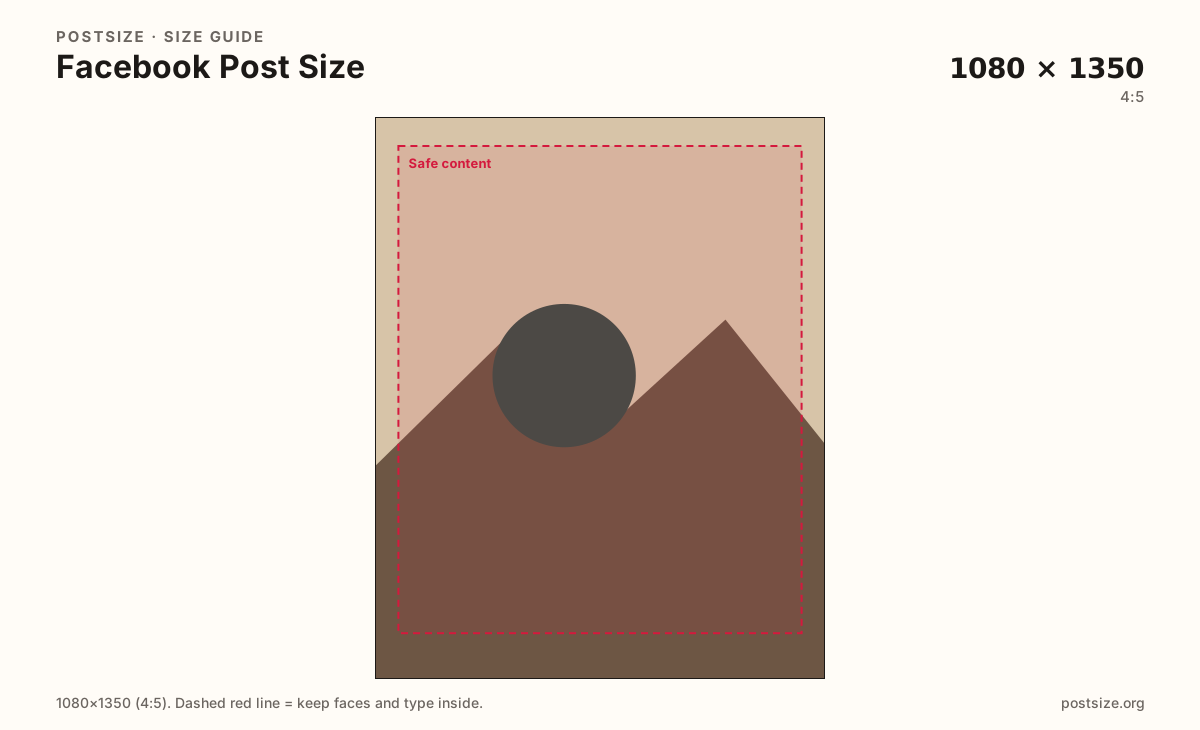
Browser crop · stays on your device
1080 × 1350
Add a photo to crop
Upload a photo—or try the sample—then keep faces and type inside the margin before you download.
Prefer 4:5 for photo posts. Keep every carousel slide on the same aspect ratio so Facebook does not reframe mid-swipe.
Export this for Facebook upload.
1080×1350 4:5
Best size for photo posts and carousels on mobile.
Use in tool1080×1080 1:1
Clean when the scene is already square. Slightly less feed height than 4:5.
Use in tool| Asset | Pixels | Ratio | Notes | Action |
|---|---|---|---|---|
| Feed portrait (recommended) Recommended | 1080×1350 | 4:5 | Best size for photo posts and carousels on mobile. | Use in tool |
| Square post | 1080×1080 | 1:1 | Clean when the scene is already square. Slightly less feed height than 4:5. | Use in tool |
Reference sizes and crops—not always separate upload files.
1200×630 ~1.91:1
Closer to link-preview proportions. Looks smaller in the mobile feed than 4:5.
Use in tool| Asset | Pixels | Ratio | Notes | Action |
|---|---|---|---|---|
| Landscape post | 1200×630 | ~1.91:1 | Closer to link-preview proportions. Looks smaller in the mobile feed than 4:5. | Use in tool |
On a phone, Facebook’s feed is a tall scroll. A 4:5 image at 1080×1350 uses more vertical space than a wide landscape frame, so the same photo feels more present.
Landscape sizes closer to 1200×630 suit link previews and some share cards, but they shrink into a shorter strip in the photo feed. If you want a photo people pause on, start with portrait.
Facebook also re-encodes uploads. Soft, noisy, or over-edited exports look worse after compression. Keep the subject clear, avoid microscopic captions on the image itself, and leave a small margin so UI chrome and slight re-frames do not clip faces.
Instagram feed posts often use the same 1080×1350 frame. You can reuse the photography—still confirm Stories, covers, and link previews separately. See the Facebook vs Instagram comparison when you publish to both.
Same feed frame—keep the subject inside the margin phones actually show.
Tick these off against your crop preview—nothing is saved.
Similar-looking slots often use different ratios—do not reuse one export for all of them.
1080 × 1350
This page. Tall photo posts for the feed.
1200 × 630
Shared URL thumbnail—different job than a photo post.
1640 × 624
Profile/Page banner—not a feed post crop.
1080 × 1920
Full-screen vertical; taller than a feed post.
| Surface | Typical size | Note |
|---|---|---|
| Feed photo post | 1080 × 1350 | This page. Tall photo posts for the feed. |
| Link preview (OG) | 1200 × 630 | Shared URL thumbnail—different job than a photo post. |
| Cover photo | 1640 × 624 | Profile/Page banner—not a feed post crop. |
| Story | 1080 × 1920 | Full-screen vertical; taller than a feed post. |
Facebook carousels work best when every slide shares one aspect ratio. Mixed ratios force awkward letterboxing or unexpected crops mid-swipe.
Keep a consistent safe margin and similar subject scale so the set feels like one story, not a random stack of crops.
Feed photos on Facebook and Instagram both work well at 1080×1350 (4:5). Stories, Reels, covers, and link previews still need their own crops.
Most people see your post on a phone while scrolling quickly. High contrast, a single focal point, and readable type beat busy collages.
Leave a little space at the bottom and sides. Reaction bars, “See more,” and slight re-frames can nibble at the edges.
Photos usually look best as JPG in sRGB. PNG can help for flat graphics with hard edges, but large PNGs may get compressed aggressively after upload.
Upload your photo, choose Feed portrait (1080×1350) unless you have a reason to go square or landscape, then drag so the subject sits inside the margin. Download when text and faces still look clear at phone size.
From this download to a live upload in a few minutes.
Download the JPG from the tool (prefer 1080×1350).
On Facebook, create a photo post or carousel and upload the file(s).
If you add a caption, put the detail in the caption—not as microscopic type on the image.
Preview once on your phone before scheduling or boosting.
For carousels, confirm every slide still matches the same height while swiping.
For photo posts, 1080×1350 (4:5) is the size to start with. Square 1080×1080 also works; landscape frames usually look smaller in the mobile feed.
1200×630 is closer to link-preview / Open Graph proportions. Use it for shared URLs. For photo posts, prefer 4:5 so the image fills more of the feed.
Keep every slide on the same aspect ratio—ideally all 1080×1350. Mixed ratios cause uneven crops while people swipe.
Yes. Start with a clear, reasonably sized export in sRGB. Extreme over-editing and noisy phone screenshots often look worse after upload.
You can, but keep type large and inside the safe margin. Long paragraphs belong in the caption, not as tiny type on the photo.
Yes for feed photos—both work well at 1080×1350. Stories, covers, and link previews differ—open the Facebook vs Instagram comparison when you post to both.
Export 1080×1350 for vertical feed photos, 1080×1080 for square, or about 1200×630 when you intentionally want a landscape / link-like frame.
JPG for photographs; PNG for logos or flat graphics with hard edges. Prefer sRGB either way.