
Compare · Feed posts
One tall crop covers both feeds
Posting the same photo to Facebook and Instagram? Start at 1080×1350 (4:5). Stories, covers, and link cards are different jobs—re-crop those separately.
Last verified 2026-09-25 Practical Facebook & Instagram feeds sizes observed in community UI as of 2026-09-25. Not an official single-pixel mandate—preview on-device before you publish.
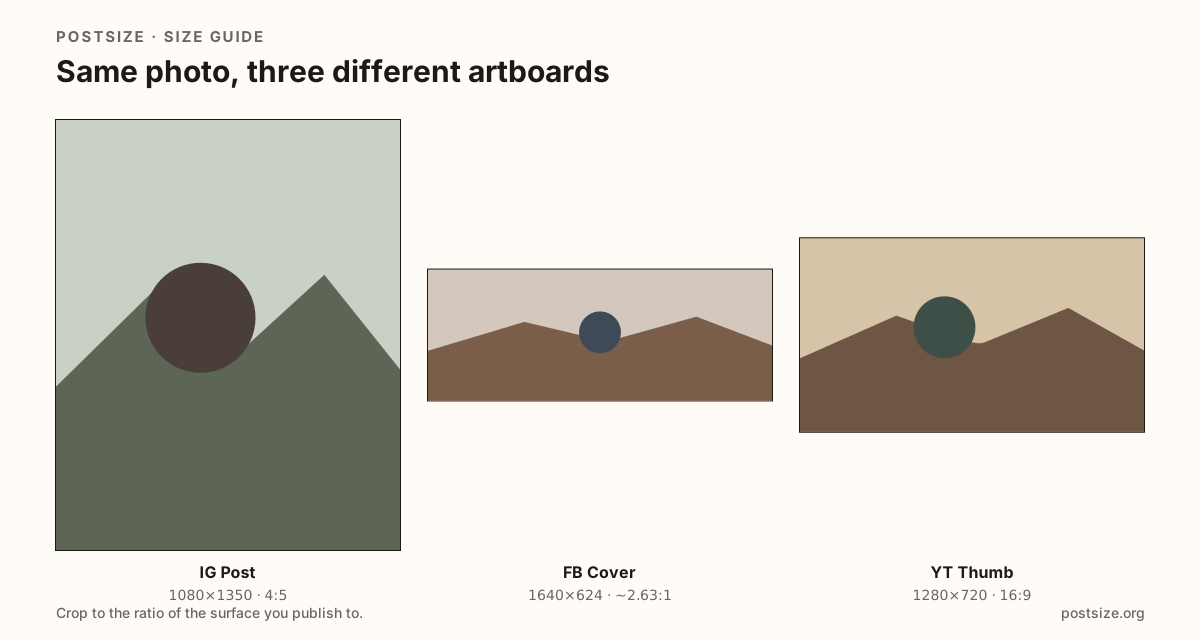
Feed post sizes compared
Use one tall crop when the photo goes to both feeds. Open each guide if you need safe zones, carousels, or other surfaces.
| Platform | Surface | Size | Ratio | Guide |
|---|---|---|---|---|
| Feed post Vertical default; square and landscape options on the guide. | 1080 × 1350 | 4:5 | Open | |
| Feed post Same tall frame works for Facebook photo posts. | 1080 × 1350 | 4:5 | Open | |
| Stories / Reels Full-screen—taller than a feed post. | 1080 × 1920 | 9:16 | Open | |
| Stories / Reels Same pixels as IG Stories; buttons and stickers differ. | 1080 × 1920 | 9:16 | Open | |
| Cover photo Wide banner—do not paste a 4:5 feed crop here. | 1640 × 624 | ~2.63:1 | Open | |
| Profile picture Circle avatar—not a feed crop. | 640 × 640 | 1:1 | Open |
-
Instagram
Feed post
1080 × 1350 · 4:5
Vertical default; square and landscape options on the guide.
-
Facebook
Feed post
1080 × 1350 · 4:5
Same tall frame works for Facebook photo posts.
-
Instagram
Stories / Reels
1080 × 1920 · 9:16
Full-screen—taller than a feed post.
-
Facebook
Stories / Reels
1080 × 1920 · 9:16
Same pixels as IG Stories; buttons and stickers differ.
-
Facebook
Cover photo
1640 × 624 · ~2.63:1
Wide banner—do not paste a 4:5 feed crop here.
-
Instagram
Profile picture
640 × 640 · 1:1
Circle avatar—not a feed crop.
Browser crop · stays on your device
Crop once for both feeds
1080 × 1350
Add a photo to crop
Upload a photo—or try the sample—then pick a preset from the chart above.
Reuse the photo—not every finished file
When the same photo lands in both feeds, one 1080×1350 export is usually enough. That is why the pixel numbers match.
Outside the feed, things split. Stories on either app want 9:16, but stickers and reply UI differ. Facebook covers are wide banners; Instagram has no Page-style cover. Link previews sit near 1200×630—never swap those for a tall feed crop.
Need a square for the Instagram grid too? Export that second frame from the same subject with the multi-size download here, or open the image size converter.
Quick picks
Match the job to the row so you do not export the wrong ratio.
- Photo for both feeds → 1080×1350 once, upload to each app.
- Stories on either app → 1080×1920; preview stickers on each.
- Facebook Page header → Cover guide, not the feed crop.
- Instagram profile grid → keep the subject centered; optional square export.
- Need more ratios in one sitting → Image size converter.
Frequently asked questions
Are Facebook and Instagram post sizes the same?
For regular feed photos, yes—both work well at 1080×1350 (4:5). Stories, covers, and link cards still need their own crops.
Can I upload one file to both apps?
Yes for feed photos at 4:5. Re-crop when you move the same art into Stories, covers, or link previews.
What about Facebook vs Instagram Stories?
Both use 1080×1920 (9:16), but the on-screen buttons differ. Preview stickers and captions on each app.
Where do I crop for both?
Use the tool on this page for 4:5 (and an optional square), or open each platform’s post guide for deeper checklists.