
Link preview / OG
Recommended1200×630 ~1.91:1
Standard Open Graph share image for Facebook (and many other networks). Not a profile, Page, Group, or Event cover.
Use in toolFacebook · Image size
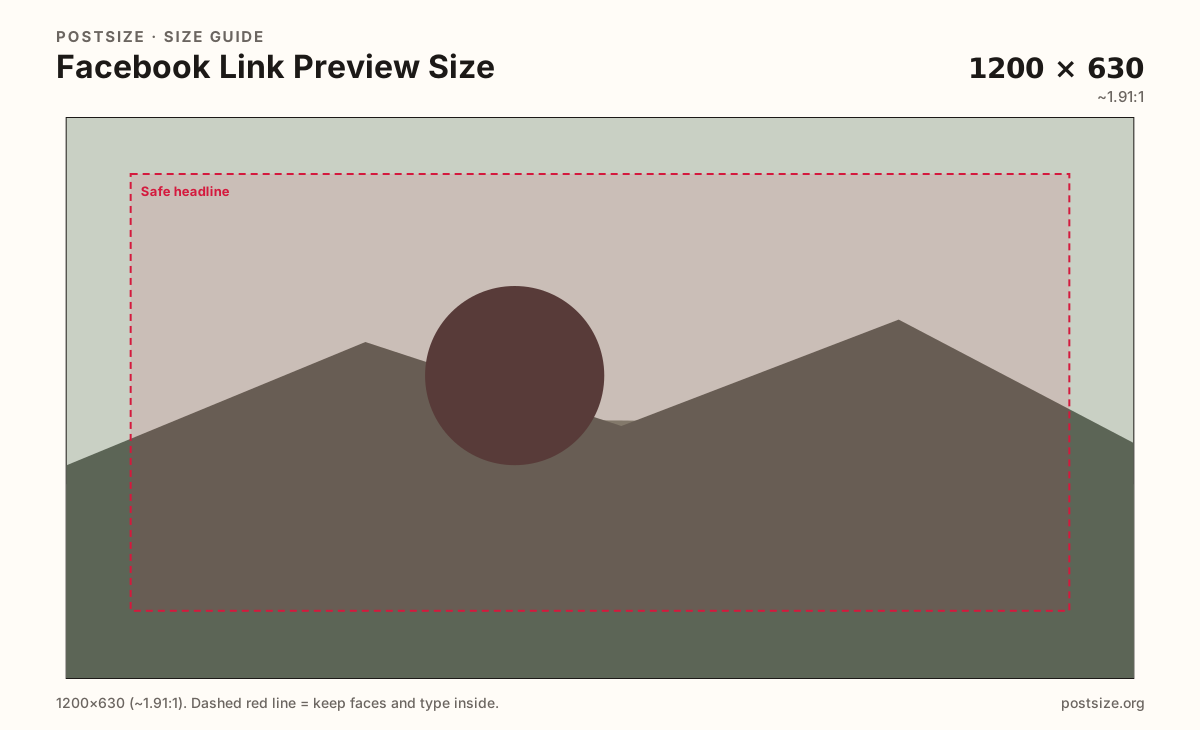
Shared links show a 1200×630 Open Graph card—not your Page cover. Crop for the URL thumbnail, keep the headline readable, then download in your browser before you publish the page.
Browser crop · stays on your device
1200 × 630
Add a photo to crop
Upload a landscape photo—or try the sample—then keep the share headline inside the safe band. This export is for links, not covers.
This page is for link share cards only. Do not upload 1200×630 as a profile/Page cover—Facebook will crop it wrong and it will look soft.
Export this for Facebook upload.
1200×630 ~1.91:1
Standard Open Graph share image for Facebook (and many other networks). Not a profile, Page, Group, or Event cover.
Use in tool| Asset | Pixels | Ratio | Notes | Action |
|---|---|---|---|---|
| Link preview / OG Recommended | 1200×630 | ~1.91:1 | Standard Open Graph share image for Facebook (and many other networks). Not a profile, Page, Group, or Event cover. | Use in tool |
Reference sizes and crops—not always separate upload files.
1920×1005 ~1.91:1
Optional larger clear master at the same ratio. Many sites still serve 1200×630 in the og:image tag.
Use in tool| Asset | Pixels | Ratio | Notes | Action |
|---|---|---|---|---|
| Larger same-ratio export | 1920×1005 | ~1.91:1 | Optional larger clear master at the same ratio. Many sites still serve 1200×630 in the og:image tag. | Use in tool |
When someone shares a URL on Facebook, the platform looks for Open Graph meta tags and renders a landscape card—commonly 1200×630. That card sits in the feed next to the title and description scraped from your page. It is not the wide strip behind a profile avatar.
People confuse OG with covers because both are “wide.” A cover for profiles and Pages is about 1640×624 with a mobile center crop and avatar overlap. Forcing a 1200×630 file into that slot leaves empty bands or soft stretch marks. Keep two exports if you need both.
Good link previews read at a glance: one subject, a short on-image hook if needed, and calm edges. Long paragraphs of text on the image die after compression. Put detail in the page title and description tags instead.
Many CMSs and SEO plugins already expect 1200×630. Export here, upload to your site, then set og:image (and refresh Facebook’s sharing debugger when you change the art). The crop tool does not host your image for Facebook—it only prepares the file on your device.
Same landscape card—edges and tiny type fail after compression or multi-image crop.
Tick these off against your crop preview—nothing is saved.
Similar-looking slots often use different ratios—do not reuse one export for all of them.
1200 × 630
This page. Shared URL thumbnail in the feed.
1640 × 624
Banner behind the avatar—different job and crop.
1080 × 1350
Organic photo posts prefer 4:5, not OG landscape.
1920 × 1005
Similar ratio family—still a different upload surface.
| Surface | Typical size | Note |
|---|---|---|
| Link preview (OG) | 1200 × 630 | This page. Shared URL thumbnail in the feed. |
| Profile / Page cover | 1640 × 624 | Banner behind the avatar—different job and crop. |
| Feed photo post | 1080 × 1350 | Organic photo posts prefer 4:5, not OG landscape. |
| Event cover | 1920 × 1005 | Similar ratio family—still a different upload surface. |
Covers are profile and Page banners with desktop vs mobile framing and an avatar overlap. Link previews are feed cards for URLs. Same “wide” feeling, different pixels, different safe zones, different upload paths.
If Facebook is cropping your banner oddly, you almost certainly uploaded an OG or event-style landscape into the cover slot. Open the Cover photo guide and export 1640×624 instead.
One focal image beats a busy collage. If you put words on the image, keep them short and large—Facebook already shows the page title under the card.
Leave a margin. Slight re-encodes and multi-column layouts can trim the rim. Faces and logos belong inside the safe band.
JPG for photos; PNG for flat graphics. Prefer sRGB. Many platforms accept larger same-ratio masters, but 1200×630 remains the dependable Facebook share default.
Upload a landscape photo, choose Link preview / OG (1200×630), drag until the subject sits in the safe band, then download. Host the file on your site and point og:image at it.
From this download to a live upload in a few minutes.
Download the 1200×630 JPG (or PNG) from the tool.
Upload the file to your website or CMS media library.
Set the Open Graph image meta tag (og:image) to that URL.
Share the page on Facebook (or use Meta’s sharing debugger) to refresh the cache.
Confirm the card shows the new art—then leave covers to the cover guides.
1200×630 pixels (~1.91:1) is the standard Open Graph share image size for Facebook link cards.
No. Covers for profiles and Pages are typically 1640×624. 1200×630 is for shared URLs only—do not upload it as a banner.
Host it on your website and set the og:image meta tag. Facebook reads that URL when the page is shared—not your Page cover upload.
Same-ratio larger masters (like 1920×1005) can work, but many sites still publish 1200×630 in og:image. Keep the aspect ratio consistent.
Facebook caches share cards. After you replace the image, use Meta’s sharing debugger (or reshare carefully) to refresh the preview.
JPG for photographs, PNG for hard-edged logos or flat graphics. Prefer sRGB and a file light enough for mobile feeds.
No. Organic photo posts often look better at 1080×1350 (4:5). Link previews are landscape cards for URLs—see the Surfaces table.