
Shop product image (practical)
Recommended1200×1200 1:1
Practical square product master for TikTok Shop listings. Prefer white or simple background—not a video cover.
Use in toolTikTok · Image size
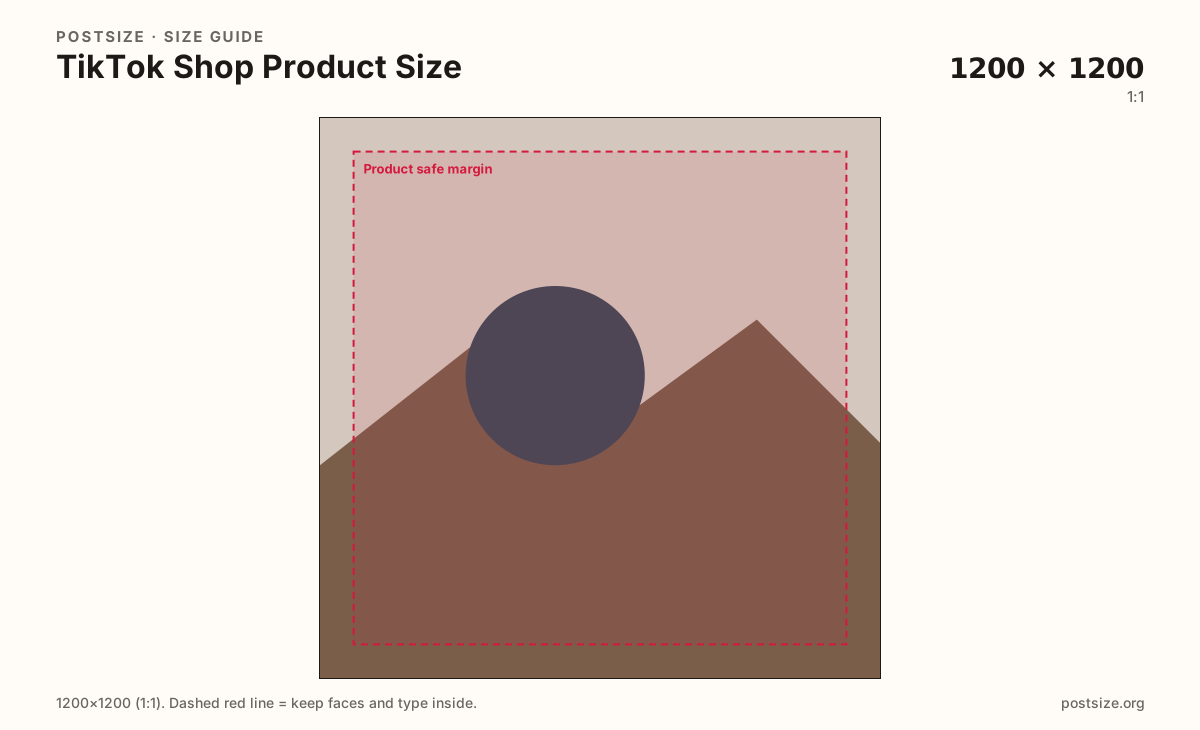
TikTok Shop listings look clearest as a 1200×1200 square product master. Prefer a white or simple background, keep the item inside the margin, then download in your browser.
Browser crop · stays on your device
1200 × 1200
Add a photo to crop
Upload a product shot on a clean background—or try the sample—then keep the item inside the safe margin before you download.
Ship a true 1200×1200 sRGB square for the listing hero. This is a catalog still—not a 9:16 TikTok video cover and not a lifestyle feed post.
Export this for TikTok upload.
1200×1200 1:1
Practical square product master for TikTok Shop listings. Prefer white or simple background—not a video cover.
Use in tool| Asset | Pixels | Ratio | Notes | Action |
|---|---|---|---|---|
| Shop product image (practical) Recommended | 1200×1200 | 1:1 | Practical square product master for TikTok Shop listings. Prefer white or simple background—not a video cover. | Use in tool |
TikTok Shop buyers scan small tiles before they open a listing. A practical 1200×1200 product master keeps the item sharp after compression and avoids letterboxing from random phone crops.
Community habit favors a white or very simple background for the primary product image—similar to Amazon and other marketplaces. Busy lifestyle scenes belong in secondary gallery slots, not the hero that appears in search and shop cards.
A Shop product still is not a video cover. Video and cover frames use 1080×1920 (9:16). Stretching a vertical cover into a square listing warps the product and looks unfinished next to native catalog shots.
Keep text, watermarks, and dense badges off the main image when you can. The tile should read the product at a glance; overlays belong in the listing copy or secondary creatives.
Same feed frame—keep the subject inside the margin phones actually show.
Tick these off against your crop preview—nothing is saved.
Similar-looking slots often use different ratios—do not reuse one export for all of them.
1200 × 1200
This page. Square listing master.
1080 × 1920
9:16—different job entirely.
Often 2000 × 2000
Similar white-square habit; re-check Shop.
Often 2000 × 2000
Marketplace cousin—crop for TikTok Shop.
| Surface | Typical size | Note |
|---|---|---|
| Shop product image | 1200 × 1200 | This page. Square listing master. |
| Video / cover still | 1080 × 1920 | 9:16—different job entirely. |
| Amazon-style main image | Often 2000 × 2000 | Similar white-square habit; re-check Shop. |
| Etsy listing habit | Often 2000 × 2000 | Marketplace cousin—crop for TikTok Shop. |
Shoppers need to recognize the product in a small tile. A clean field puts attention on shape, color, and pack—not the room behind it. Save lifestyle context for secondary images or your video creatives.
Catalog tiles are square. Video covers are full-screen 9:16. Crop once for Shop, once for video—do not stretch one master into both jobs.
Export 1200×1200 in sRGB. Keep the product inside the safe margin. Prefer JPG for photos; PNG for flat pack graphics when edges must stay crisp.
Upload your product shot, keep Shop product image (1200×1200) selected, drag until the item sits in the safe margin, then download. Upload the file in TikTok Shop yourself.
From this download to a live upload in a few minutes.
Download the 1200×1200 JPG (or PNG for flat graphics).
Upload as the primary TikTok Shop product image in Seller Center / Shop tools.
Add lifestyle or detail shots as secondary images if the flow allows.
Preview the listing tile on a phone before you publish.
If the item looks tiny, enlarge it inside the margin and re-export.
A practical master is 1200×1200 (1:1). Prefer a white or simple background and keep the product inside a quiet margin.
No—video covers are 9:16. Re-crop to a true square for the listing hero so the product is not letterboxed or stretched.
White or simple backgrounds are the practical habit for primary product images—same idea as other marketplaces. Busy scenes work better as secondary shots.
Same square idea, different pixel target. Amazon often ships 2000×2000; TikTok Shop’s practical master here is 1200×1200. Re-export rather than stretching.
Yes. Crop in the browser, then upload the file in TikTok Shop yourself.