
Listing photo (square)
Recommended2000×2000 1:1
Practical primary listing still. Longest side meets Etsy’s ≥2000px clarity habit for zoom and search tiles.
Use in toolEtsy · Image size
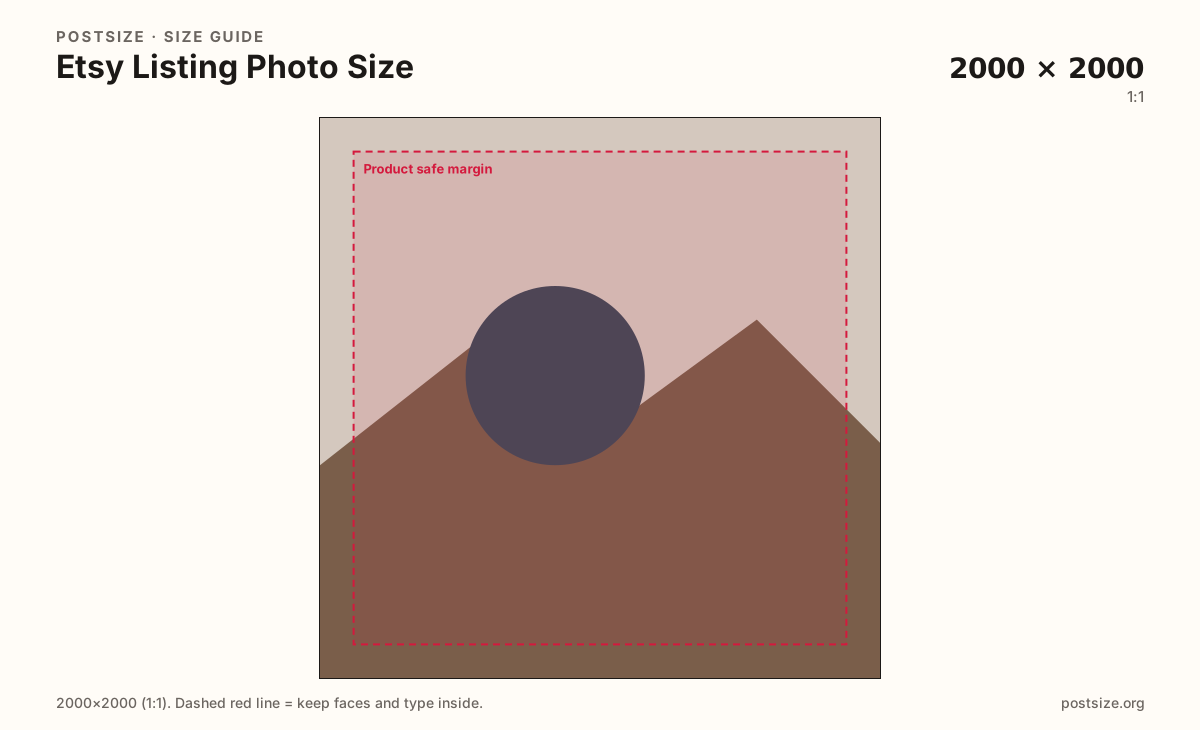
Etsy listing photos look sharpest when the longest side is at least 2000px. Start with a 2000×2000 square for search and gallery tiles, or use 2000×2500 when the product reads better tall.
Browser crop · stays on your device
2000 × 2000
Add a photo to crop
Upload a product shot—or try the sample—then keep the item inside the safe margin before you download.
Etsy favors high-resolution listing images. A true 2000×2000 square is the default crop here; switch to 2000×2500 only when height helps the product.
Export this for Etsy upload.
2000×2000 1:1
Practical primary listing still. Longest side meets Etsy’s ≥2000px clarity habit for zoom and search tiles.
Use in tool2000×2500 4:5
Optional taller frame when the product silhouette needs vertical room. Still keep the longest side ≥2000.
Use in tool| Asset | Pixels | Ratio | Notes | Action |
|---|---|---|---|---|
| Listing photo (square) Recommended | 2000×2000 | 1:1 | Practical primary listing still. Longest side meets Etsy’s ≥2000px clarity habit for zoom and search tiles. | Use in tool |
| Listing photo (portrait) | 2000×2500 | 4:5 | Optional taller frame when the product silhouette needs vertical room. Still keep the longest side ≥2000. | Use in tool |
Buyers judge Etsy listings from small search tiles and then zoom. Etsy’s seller guidance leans on high resolution: keep the longest side at least 2000 pixels so zoom and retina layouts stay crisp.
A 2000×2000 square is the practical primary export for most handmade and vintage listings. It reads cleanly in grids, works as the first gallery image, and avoids letterboxing surprises when Etsy shows a square-leaning card.
Some products—tall ceramics, dresses, framed prints—need extra height. The optional 2000×2500 (4:5) preset keeps the long side at 2500 while staying above the 2000px floor. Do not stretch a soft phone shot to fake those pixels.
Shop banners (3360×840) and shop icons (500×500) are different uploads. Never paste a wide banner into the listing gallery and expect it to look like a product photo.
Same feed frame—keep the subject inside the margin phones actually show.
Tick these off against your crop preview—nothing is saved.
Similar-looking slots often use different ratios—do not reuse one export for all of them.
2000 × 2000
This page. Primary product gallery still (portrait optional).
3360 × 840
Wide shop header—separate export.
500 × 500
Circular / rounded shop mark—not a product shot.
| Surface | Typical size | Note |
|---|---|---|
| Listing photo | 2000 × 2000 | This page. Primary product gallery still (portrait optional). |
| Shop banner | 3360 × 840 | Wide shop header—separate export. |
| Shop icon | 500 × 500 | Circular / rounded shop mark—not a product shot. |
Etsy listing photos are inspected up close. A longest side of at least 2000px keeps zoom usable and search tiles sharp on modern screens. Upscaling a soft 600×600 file to 2000px does not invent detail—start from a larger capture.
Use the square when the product is compact or already framed for grids. Switch to 2000×2500 when height is the story—then re-check the live listing; do not assume every theme crops the same way.
Three jobs, three artboards. The listing sells one SKU. The banner brands the shop homepage. The icon is a tiny mark in search and favorites.
JPG suits product photography. PNG suits flat graphics or logos on white. Prefer sRGB. Keep weight reasonable—buyers browse on mobile data.
Upload a product photo, choose Listing photo (square) or the portrait preset, drag until the item clears the margin, then download. Cropping stays in your browser.
From this download to a live upload in a few minutes.
Download the JPG (photos) or PNG (graphics) from the tool.
In Etsy Seller Hub, open the listing → Photos and upload as the primary or gallery image.
Check search-tile and zoom previews on phone and desktop.
If the product feels cropped or soft, re-crop here from a sharper source and replace the file.
A practical primary size is 2000×2000. Keep the longest side at least 2000px. Use 2000×2500 when a taller frame helps the product.
No. Square 2000×2000 is a strong default for grids; portrait 2000×2500 is optional when height matters. Always preview the live listing.
No. Shop banners are wide 3360×840 headers. Listing photos are product stills—export them separately.
JPG for photographs, PNG for hard-edged graphics. Export sRGB either way.
Yes. This guide includes an in-browser crop—files stay on your device until you download and upload to Etsy yourself.