
Product image (practical)
Recommended2000×2000 1:1
Practical high-res main image. Prefer pure white background. Zoom clarity habit: longest side ≥1600.
Use in toolAmazon · Image size
Amazon main product images look sharpest as a 2000×2000 square on a pure white background. Keep the item inside the safe margin, then download in your browser.
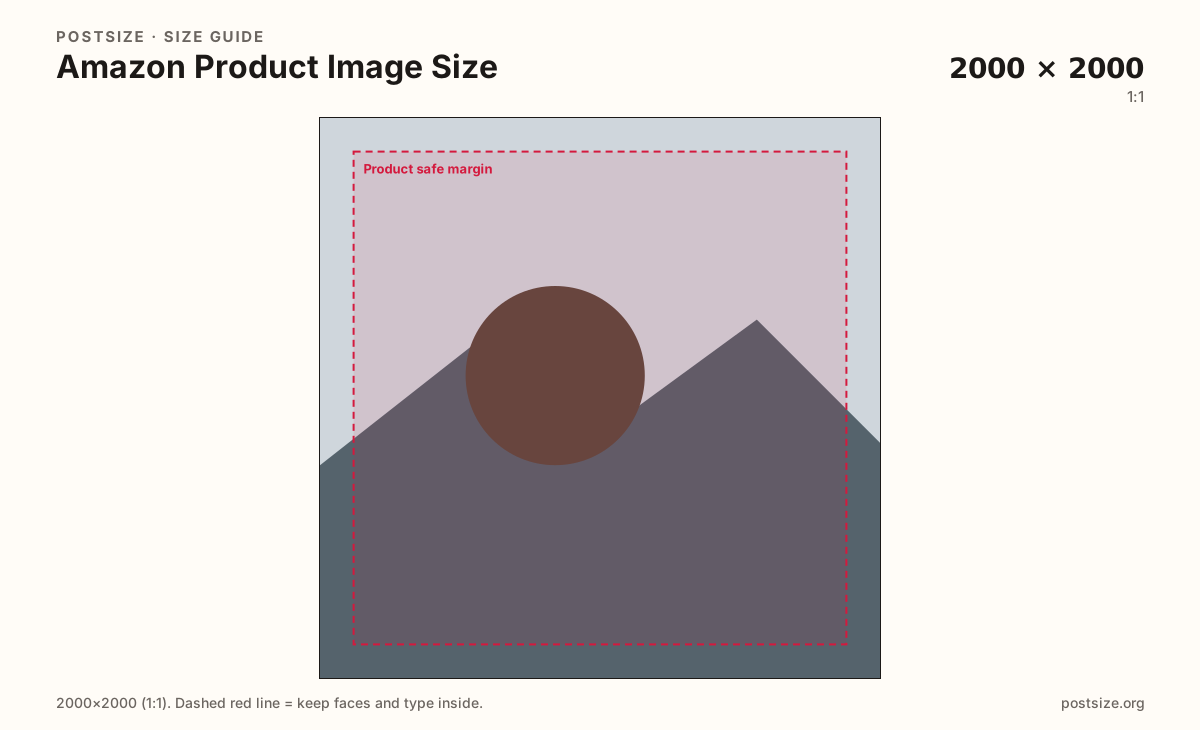
Browser crop · stays on your device
2000 × 2000
Add a photo to crop
Upload a product shot on white—or try the sample—then keep the item inside the safe margin before you download.
Ship a true 2000×2000 sRGB square when the source allows it. Amazon’s zoom experience expects a long side of at least about 1600px—2000×2000 clears that comfortably. Main images should sit on a clean white backdrop.
Export this for Amazon upload.
2000×2000 1:1
Practical high-res main image. Prefer pure white background. Zoom clarity habit: longest side ≥1600.
Use in tool| Asset | Pixels | Ratio | Notes | Action |
|---|---|---|---|---|
| Product image (practical) Recommended | 2000×2000 | 1:1 | Practical high-res main image. Prefer pure white background. Zoom clarity habit: longest side ≥1600. | Use in tool |
Shoppers judge Amazon listings from search tiles and then zoom. A practical high-resolution main image is 2000×2000. That gives the catalog room to generate smaller responsive sizes and still look crisp on retina screens.
Amazon expects the primary product image on a pure white background (near RGB 255,255,255). Busy lifestyle scenes belong in secondary gallery slots—not the main hero that appears in search. Props, text overlays, and watermarks on the main image are common rejection triggers.
Zoom needs detail. Community and seller guidance treats roughly 1600px on the longest side as a clarity floor for zoom. Shipping a soft 800px phone shot upscaled to 2000px does not invent texture—start from a larger capture.
Infographic secondary images, A+ content, and brand-story modules are different uploads. Keep the main square honest: one product, white field, quiet margin, true pixels.
Same feed frame—keep the subject inside the margin phones actually show.
Tick these off against your crop preview—nothing is saved.
Similar-looking slots often use different ratios—do not reuse one export for all of them.
2000 × 2000
This page. White-background search hero.
Long side ≥ 1600
Floor for usable zoom—prefer 2000×2000.
Same square habit
Lifestyle / detail—still keep them sharp.
| Surface | Typical size | Note |
|---|---|---|
| Main product image | 2000 × 2000 | This page. White-background search hero. |
| Zoom clarity habit | Long side ≥ 1600 | Floor for usable zoom—prefer 2000×2000. |
| Secondary gallery | Same square habit | Lifestyle / detail—still keep them sharp. |
Amazon’s catalog treats the main image as a product silhouette on white so search grids stay consistent. Lifestyle scenes, colored backdrops, and busy tables belong in secondary slots.
Buyers pinch-to-zoom. A longest side of at least about 1600px keeps that experience usable. 2000×2000 clears the floor with margin for compression.
JPG is the usual product photo format. Prefer sRGB. Keep weight reasonable while staying sharp enough for zoom.
Upload a white-background product photo, choose Product image (2000×2000), drag until the item clears the margin, then download. Cropping stays in your browser.
From this download to a live upload in a few minutes.
Download the 2000×2000 JPG from the tool (PNG only if the graphic needs hard edges).
In Seller Central / Vendor Central, open the listing and upload as the MAIN product image.
Confirm search-tile and zoom previews on phone and desktop.
If zoom looks soft, replace with a sharper ≥1600 (prefer 2000) capture—do not fake pixels.
A practical main image is 2000×2000. Keep the longest side at least about 1600px so zoom stays usable.
For the main product image, yes—use a pure white backdrop. Lifestyle scenes belong in secondary images.
About 1600px on the long side is the common zoom clarity floor. 2000×2000 clears that floor and looks sharper after compression.
Avoid text, logos, and watermarks on the main image. Use secondary images or A+ content for callouts.
Yes. This guide includes an in-browser crop—files stay on your device until you download and upload to Amazon yourself.