
Open Graph image (practical)
Recommended1200×630 ~1.91:1
Practical cross-network og:image. Close to X’s common 1200×628 card habit—same framing rules.
Use in toolOpen Graph · Image size
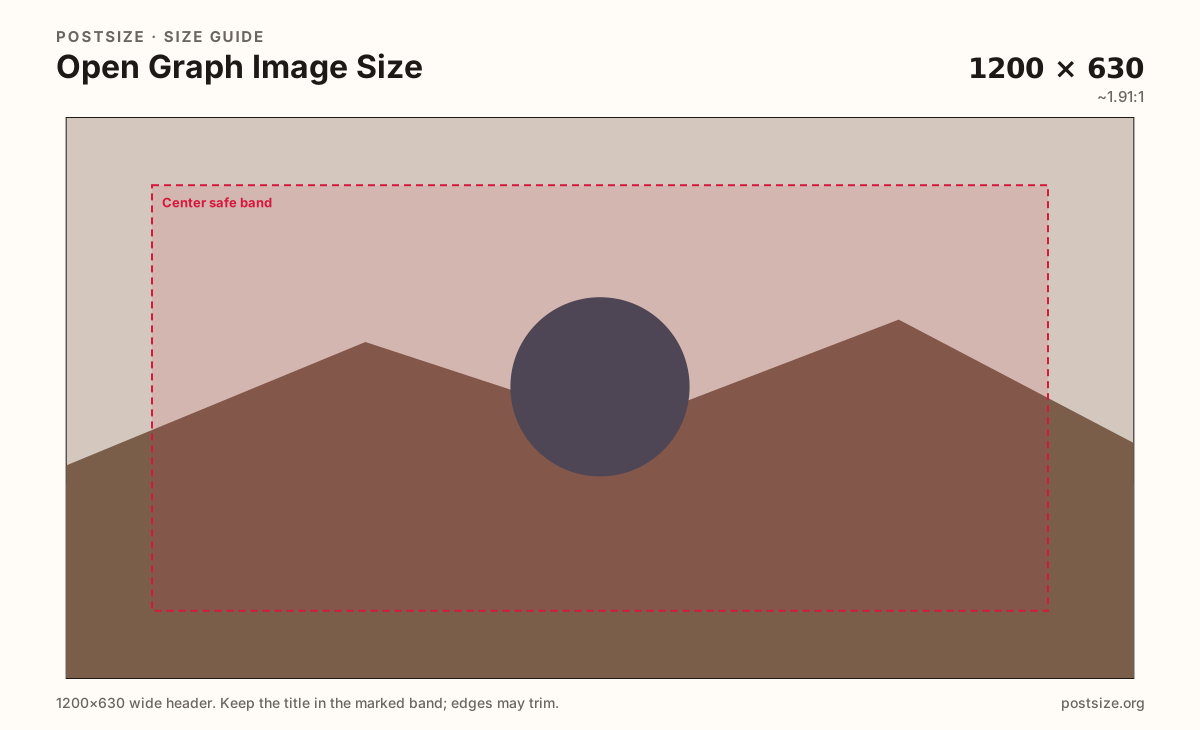
Open Graph share images commonly use 1200×630. Keep the headline in the center band, then download in your browser before you set og:image.
Browser crop · stays on your device
1200 × 630
Add a photo to crop
Upload a story photo or flat graphic—or try the sample—then keep the headline inside the center band before you download.
Publish 1200×630 as the primary og:image. X (Twitter) cards often cite 1200×628—nearly identical ~1.91:1 framing. Do not confuse this with a profile cover or a tall feed post.
Export this for Open Graph upload.
1200×630 ~1.91:1
Practical cross-network og:image. Close to X’s common 1200×628 card habit—same framing rules.
Use in tool| Asset | Pixels | Ratio | Notes | Action |
|---|---|---|---|---|
| Open Graph image (practical) Recommended | 1200×630 | ~1.91:1 | Practical cross-network og:image. Close to X’s common 1200×628 card habit—same framing rules. | Use in tool |
When someone shares your URL on Facebook, LinkedIn, Slack, iMessage, and many other clients, crawlers look for og:image. The practical cross-network size is 1200×630 (~1.91:1). That card is the sales pitch for the click—long before anyone opens the page.
X (Twitter) summary cards commonly land near 1200×628—two pixels shorter, same visual habit. Designing at 1200×630 and keeping the subject in the center band covers both without shipping two nearly identical masters for every page.
Covers, banners, and tall feed posts are different jobs. Stretching a Facebook cover or an Instagram 4:5 photo into og:image usually clips headlines or leaves empty bars. Export a dedicated share card with large type and quiet edges.
After you download, set the absolute HTTPS URL in your og:image tag (and twitter:image when you maintain X tags). Caches linger—if you swap art mid-campaign, expect some clients to show the old card until refresh.
Same short banner strip—quiet lower-left for the avatar, subject in the open mid/right band.
Tick these off against your crop preview—nothing is saved.
Similar-looking slots often use different ratios—do not reuse one export for all of them.
1200 × 630
This page. Primary og:image habit.
1200 × 628
Nearly identical framing—center-safe design covers both.
1200 × 630
Same pixels—Meta-specific guide also available.
1200 × 600
Close 2:1 habit—separate guide.
| Surface | Typical size | Note |
|---|---|---|
| Open Graph image | 1200 × 630 | This page. Primary og:image habit. |
| X card crossover | 1200 × 628 | Nearly identical framing—center-safe design covers both. |
| Facebook link preview | 1200 × 630 | Same pixels—Meta-specific guide also available. |
| Threads link preview | 1200 × 600 | Close 2:1 habit—separate guide. |
Two pixels of height difference does not change the design brief. Keep subjects centered; either pixel size reads as the same ~1.91:1 card family across networks.
Cropping is only half the job. Crawlers need an absolute image URL, correct content type, and a page that returns the tags on first HTML response when possible.
JPG suits photos; PNG suits flat graphics. Prefer sRGB. Aim for a file that loads quickly on mobile networks.
Upload a graphic, choose Open Graph image (1200×630), keep the title inside the center band, then download. Cropping stays in your browser.
From this download to a live upload in a few minutes.
Download the 1200×630 JPG or PNG from the tool.
Host the file on HTTPS and set og:image to the absolute URL.
Optionally set twitter:image to the same file (or a 1200×628 twin).
Share the URL and confirm unfurls; use platform debuggers when caches stick.
A practical primary size is 1200×630 (~1.91:1). X cards often use 1200×628—design the center band once for both.
No. Covers are wide profile headers. Open Graph images are link share cards—export them separately.
Optional. A center-safe 1200×630 master usually covers the X 1200×628 habit. Export a twin only if your pipeline requires exact pixels.
Host it on HTTPS and reference the absolute URL in your page’s og:image meta tag (and twitter:image if you maintain X tags).
Yes. This guide includes an in-browser crop—files stay on your device until you download and publish yourself.