
Link preview (practical)
Recommended1200×600 2:1
Practical 2:1 card for Threads URL unfurls. Not the tall 4:5 feed post crop.
Use in toolThreads · Image size
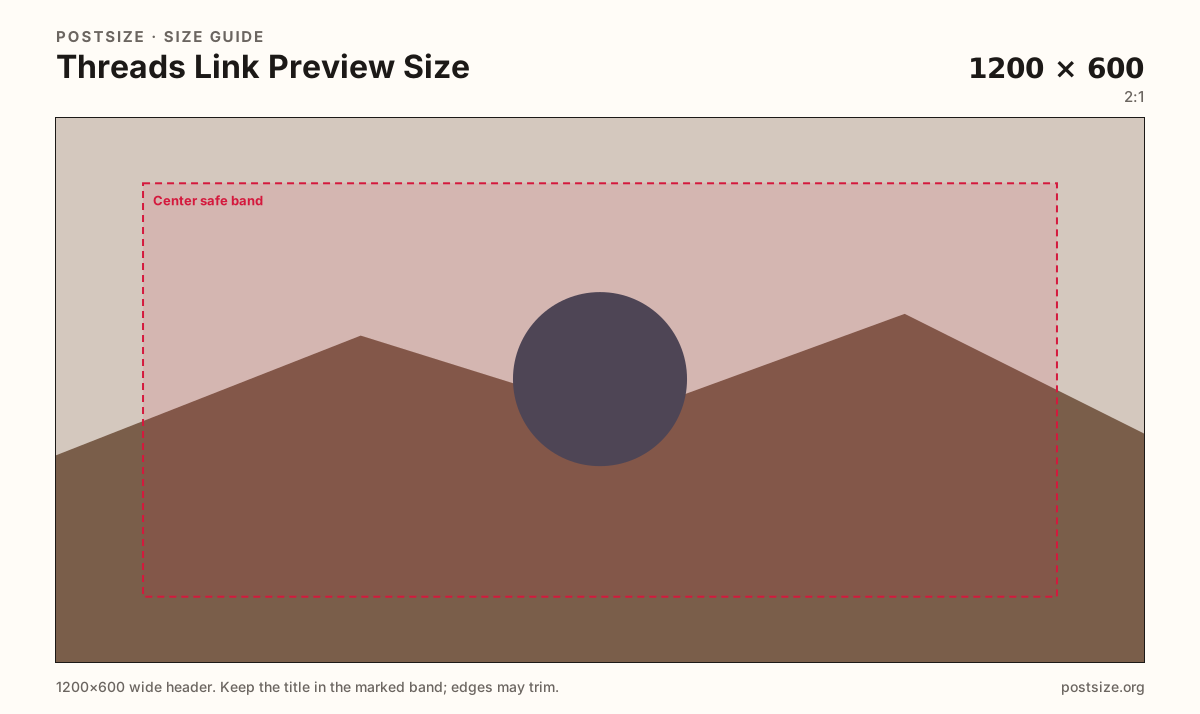
Threads link previews commonly land near 1200×600. Keep the headline in the center band, then download in your browser—this is not a 4:5 feed photo.
Browser crop · stays on your device
1200 × 600
Add a photo to crop
Upload a story photo or flat graphic—or try the sample—then keep the headline inside the center band before you download.
This page is for link share cards. Attaching a photo to a Threads post still prefers 1080×1350 (4:5)—export that separately.
Export this for Threads upload.
1200×600 2:1
Practical 2:1 card for Threads URL unfurls. Not the tall 4:5 feed post crop.
Use in tool| Asset | Pixels | Ratio | Notes | Action |
|---|---|---|---|---|
| Link preview (practical) Recommended | 1200×600 | 2:1 | Practical 2:1 card for Threads URL unfurls. Not the tall 4:5 feed post crop. | Use in tool |
When someone shares a URL in Threads, the client often pulls a wide preview card near 1200×600. That card is the click pitch—long before anyone opens the destination. Faces and headlines parked on the far edges can clip behind platform chrome.
Photo posts attached to a Threads update still prefer a tall 4:5 frame (1080×1350). Stretching a link card into the feed, or a portrait post into the OG slot, looks unfinished next to purpose-built art.
Open Graph tags on your site (og:image) usually drive the unfurl. Export a clean 1200×600 master, set it on the page, then verify the live share inside Threads. Caches linger—if you swap art mid-campaign, expect some clients to show the old card until refresh.
Profile pictures are circles. Do not stretch the avatar into this wide slot. Prefer high contrast type that still reads at chat-preview size on a phone.
Same short banner strip—quiet lower-left for the avatar, subject in the open mid/right band.
Tick these off against your crop preview—nothing is saved.
Similar-looking slots often use different ratios—do not reuse one export for all of them.
1200 × 600
This page. URL unfurl card.
1080 × 1350
4:5 photo post—separate guide.
640 × 640
Circular avatar—not a link card.
| Surface | Typical size | Note |
|---|---|---|
| Link preview | 1200 × 600 | This page. URL unfurl card. |
| Feed post | 1080 × 1350 | 4:5 photo post—separate guide. |
| Profile picture | 640 × 640 | Circular avatar—not a link card. |
Most unfurls follow Open Graph or similar meta tags on the destination page. Cropping here is only half the job—publish the file where crawlers can read it.
Feed photos want height. Link cards want width. Export each ratio from a wider original when you need both.
JPG suits photos; PNG suits flat graphics. Prefer sRGB. Keep weight reasonable so crawlers fetch quickly.
Upload a graphic, choose Link preview (1200×600), keep the title inside the center band, then download. Cropping stays in your browser.
From this download to a live upload in a few minutes.
Download the 1200×600 JPG or PNG from the tool.
Set it as og:image (or your CMS social preview) on the destination URL.
Share the link in Threads and confirm the unfurl on a phone.
If caches show old art, wait or use a fresh URL / cache buster per your stack.
A practical card is 1200×600 (2:1). Feed photo posts still prefer 1080×1350 (4:5).
No. Posts are tall 4:5 photos. Link previews are wide URL unfurl cards.
Usually on the destination page via Open Graph / social preview settings. Threads then unfurls that URL.
Close, but not identical. Threads here targets 1200×600; many OG guides use 1200×630—see the Open Graph hub for the cross-network primary.
Yes. This guide includes an in-browser crop—files stay on your device until you download and publish yourself.