
Feed square (practical)
Recommended1080×1080 1:1
Common single-image and carousel feed habit across Facebook and Instagram placements.
Use in toolMeta Ads · Image size
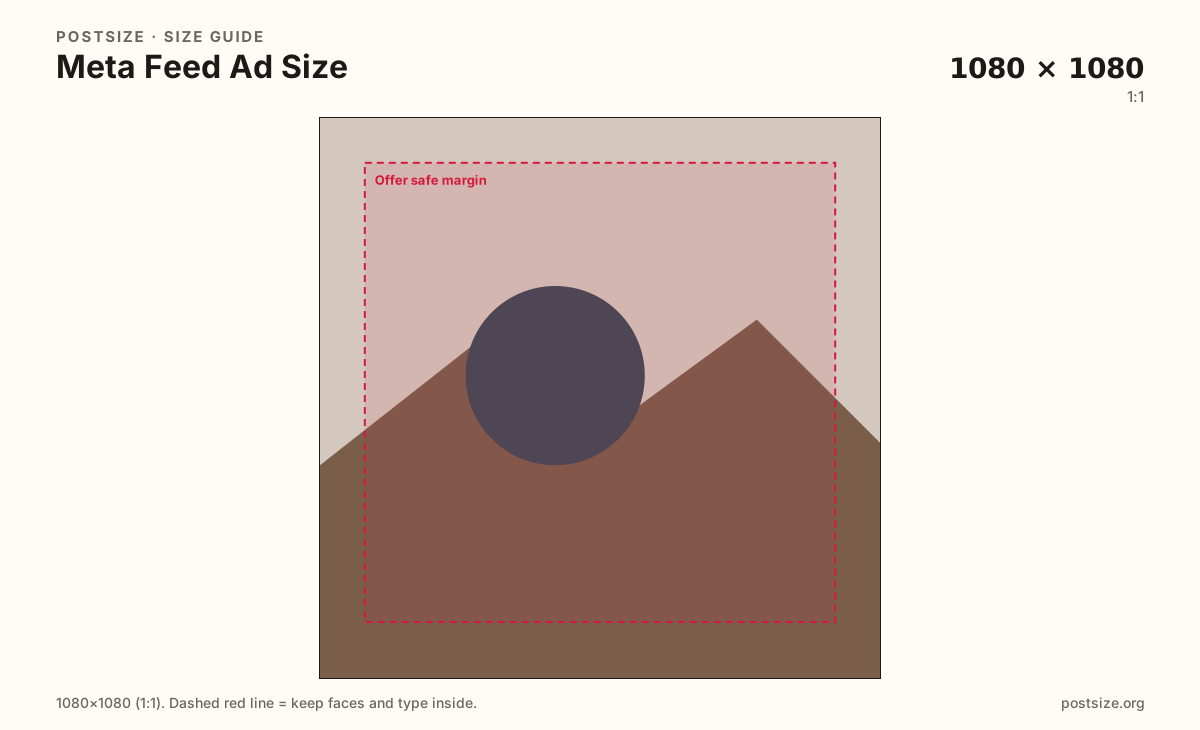
Meta feed ads look sharp as 1080×1080 squares or taller 1080×1350 (4:5) frames. Keep the product and offer inside the safe margin, then download before Ads Manager.
Browser crop · stays on your device
1080 × 1080
Add a photo to crop
Upload product art or a flat offer graphic—keep the CTA text inside the safe margin.
These are practical creative sizes for Meta feed placements—not organic Page covers. Stories/Reels ads use the vertical guide.
Export this for Meta Ads upload.
1080×1080 1:1
Common single-image and carousel feed habit across Facebook and Instagram placements.
Use in tool1080×1350 4:5
Taller feed presence when the placement allows 4:5—more screen on phones.
Use in tool| Asset | Pixels | Ratio | Notes | Action |
|---|---|---|---|---|
| Feed square (practical) Recommended | 1080×1080 | 1:1 | Common single-image and carousel feed habit across Facebook and Instagram placements. | Use in tool |
| Feed portrait 4:5 | 1080×1350 | 4:5 | Taller feed presence when the placement allows 4:5—more screen on phones. | Use in tool |
Reference sizes and crops—not always separate upload files.
1200×628 ~1.91:1
Wide reference some legacy/link-style units still cite—not a substitute for square/4:5 feed masters.
Use in tool| Asset | Pixels | Ratio | Notes | Action |
|---|---|---|---|---|
| Landscape reference | 1200×628 | ~1.91:1 | Wide reference some legacy/link-style units still cite—not a substitute for square/4:5 feed masters. | Use in tool |
Meta’s auction serves Facebook Feed, Instagram Feed, and related surfaces with shared creative habits. A practical square master at 1080×1080 still travels well for single-image and carousel cards. When the placement allows taller art, 1080×1350 (4:5) earns more vertical space on phones.
Organic cover photos and link-preview cards are different jobs. Stretching a 1640×624 Page cover into a feed ad softens logos and wastes auction real estate. Export feed creative on purpose.
Stories and Reels placements want 9:16—open the Meta story ad guide for those. Mixing a square feed file into a full-screen story slot letterboxes or over-crops the offer.
Ads Manager and Advantage+ can crop further. Keep headlines and prices inside the safe margin so secondary crops still read.
Same feed frame—keep the subject inside the margin phones actually show.
Tick these off against your crop preview—nothing is saved.
Similar-looking slots often use different ratios—do not reuse one export for all of them.
1080 × 1080
This page default.
1080 × 1350
Taller feed when allowed.
1080 × 1920
Separate vertical guide.
1640 × 624
Organic header—not an ad.
| Surface | Typical size | Note |
|---|---|---|
| Feed square | 1080 × 1080 | This page default. |
| Feed 4:5 | 1080 × 1350 | Taller feed when allowed. |
| Stories / Reels ad | 1080 × 1920 | Separate vertical guide. |
| Page cover | 1640 × 624 | Organic header—not an ad. |
Feed creative is built for in-stream cards. Stories/Reels use full-screen 9:16. Older landscape 1200×628 habits still appear in docs for some link units—treat them as references, not your only master.
Meta no longer enforces a hard “20% text” rule the old way, but sparse, large type still outperforms dense paragraphs on a phone. Put the offer in the creative and supporting copy in the primary text field.
From this download to a live upload in a few minutes.
Download the JPG or PNG from the crop tool.
Upload in Meta Ads Manager as the ad image (or carousel slide).
Select placements and preview Facebook + Instagram feed on mobile.
If you also run Stories/Reels, export a separate 9:16 from the story ad guide.
Practical defaults are 1080×1080 (1:1) and 1080×1350 (4:5). Preview the exact placement in Ads Manager.
Often similar ratios, but ads run through Ads Manager with different cropping and CTA chrome. Export for the ad, then preview placements.
Not without a fresh crop. Covers are wide headers; feed ads need square or 4:5 cards.
Use 1080×1920 from the Meta story ad guide—different artboard from feed.