
Stories / Reels ad (practical)
Recommended1080×1920 9:16
Full-screen vertical for Stories and Reels placements. Protect UI bands.
Use in toolMeta Ads · Image size
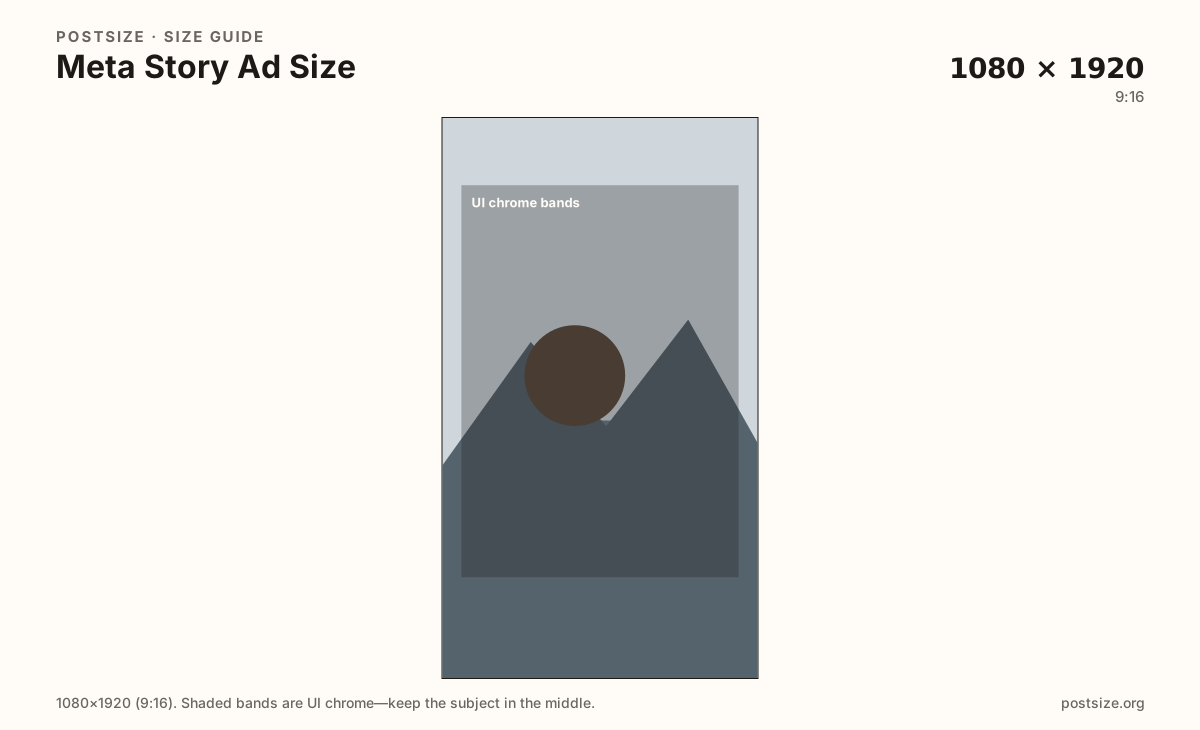
Meta Stories and Reels ads fill the phone at 1080×1920. Keep the offer out of top and bottom chrome, then download a clean 9:16 frame.
Browser crop · stays on your device
1080 × 1920
Add a photo to crop
Upload a vertical frame—keep headlines out of the top menu and bottom CTA zones.
Vertical ads only. Feed square/4:5 creative belongs on the Meta feed ad guide.
Export this for Meta Ads upload.
1080×1920 9:16
Full-screen vertical for Stories and Reels placements. Protect UI bands.
Use in tool| Asset | Pixels | Ratio | Notes | Action |
|---|---|---|---|---|
| Stories / Reels ad (practical) Recommended | 1080×1920 | 9:16 | Full-screen vertical for Stories and Reels placements. Protect UI bands. | Use in tool |
Stories and Reels placements put your creative under profile chips, progress bars, captions, and swipe-up or CTA bars. A practical 1080×1920 (9:16) master matches the phone, but the safe band is shorter than the full canvas.
Feed ads at 1:1 or 4:5 do not fill this slot cleanly. Letterboxing wastes attention; stretching warps products. Export vertical on purpose.
Organic Instagram Stories use the same pixels with different sticker habits. Re-check ad chrome even if you reuse a Story master.
Preview Facebook Stories, Instagram Stories, and Reels separately in Ads Manager—button stacks are not identical.
Same full-screen frame—top and bottom UI chrome cover anything glued to the edges.
Tick these off against your crop preview—nothing is saved.
Similar-looking slots often use different ratios—do not reuse one export for all of them.
1080 × 1920
This page.
1080 × 1080
Separate feed guide.
1080 × 1920
Same pixels, different chrome.
| Surface | Typical size | Note |
|---|---|---|
| Stories / Reels ad | 1080 × 1920 | This page. |
| Feed ad | 1080 × 1080 | Separate feed guide. |
| Organic Story | 1080 × 1920 | Same pixels, different chrome. |
Treat the outer top and bottom as reserved. Put the brand mark and price where a thumb still sees them after stickers and buttons draw on top.
From this download to a live upload in a few minutes.
Download the 9:16 export.
Upload as Stories/Reels creative in Ads Manager.
Preview each vertical placement on a phone-sized frame.
Keep a separate square/4:5 master if you also buy feed.
Practical creative is 1080×1920 (9:16). Keep offers out of top and bottom UI bands.
Usually the same pixels. Chrome differs—preview Reels placements separately.
Often as a starting master, but re-check ad CTA chrome and export a clean file for Ads Manager.
Use the Meta feed ad guide for 1080×1080 and 1080×1350—not this 9:16 page.