
Social preview (practical)
Recommended1200×630 ~1.91:1
Practical ~1.91:1 OG-style card for Beehiiv link previews and social shares.
Use in toolBeehiiv · Image size
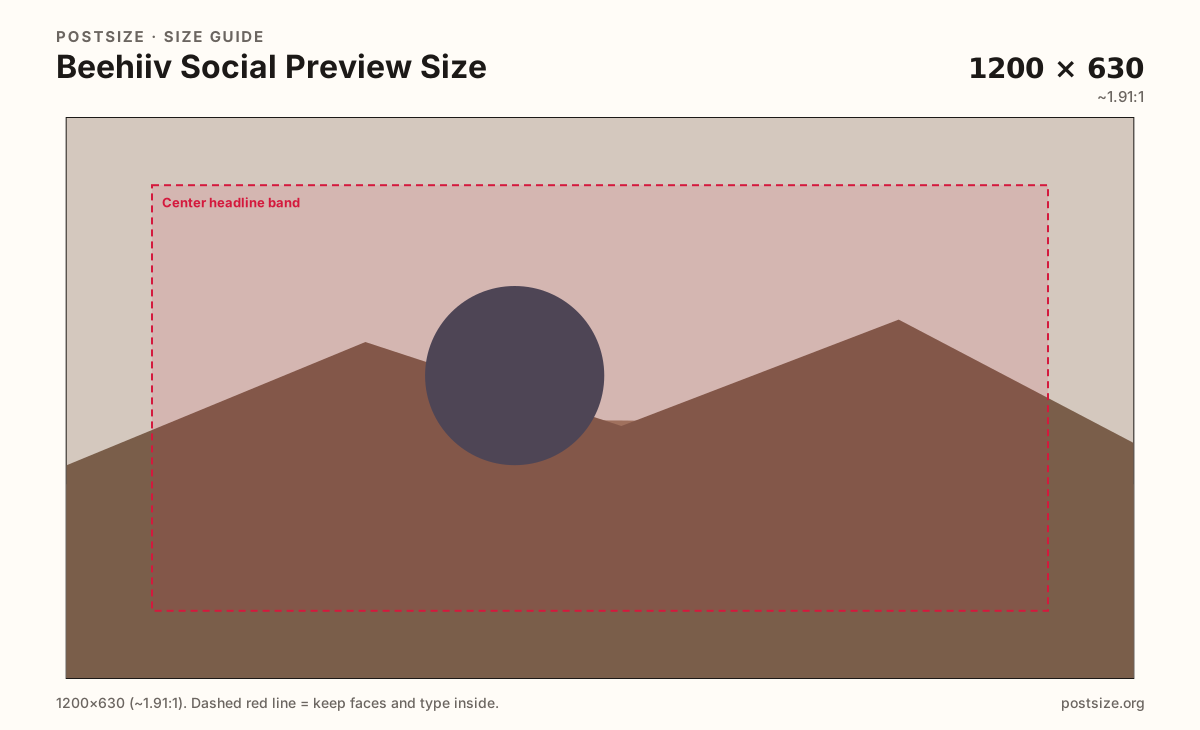
Beehiiv social previews look clear at 1200×630. Keep headlines in the center band, then download a share-ready still.
Browser crop · stays on your device
1200 × 630
Add a photo to crop
Upload issue art or a title card—or try the sample—then keep the headline inside the center band before you download.
This is the wide share card—not the 512×512 logo and not a 1200×400 email header.
Export this for Beehiiv upload.
1200×630 ~1.91:1
Practical ~1.91:1 OG-style card for Beehiiv link previews and social shares.
Use in tool| Asset | Pixels | Ratio | Notes | Action |
|---|---|---|---|---|
| Social preview (practical) Recommended | 1200×630 | ~1.91:1 | Practical ~1.91:1 OG-style card for Beehiiv link previews and social shares. | Use in tool |
When someone shares a Beehiiv post or publication URL on X, LinkedIn, Slack, or iMessage, platforms pull a wide ~1200×630 card. That unfurl is often the only creative people see before they click—or ignore—the issue.
Publication logos are squares. Stretching a 512×512 mark into 1200×630 wastes the wide canvas. Design a dedicated share image with one subject and a short title in the center band.
Email headers (~1200×400) and Substack social previews use related but not identical ratios. Reuse photography, then re-crop for Beehiiv’s 1200×630 habit.
Caches linger after you swap art. Plan to re-share or wait for crawlers when you refresh a campaign card mid-flight.
Same landscape card—edges and tiny type fail after compression or multi-image crop.
Tick these off against your crop preview—nothing is saved.
Similar-looking slots often use different ratios—do not reuse one export for all of them.
1200 × 630
This page. Link unfurl card.
512 × 512
Square mark—separate guide.
1200 × 400
Shorter mail strip.
Often ~1456 × 1048
Different ratio—re-crop.
| Surface | Typical size | Note |
|---|---|---|
| Social preview | 1200 × 630 | This page. Link unfurl card. |
| Publication logo | 512 × 512 | Square mark—separate guide. |
| Email header | 1200 × 400 | Shorter mail strip. |
| Substack social habit | Often ~1456 × 1048 | Different ratio—re-crop. |
Most people see the card as a small rectangle—not a full magazine spread. One face or product plus a short title beats a dense newsletter screenshot.
The logo is for chrome. The social preview sells one URL. Stretching a square mark into 1200×630 looks like a placeholder.
Export 1200×630 as JPG or PNG in sRGB. Keep the subject inside the center band. Avoid huge masters that crawlers may time out on.
Upload art, keep Social preview (1200×630) selected, drag until the headline sits in the center band, then download. Cropping stays in the browser.
From this download to a live upload in a few minutes.
Download the 1200×630 JPG or PNG from the tool.
In Beehiiv, set the post or publication social / OG image (wording varies).
Share the URL into a private Slack or X draft and confirm the unfurl.
If the headline clips, enlarge it inside the center band and replace.
A practical card is 1200×630 (~1.91:1) for link previews and social shares.
No. Logos are 512×512 squares. Social previews are wide share cards.
Reuse the photo, then re-crop to 1200×630 and check Beehiiv’s preview.
JPG for photographs, PNG for flat title graphics. Prefer sRGB either way.
Yes. In-browser crop—files stay on your device until you download and upload in Beehiiv.