
Social / post preview
Recommended1456×1048 ~14:10
Substack help cites ~14:10 and recommends at least 1456×1048 for preview images.
Use in toolSubstack · Image size
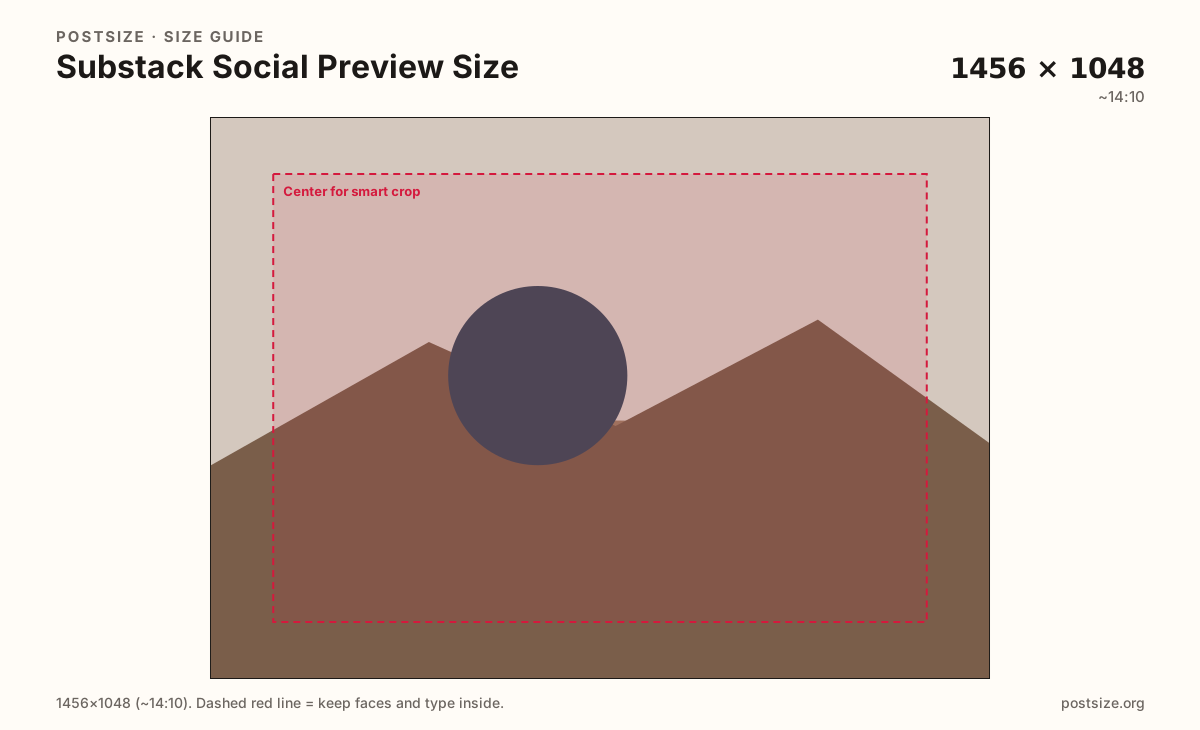
Substack recommends about 1456×1048 (~14:10) for social / post preview images. Keep faces in the center, then download a clear file in your browser.
Browser crop · stays on your device
1456 × 1048
Add a photo to crop
Upload a photo—or try the sample—then keep faces in the center band before you download.
This is the share / post thumbnail card—not the welcome cover square and not the tiny logo.
Export this for Substack upload.
1456×1048 ~14:10
Substack help cites ~14:10 and recommends at least 1456×1048 for preview images.
Use in tool| Asset | Pixels | Ratio | Notes | Action |
|---|---|---|---|---|
| Social / post preview Recommended | 1456×1048 | ~14:10 | Substack help cites ~14:10 and recommends at least 1456×1048 for preview images. | Use in tool |
Reference sizes and crops—not always separate upload files.
1200×630 ~1.91:1
Some Substack notes also mention at least 1200×630. Prefer 1456×1048 when matching the 14:10 guidance.
Use in tool| Asset | Pixels | Ratio | Notes | Action |
|---|---|---|---|---|
| Common OG-style alternate | 1200×630 | ~1.91:1 | Some Substack notes also mention at least 1200×630. Prefer 1456×1048 when matching the 14:10 guidance. | Use in tool |
When someone shares a Substack post, platforms and Substack itself show a preview image. Help recommends at least 1456×1048 with a ~14:10 aspect ratio. That is taller than a classic 1200×630 Open Graph card—do not assume Facebook OG pixels are identical.
If faces get clipped in thumbnails, Substack’s website editor offers center or smart cropping. Still start with a centered subject so either mode has something to keep.
The welcome cover is a square (600×600+). Forcing that square into a 14:10 preview usually crops the sides or pads oddly. Re-crop for this frame.
Full-width images inside a post are another rule set—Substack notes tall images can be cropped toward 1:1. This page is specifically for the social / post preview slot.
Same landscape card—edges and tiny type fail after compression or multi-image crop.
Tick these off against your crop preview—nothing is saved.
Similar-looking slots often use different ratios—do not reuse one export for all of them.
1456 × 1048
This page. Share and post thumbnails.
1200 × 1200
Welcome square—different job.
512 × 512
Tiny identity mark.
| Surface | Typical size | Note |
|---|---|---|
| Social / post preview | 1456 × 1048 | This page. Share and post thumbnails. |
| Cover image | 1200 × 1200 | Welcome square—different job. |
| Logo | 512 × 512 | Tiny identity mark. |
Substack can apply center or smart cropping to thumbnails. Smart crop looks for “interesting” regions—but edge-hugging faces still lose. Keep the person in the middle third of the frame.
Three artboards. Cover sells the welcome page as a square. Logo stamps the inbox. Social preview sells the post when it leaves Substack.
JPG for photographs. Prefer sRGB. A sharp 1456×1048 usually beats a huge noisy master that platforms recompress.
Upload a photo, choose Social / post preview (1456×1048), drag until faces clear the center guide, then download. Processing stays in your browser.
From this download to a live upload in a few minutes.
Download the 1456×1048 JPG from the tool.
Set it as the post / social preview image in Substack.
Share a draft link to yourself and check the card on phone and desktop.
If faces clip, enable center or smart cropping in the website editor, or re-crop here.
Substack recommends at least 1456×1048 with a ~14:10 aspect ratio for social / post preview images.
Some Substack notes mention at least 1200×630. Prefer 1456×1048 when matching the 14:10 guidance, then preview the live card.
Thumbnail cropping can clip edges. Keep faces centered, then try center or smart cropping in Substack’s website editor.
Yes. The in-browser crop stays on your device until you download and upload to Substack yourself.