
Profile background (practical)
Recommended1000×800 5:4
Community / practical homepage background—taller than X’s 3:1 header. Not a note-cover substitute.
Use in toolXiaohongshu (RED) · Image size
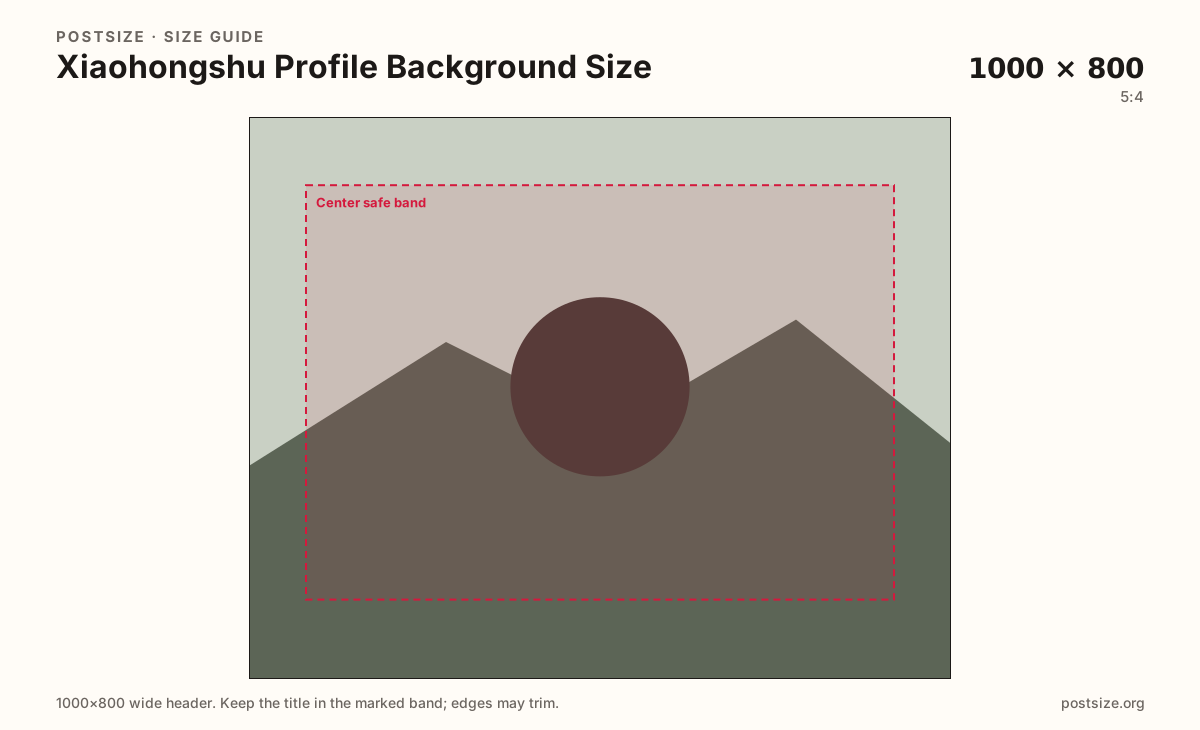
Xiaohongshu (RED) profile backgrounds commonly target about 1000×800 (5:4). Keep subjects centered, leave quiet edges for UI, then download in your browser.
Browser crop · stays on your device
1000 × 800
Add a photo to crop
Upload a photo—or try the sample—then keep the subject in the center band before you download.
This is the personal homepage background strip—not the 3:4 note cover and not a fake X 1500×500 banner.
Export this for Xiaohongshu (RED) upload.
1000×800 5:4
Community / practical homepage background—taller than X’s 3:1 header. Not a note-cover substitute.
Use in tool| Asset | Pixels | Ratio | Notes | Action |
|---|---|---|---|---|
| Profile background (practical) Recommended | 1000×800 | 5:4 | Community / practical homepage background—taller than X’s 3:1 header. Not a note-cover substitute. | Use in tool |
Xiaohongshu (RED / RedNote) lets you dress the top of your personal homepage with a background image. Creator communities commonly ship about 1000×800 (5:4). That is a short landscape card—taller relative to width than X’s classic 1500×500 strip.
Stretching an X or LinkedIn banner into this slot warps faces and pushes type into UI overlap. Stretching a 3:4 note cover sideways is worse. Reuse photography if you want—export a dedicated 5:4 crop here.
Exact pixels can shift with app versions. Treat 1000×800 as a practical default, keep the hero in the center band, and preview on a phone after upload.
The circular profile photo sits on or near this background. Leave the lower-center quieter when your avatar overlaps, and put the mood shot in the open mid band.
Same short banner strip—quiet lower-left for the avatar, subject in the open mid/right band.
Tick these off against your crop preview—nothing is saved.
Similar-looking slots often use different ratios—do not reuse one export for all of them.
1000 × 800
This page. Personal homepage top image.
800 × 800
Circular avatar—separate square.
1080 × 1440
3:4 waterfall card—different job.
1500 × 500
Different ratio—re-crop for RED.
| Surface | Typical size | Note |
|---|---|---|
| Profile background | 1000 × 800 | This page. Personal homepage top image. |
| Profile picture | 800 × 800 | Circular avatar—separate square. |
| Note cover | 1080 × 1440 | 3:4 waterfall card—different job. |
| X header (do not reuse raw) | 1500 × 500 | Different ratio—re-crop for RED. |
A 1500×500 social banner is not the same as RED’s homepage background—about 5:4 in common creator practice. Re-crop; do not stretch.
The note cover sells the waterfall. The background sells the profile visit. Mixing the two exports is how soft, cropped headers happen.
JPG for photos, PNG for flat graphics. Prefer sRGB. Keep weight reasonable for mobile networks.
Upload a photo, choose Profile background (1000×800), drag until the subject clears the center band, then download. Cropping stays in the browser.
From this download to a live upload in a few minutes.
Download the 1000×800 JPG (or PNG) from the tool.
In Xiaohongshu / RED profile settings, update the personal homepage background.
Confirm framing with your avatar visible on phone and desktop web if available.
If the subject sits under UI or the avatar, re-crop toward the open mid band.
About 1000×800 pixels (5:4) is a practical community default for the personal homepage background. Keep the subject centered and preview after upload.
No. X headers are often 1500×500 (3:1). RED’s homepage background is a different ratio—re-crop instead of stretching.
No. Note covers are usually 3:4 for the waterfall. The profile background is a short 5:4 homepage image.
Yes. The in-browser crop stays on your device until you download and upload to Xiaohongshu yourself.