
Live cover (practical)
Recommended1080×1920 9:16
Practical full-screen vertical for live / stream entry cards—taller than the 3:4 note cover.
Use in toolXiaohongshu (RED) · Image size
Xiaohongshu (RED) live covers commonly use a full-phone 9:16 frame at 1080×1920. Keep faces out of chrome bands, then download in your browser.
Browser crop · stays on your device
1080 × 1920
Add a photo to crop
Upload a vertical photo—or try the sample—then keep faces between the UI risk bands before you download.
This is a live-stream still—not the 3:4 note cover and not the 5:4 homepage background.
Export this for Xiaohongshu (RED) upload.
1080×1920 9:16
Practical full-screen vertical for live / stream entry cards—taller than the 3:4 note cover.
Use in tool| Asset | Pixels | Ratio | Notes | Action |
|---|---|---|---|---|
| Live cover (practical) Recommended | 1080×1920 | 9:16 | Practical full-screen vertical for live / stream entry cards—taller than the 3:4 note cover. | Use in tool |
When you go live on Xiaohongshu (RED), the entry card is often a full-phone vertical still. Creator practice commonly ships 1080×1920 (9:16). That is taller than the 3:4 note cover that wins in the two-column waterfall.
Stretching a note cover into 9:16 leaves empty bars or chops the sides. Stretching a TikTok or Reels still can work as a starting file—still re-check RED chrome before you publish.
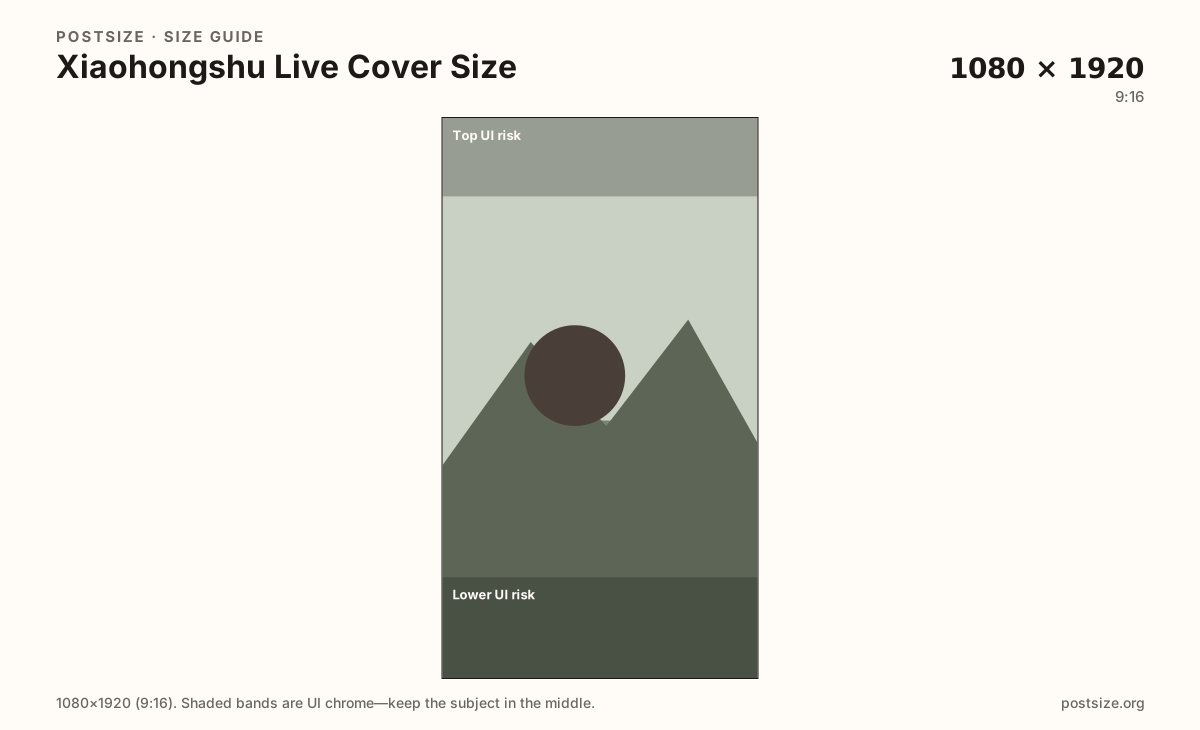
Keep the hook in the clear mid band. Top and bottom UI can cover titles, status, and action buttons depending on client. Exact overlays shift; quiet edges remain the safe habit.
Homepage backgrounds (~1000×800) and circular avatars are different uploads. Export three jobs when you brand a live session: live cover, note promo, and avatar.
Same full-screen frame—top and bottom UI chrome cover anything glued to the edges.
Tick these off against your crop preview—nothing is saved.
Similar-looking slots often use different ratios—do not reuse one export for all of them.
1080 × 1920
This page. Full-screen vertical live card.
1080 × 1440
3:4 waterfall—different ratio.
1000 × 800
Homepage 5:4—not live art.
| Surface | Typical size | Note |
|---|---|---|
| Live cover | 1080 × 1920 | This page. Full-screen vertical live card. |
| Note / video cover | 1080 × 1440 | 3:4 waterfall—different ratio. |
| Profile background | 1000 × 800 | Homepage 5:4—not live art. |
Notes compete as shorter 3:4 stamps in the waterfall. Live cards fill more of the phone height. Reuse the photo, not the finished note export.
Live UIs draw badges, titles, and controls over your pixels. Treat the mid third as the only guaranteed message area.
JPG for photos, PNG for flat graphics. Prefer sRGB. A sharp 1080×1920 usually beats a soft upscale.
Upload a vertical photo, choose Live cover (1080×1920), keep the subject between the risk bands, then download. Cropping stays in the browser.
From this download to a live upload in a few minutes.
Download the 1080×1920 JPG or PNG from the tool.
In Xiaohongshu / RED live settings, set the live cover or entry still.
Preview on a phone before you go live.
If type sits under chrome, re-crop toward the mid band.
1080×1920 (9:16) is a practical community default for live / stream entry stills. Keep the subject out of top and bottom UI bands.
No. Note covers usually use 3:4 (try 1080×1440). Live covers are taller 9:16 frames—export separately.
Often as a starting file—both are 9:16—but re-check Xiaohongshu live chrome before you publish.
Yes. The in-browser crop stays on your device until you download and upload to Xiaohongshu yourself.