
Catalog image (practical)
Recommended1080×1080 1:1
Practical square product still for WhatsApp Business catalogs. Not a Status or Channel cover.
Use in toolWhatsApp · Image size
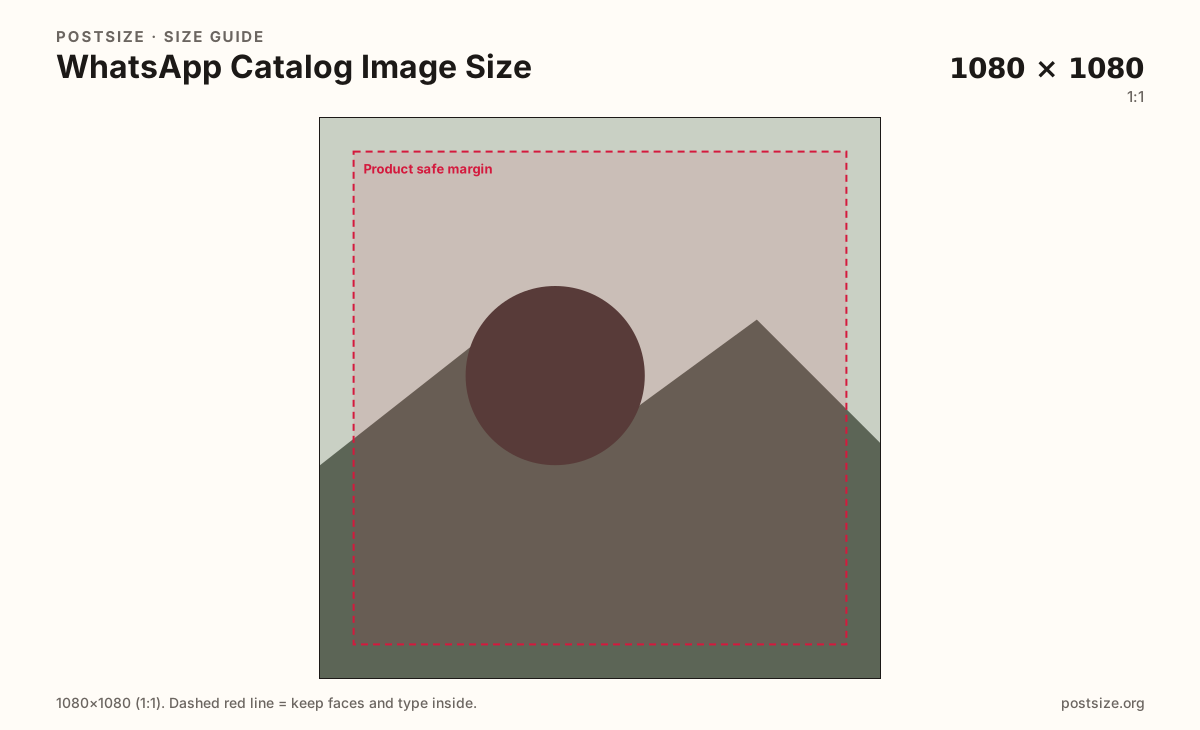
WhatsApp Business catalog tiles look sharpest as a 1080×1080 square. Keep the product inside the safe margin, then download in your browser.
Browser crop · stays on your device
1080 × 1080
Add a photo to crop
Upload a product shot—or try the sample—then keep the item inside the safe margin before you download.
Export a clear 1080×1080 square when the source allows it. Many Business flows still accept smaller files—community habit treats roughly 500×500 as a soft floor, not a reason to ship soft art.
Export this for WhatsApp upload.
1080×1080 1:1
Practical square product still for WhatsApp Business catalogs. Not a Status or Channel cover.
Use in tool| Asset | Pixels | Ratio | Notes | Action |
|---|---|---|---|---|
| Catalog image (practical) Recommended | 1080×1080 | 1:1 | Practical square product still for WhatsApp Business catalogs. Not a Status or Channel cover. | Use in tool |
WhatsApp Business catalogs show products as square tiles inside the chat and catalog browser. Buyers skim those thumbnails before they open a detail. A soft phone shot or a landscape banner forced into the square makes the set look inconsistent.
1080×1080 is a strong practical master: clear after compression, familiar if you already export Instagram square posts, and large enough for zoom-friendly browsing on modern phones. Keep the product centered with a quiet margin so truncated chat previews do not clip handles or labels.
Some Business catalog flows accept smaller uploads. Treat about 500×500 as a practical minimum habit—not a target. Upscaling a 200px logo to 1080px does not invent detail. Start from a sharp capture.
Channel covers (3:1), Status (9:16), and circular icons are different uploads. Never paste a Channel header into the catalog and expect it to read as a product photo.
Same feed frame—keep the subject inside the margin phones actually show.
Tick these off against your crop preview—nothing is saved.
Similar-looking slots often use different ratios—do not reuse one export for all of them.
1080 × 1080
This page. Business catalog product tile.
~500 × 500
Floor many flows tolerate—prefer 1080×1080.
1080 × 1920
9:16 broadcast still—separate guide.
1080 × 360
Wide Channel header—not a product tile.
| Surface | Typical size | Note |
|---|---|---|
| Catalog image | 1080 × 1080 | This page. Business catalog product tile. |
| Soft minimum habit | ~500 × 500 | Floor many flows tolerate—prefer 1080×1080. |
| Status | 1080 × 1920 | 9:16 broadcast still—separate guide. |
| Channel cover | 1080 × 360 | Wide Channel header—not a product tile. |
Catalog UIs often accept smaller squares, and community notes cite roughly 500×500 as a soft minimum. Shipping only the floor looks muddy next to competitors who upload true 1080 masters. Prefer 1080×1080 whenever the camera allows it.
Three jobs, three artboards. The catalog sells one SKU. Status is a vertical broadcast. The Channel cover brands the Channel header.
JPG suits product photography. PNG suits flat graphics on a clean backdrop. Prefer sRGB. Keep weight reasonable for chat media.
Upload a product photo, choose Catalog image (1080×1080), drag until the item clears the margin, then download. Cropping stays in your browser.
From this download to a live upload in a few minutes.
Download the 1080×1080 JPG (photos) or PNG (graphics) from the tool.
In WhatsApp Business / Meta Business Suite, open the catalog and upload the product image.
Preview the tile in chat and in the catalog browser on a phone.
If the item feels cropped, re-crop with more margin and replace the media.
A practical primary size is 1080×1080. Many Business flows tolerate smaller squares—treat about 500×500 as a soft minimum, not the target.
Square tiles are the practical habit for catalog grids. Keep the product centered so chat previews stay intentional.
No. Status is 9:16. Catalog images are square product stills for Business catalogs.
JPG for photographs, PNG for hard-edged graphics. Export sRGB either way.
Yes. This guide includes an in-browser crop—files stay on your device until you download and upload yourself.