
Offline banner
Recommended1920×1080 16:9
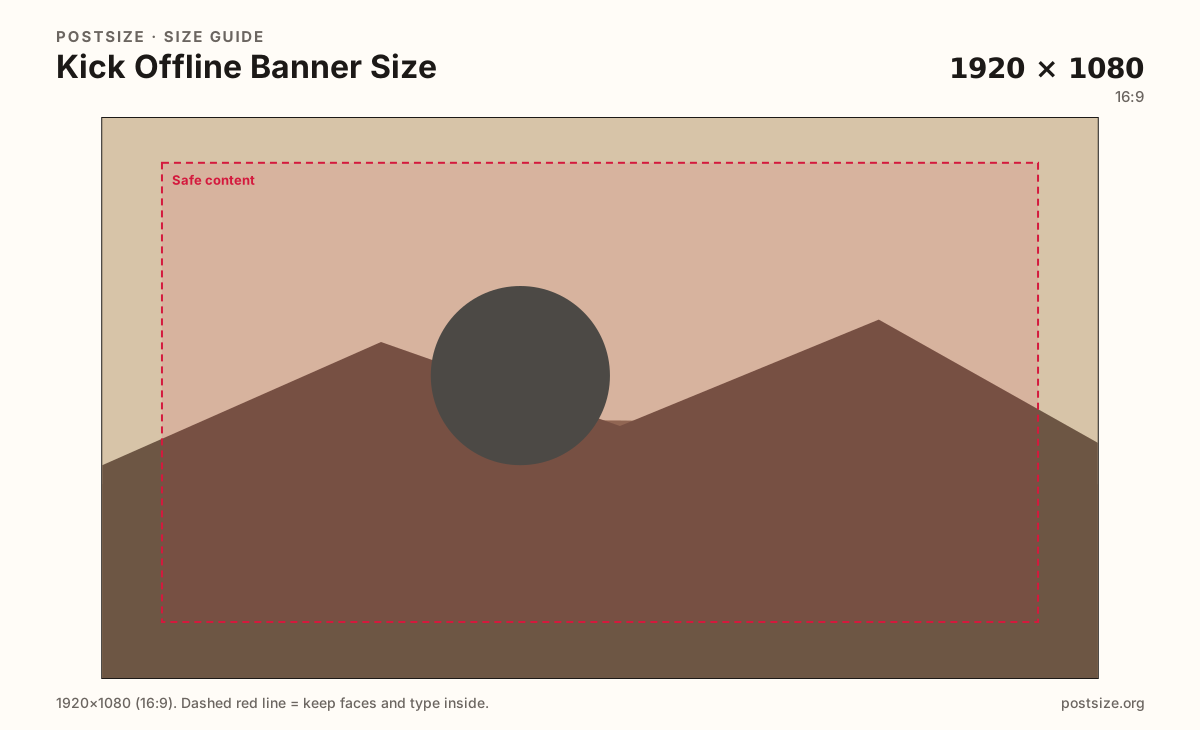
Kick help lists 1920×1080 for the offline / ended-stream screen. Full HD 16:9—not the channel banner.
Use in toolKick · Image size
Kick offline banners are full 16:9 frames at 1920×1080. Use them for ended or offline stream context, keep schedule CTAs clear, then download in your browser.
Browser crop · stays on your device
1920 × 1080
Add a photo to crop
Upload a wide graphic—or try the sample—then keep schedule text and faces inside the margin before you download.
Publish at 1920×1080 (16:9). This is the offline screen upload—not the 1280×700 channel banner, and not Twitch panel art.
Export this for Kick upload.
1920×1080 16:9
Kick help lists 1920×1080 for the offline / ended-stream screen. Full HD 16:9—not the channel banner.
Use in tool| Asset | Pixels | Ratio | Notes | Action |
|---|---|---|---|---|
| Offline banner Recommended | 1920×1080 | 16:9 | Kick help lists 1920×1080 for the offline / ended-stream screen. Full HD 16:9—not the channel banner. | Use in tool |
When a Kick stream has ended or the channel is offline, viewers often see a dedicated offline screen. Kick’s help documents list 1920×1080 (16:9) for that asset. It is a full-frame stage for branding, next-stream times, and socials—not a thin profile strip.
This is a different upload from the channel banner (1280×700). Stretching the short banner into 16:9 letterboxes the art and wastes the offline canvas. Export a true 1920×1080 master with room for a clear schedule call-to-action.
Schedule CTAs work here: “Next live Friday 8pm,” Discord invite lines, or a simple “BRB” beat. Keep type large enough to read on a phone while someone waits. Microscopic panel-style columns fail on a full HD offline frame.
Do not treat this like Twitch under-About panels. Twitch panels are narrow cards under the channel description. Kick’s offline banner is a single 16:9 screen. Design one clear composition, not a stack of tiny panel tiles.
Same landscape card—edges and tiny type fail after compression or multi-image crop.
Tick these off against your crop preview—nothing is saved.
Similar-looking slots often use different ratios—do not reuse one export for all of them.
1920 × 1080
This page. Ended / offline stream screen.
1280 × 700
Profile strip on the channel—separate upload.
512 × 512
Circular avatar—separate square export.
Often ~320 wide
Do not design Kick offline art as panel tiles.
| Surface | Typical size | Note |
|---|---|---|
| Offline banner | 1920 × 1080 | This page. Ended / offline stream screen. |
| Channel banner | 1280 × 700 | Profile strip on the channel—separate upload. |
| Profile picture | 512 × 512 | Circular avatar—separate square export. |
| Twitch panels (not this) | Often ~320 wide | Do not design Kick offline art as panel tiles. |
The channel banner is the shorter strip on the profile page (minimum 1280×700). The offline banner is a full 16:9 screen shown in offline / ended-stream context. They share a brand mood—not a crop.
If you only have one graphic today, design the offline frame first for schedule clarity, then crop a dedicated 1280×700 banner from a wider master—not the other way around.
Viewers who miss the live window need one obvious next step. A large day/time line, timezone if your audience is global, and one social or Discord pointer beat a wall of tiny icons.
Put long rules and panel-style lists elsewhere. The offline frame should answer: when are you back, and where else can they follow?
JPG suits photo backgrounds; PNG suits flat graphics and hard type. Prefer sRGB. Start from a true Full HD master—do not upscale a soft 720p screenshot and hope.
Upload a wide graphic, choose Offline banner (1920×1080), keep faces and schedule type inside the margin, then download. Processing stays in your browser.
From this download to a live upload in a few minutes.
Download the 1920×1080 JPG (or PNG for hard-edged graphics) from the tool.
On kick.com in a browser, open channel / creator settings → offline image / offline banner (wording may vary).
Upload the file and confirm the full-frame preview.
Save, then open the channel while offline (or after ending a test stream) to verify the CTA.
If type looks small on a phone, enlarge the schedule line and re-export.
1920×1080 pixels (16:9), per Kick help for the offline / ended-stream screen context.
The channel banner is 1280×700 on the profile page. The offline banner is 1920×1080 for when the stream is offline or ended. They are separate uploads—do not stretch one into the other.
Yes—that is one of the best uses. Keep the next-stream line large and inside the safe margin so phones can still read it.
No. Twitch panels are narrow cards under About. Kick’s offline banner is a single full 16:9 screen. Design one composition, not a panel collage.
Often as a starting file—both are 16:9. Still re-crop for Kick’s offline messaging and confirm the CTA is clear when the channel is not live.
JPG for photo backgrounds, PNG for hard-edged graphics. Prefer sRGB either way.
On kick.com in browser channel / creator settings, look for offline image or offline banner (labels may vary). It is not the same field as the 1280×700 channel banner.