
Landscape photo post
Recommended1280×720 16:9
Practical wide still that stays sharp when Tumblr scales for the dashboard column.
Use in toolTumblr · Image size
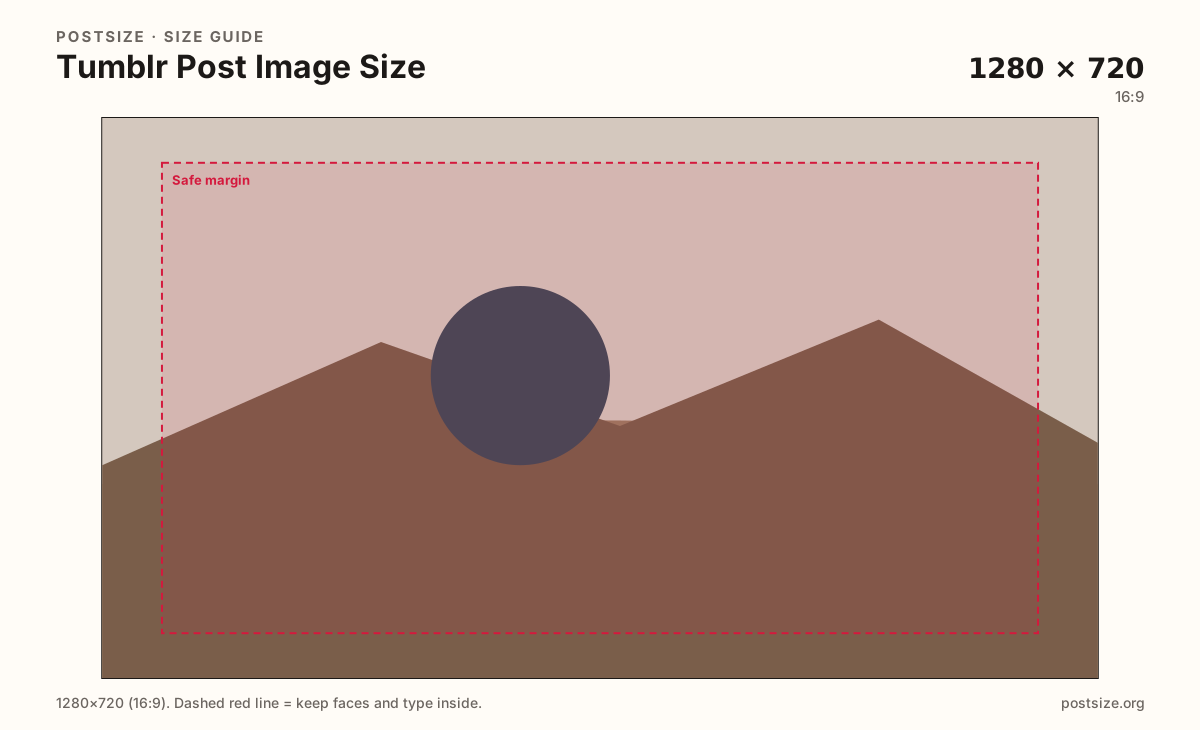
Tumblr photo posts look clear around 1280×720 (16:9) or a tall 1080×1620 (2:3). Export a intentional frame, then download in your browser.
Browser crop · stays on your device
1280 × 720
Add a photo to crop
Upload a photo—or try the sample—then keep the subject inside the safe margin before you download.
Tumblr accepts flexible photo sizes. These presets keep exports intentional for dashboard width instead of uploading a random phone dump.
Export this for Tumblr upload.
1280×720 16:9
Practical wide still that stays sharp when Tumblr scales for the dashboard column.
Use in tool1080×1620 2:3
Vertical still for photo posts that want more height in the feed.
Use in tool| Asset | Pixels | Ratio | Notes | Action |
|---|---|---|---|---|
| Landscape photo post Recommended | 1280×720 | 16:9 | Practical wide still that stays sharp when Tumblr scales for the dashboard column. | Use in tool |
| Tall photo post | 1080×1620 | 2:3 | Vertical still for photo posts that want more height in the feed. | Use in tool |
Unlike a fixed cover slot, Tumblr photo posts accept many ratios. The failure mode is uploading a huge, soft phone dump and hoping the dashboard looks intentional. Export a clean master around 1280px on the long edge so scaling stays sharp.
Landscape 1280×720 works for cinematic stills. Tall 1080×1620 (2:3) claims more vertical space—similar to Pin habits, but this is still Tumblr, not Pinterest discovery.
Photosets split the column into cells. Center subjects inside each cell; edge-hugging faces disappear when Tumblr tiles the set.
Headers and avatars are branding slots, not post substitutes. Do not paste the 2048×1152 header into a post and accept letterboxing as “style.”
Same landscape card—edges and tiny type fail after compression or multi-image crop.
Tick these off against your crop preview—nothing is saved.
Similar-looking slots often use different ratios—do not reuse one export for all of them.
1280 × 720
This page default. Wide dashboard still.
1080 × 1620
Vertical option on this page.
2048 × 1152
Blog banner—not a post.
512 × 512
Identity tile—not a post.
| Surface | Typical size | Note |
|---|---|---|
| Photo post (landscape) | 1280 × 720 | This page default. Wide dashboard still. |
| Photo post (tall) | 1080 × 1620 | Vertical option on this page. |
| Header image | 2048 × 1152 | Blog banner—not a post. |
| Avatar | 512 × 512 | Identity tile—not a post. |
The dashboard shows a narrower column than a full desktop browser window. Fine detail disappears. Prefer bold subjects and short on-image text.
A two- or three-image set splits width. Crop each cell as if it were its own tiny post. A single panoramic split across cells usually chops faces.
JPG for photographs. Prefer sRGB. Tumblr will scale for the theme—start from a clean intentional crop.
Upload a photo, choose Landscape (1280×720) or Tall (1080×1620), drag until the subject clears the margin, then download. Cropping stays in the browser.
From this download to a live upload in a few minutes.
Download the JPG from the tool.
Create a photo post (or photoset) on Tumblr and upload the file(s).
Check the dashboard and your blog theme on phone and desktop.
If framing feels off, re-crop here and replace the image.
There is no single mandatory size. 1280×720 (16:9) and 1080×1620 (2:3) are strong practical exports for clear dashboard photos.
Themes and the dashboard scale images. Intentional crops look better than random phone dumps. Photosets also divide width into cells.
No. Headers follow Tumblr help around 2048×1152. Posts are flexible feed stills—export separately.
Yes. The in-browser crop stays on your device until you download and upload to Tumblr yourself.