
Header (help-center ideal)
Recommended2048×1152 16:9
Tumblr appearance help cites 2048×1152 (16:9) as the ideal header image size.
Use in toolTumblr · Image size
Tumblr appearance help recommends about 2048×1152 (16:9) for header images. Keep subjects centered for theme crops, then download in your browser.
Browser crop · stays on your device
2048 × 1152
Add a photo to crop
Upload a wide photo—or try the sample—then keep the subject in the center band before you download.
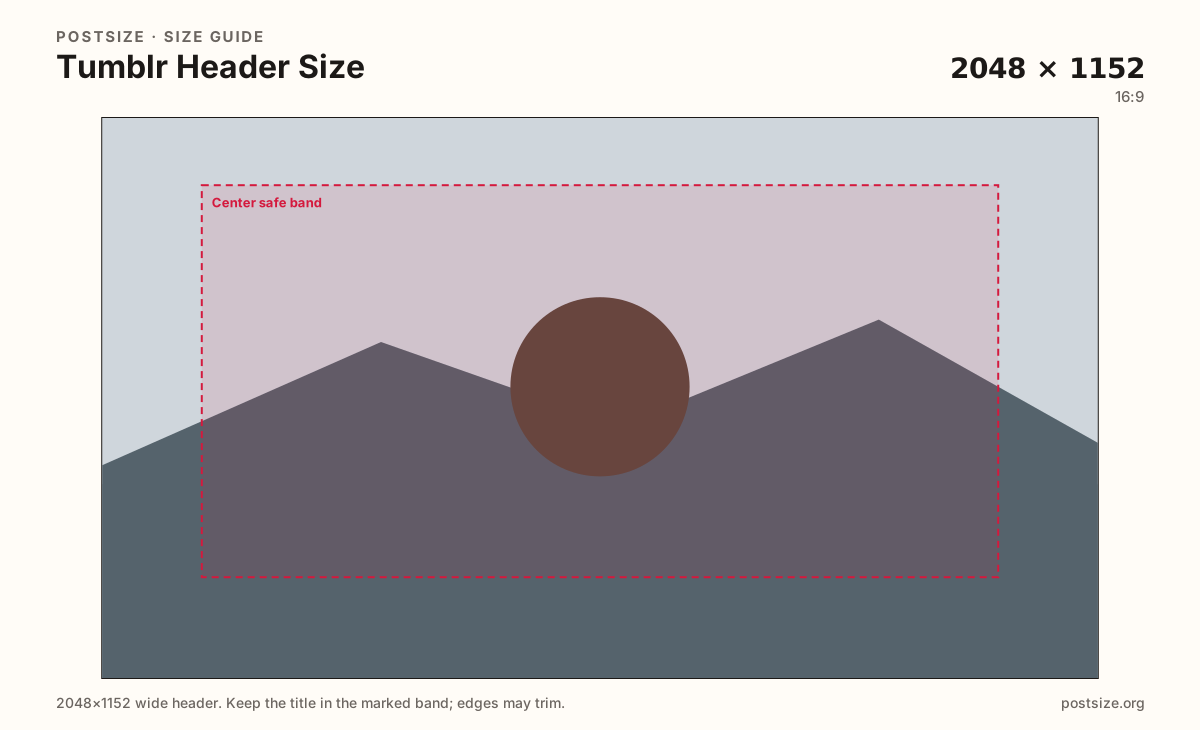
Start with Tumblr’s documented 2048×1152. Themes can re-crop—keep the hero in the center band.
Export this for Tumblr upload.
2048×1152 16:9
Tumblr appearance help cites 2048×1152 (16:9) as the ideal header image size.
Use in tool| Asset | Pixels | Ratio | Notes | Action |
|---|---|---|---|---|
| Header (help-center ideal) Recommended | 2048×1152 | 16:9 | Tumblr appearance help cites 2048×1152 (16:9) as the ideal header image size. | Use in tool |
Reference sizes and crops—not always separate upload files.
3000×1055 ~2.84:1
Many older guides used ~3000×1055. Themes differ—prefer 2048×1152 unless your theme docs ask for the wider strip.
Use in tool| Asset | Pixels | Ratio | Notes | Action |
|---|---|---|---|---|
| Older theme-style alternate | 3000×1055 | ~2.84:1 | Many older guides used ~3000×1055. Themes differ—prefer 2048×1152 unless your theme docs ask for the wider strip. | Use in tool |
Tumblr’s appearance help lists an ideal header around 2048×1152 (16:9) with a roughly 10 MB file cap. That is the honest default for 2026 uploads when you follow official guidance.
Custom themes and mobile layouts can still trim the sides or change height. Keep logos and faces in the center safe band. Treat far edges as atmosphere.
Older internet guides often cited 3000×1055 (~2.84:1). That ratio still appears in theme communities. If your theme documentation asks for it, use the alternate preset—do not stretch a 16:9 file into 2.84:1 and hope.
The avatar is a separate square. Leave room if your theme overlaps the avatar on the header, and never stretch the header into the avatar slot.
Same header strip—keep the avatar pocket clear and the subject in the open band.
Tick these off against your crop preview—nothing is saved.
Similar-looking slots often use different ratios—do not reuse one export for all of them.
2048 × 1152
This page. Blog banner per Tumblr help.
512 × 512
Square identity—separate export.
1280 × 720
Feed still—different job.
| Surface | Typical size | Note |
|---|---|---|
| Header image | 2048 × 1152 | This page. Blog banner per Tumblr help. |
| Avatar | 512 × 512 | Square identity—separate export. |
| Photo post | 1280 × 720 | Feed still—different job. |
Official pixels get you a clean master. Themes decide what visitors see. Center the subject so both default Tumblr chrome and custom CSS have something safe to keep.
Prefer Tumblr help’s 2048×1152 unless your theme explicitly wants the wider ~3000×1055 strip. Those are different artboards. Reuse the photo, then re-crop.
JPEG, PNG, WEBP, and sometimes GIF are supported for headers. Prefer sRGB. Keep weight reasonable under Tumblr’s appearance caps.
Upload a wide photo, choose Header (2048×1152), drag until the subject clears the center band, then download. Switch to 3000×1055 only when your theme requires it.
From this download to a live upload in a few minutes.
Download the 2048×1152 JPG (or PNG) from the tool.
In Tumblr appearance options, update the header image.
Check desktop and mobile theme layouts.
If the logo sits off-screen, re-crop toward the center and upload again.
Tumblr appearance help cites an ideal around 2048×1152 (16:9). Keep critical content centered because themes may re-crop.
That wider ratio appears in older guides and some themes. Use it when your theme docs ask—otherwise prefer 2048×1152.
No. Headers are wide banners. Avatars are squares. Export separately.
Yes. The in-browser crop stays on your device until you download and upload to Tumblr yourself.