
Carousel slide (practical)
Recommended1080×1350 4:5
Best default for Threads multi-image slides. Match every slide to this ratio.
Use in toolThreads · Image size
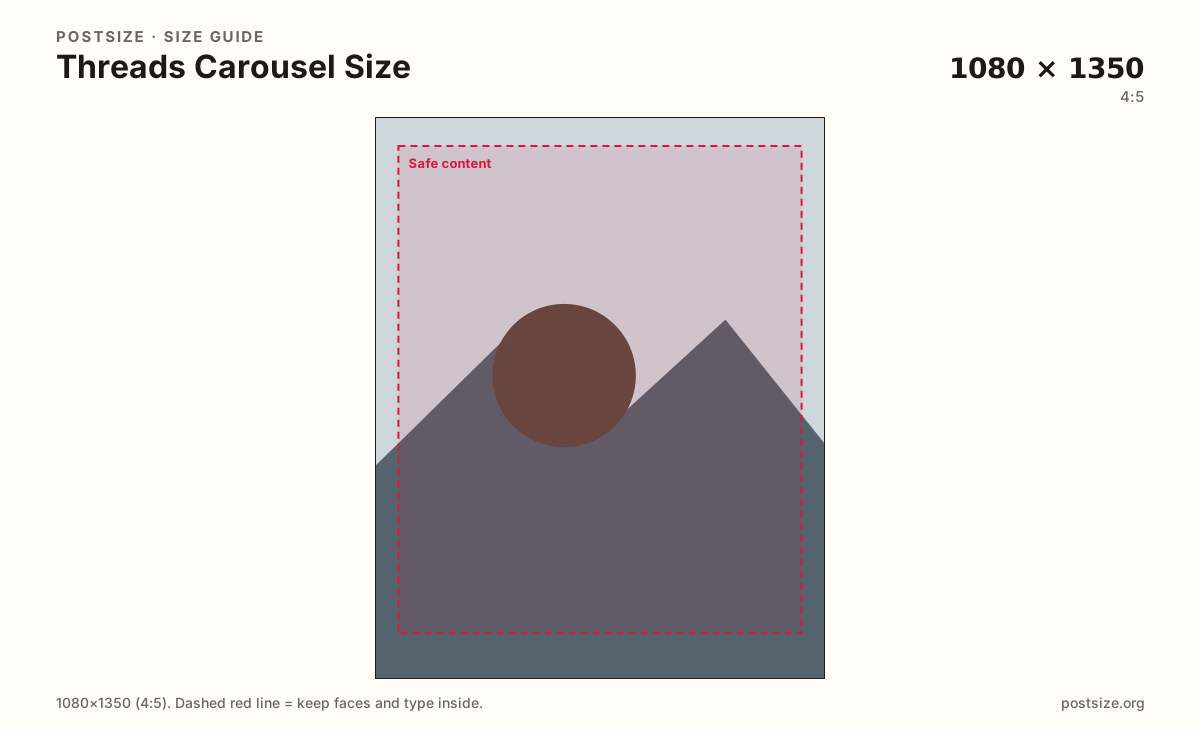
Threads carousels work best at 1080×1350 (4:5). Keep every slide on that same ratio, leave a safe margin, then download each frame.
Browser crop · stays on your device
1080 × 1350
Add a photo to crop
Upload a slide—or try the sample—then keep faces and type inside the margin before you download.
This is a carousel slide—not a single text-first post crop reused carelessly, and not a mixed-ratio stack. Export every slide at the same size as the first.
Export this for Threads upload.
1080×1350 4:5
Best default for Threads multi-image slides. Match every slide to this ratio.
Use in tool1080×1080 1:1
Optional when the whole set is square—never mix with 4:5 in one carousel.
Use in tool| Asset | Pixels | Ratio | Notes | Action |
|---|---|---|---|---|
| Carousel slide (practical) Recommended | 1080×1350 | 4:5 | Best default for Threads multi-image slides. Match every slide to this ratio. | Use in tool |
| Square carousel slide | 1080×1080 | 1:1 | Optional when the whole set is square—never mix with 4:5 in one carousel. | Use in tool |
Threads is text-first, but multi-image posts still swipe like a carousel. A practical 1080×1350 (4:5) habit keeps every slide tall beside the caption and avoids jump cuts when people swipe. Lock the ratio on slide 1, then export every later frame from that same preset.
A single Threads post can stand alone as one photo. A carousel is a sequence—same margins, type scale, and subject size across the set. Mixing portrait and square mid-deck feels unfinished next to clean Meta feed stacks.
Instagram carousel exports often transfer well because both surfaces lean on 1080×1350. Still re-check: Threads chrome, reply context, and avatar placement differ. Sticker-heavy IG layouts can feel cramped here.
Keep on-image type short and large. Long explanations belong in the Threads text field—not as micro-copy burned onto every slide.
Same feed frame—keep the subject inside the margin phones actually show.
Tick these off against your crop preview—nothing is saved.
Similar-looking slots often use different ratios—do not reuse one export for all of them.
1080 × 1350
This page. One 4:5 frame in the swipe set.
1080 × 1350
One photo beside text—not a stack.
1080 × 1080
Only if the whole carousel is square.
Often 1080 × 1350
Similar habit—re-check Threads chrome.
| Surface | Typical size | Note |
|---|---|---|
| Carousel slide | 1080 × 1350 | This page. One 4:5 frame in the swipe set. |
| Single Threads post | 1080 × 1350 | One photo beside text—not a stack. |
| Square option | 1080 × 1080 | Only if the whole carousel is square. |
| Instagram carousel | Often 1080 × 1350 | Similar habit—re-check Threads chrome. |
People skim replies as much as images. Make every slide self-contained enough to understand out of order, while still rewarding a full swipe with a clear narrative.
One sharp photo belongs on the Threads post page. A multi-step story belongs here as matching 4:5 slides. Instagram carousels are a strong starting file—still preview inside Threads before you publish.
Export 1080×1350 per slide in sRGB—or all 1080×1080 if the whole set is square. Keep titles inside the safe margin. Prefer consistent naming (01–10) before upload.
Upload each slide’s source, keep Carousel slide (1080×1350) selected—or Square for an all-square set—drag until the subject sits in the safe margin, then download. Repeat for the full set.
From this download to a live upload in a few minutes.
Download each 1080×1350 slide (JPG for photos, PNG for flat graphics).
Open Threads → new post → add images → upload the set in order.
Write the long copy in the text field; keep on-image words short.
Preview the swipe on a phone before publishing.
If you cross-posted from Instagram, confirm height stays steady in Threads.
A practical size is 1080×1350 (4:5) per slide. Square 1080×1080 works only if every slide in the set is square.
Yes—match every slide to the first. Mixed ratios cause uneven crops and jump cuts while people swipe.
Same practical 4:5 pixels, different job. A post is one image; a carousel is a matched swipe set with a sequence and last-slide CTA.
Often yes at 1080×1350—but re-check framing inside Threads. Chrome and reply context still differ.
Yes. Crop each slide in the browser, then upload the set on Threads yourself.