
Community mobile banner
Recommended1600×480 10:3
Practical taller community header habit for mobile-oriented subreddit art. Desktop community banners commonly use 1920×384.
Use in toolReddit · Image size
Reddit community mobile banners often prefer a taller 1600×480 frame. Keep the sub name centered, then download in your browser—do not confuse it with the desktop 1920×384 header.
Browser crop · stays on your device
1600 × 480
Add a photo to crop
Upload a wide community graphic—or try the sample—then keep the sub name in the center band before you download.
Publish 1600×480 when you are targeting the mobile-oriented community banner slot. Desktop-style community headers are a different artboard at 1920×384 (5:1)—export separately.
Export this for Reddit upload.
1600×480 10:3
Practical taller community header habit for mobile-oriented subreddit art. Desktop community banners commonly use 1920×384.
Use in tool| Asset | Pixels | Ratio | Notes | Action |
|---|---|---|---|---|
| Community mobile banner Recommended | 1600×480 | 10:3 | Practical taller community header habit for mobile-oriented subreddit art. Desktop community banners commonly use 1920×384. | Use in tool |
Subreddit appearance settings can expose different banner habits for desktop and mobile. The desktop-style community banner many mods know is a short 1920×384 (5:1) strip. The mobile-oriented frame often lands near 1600×480 (10:3)—taller relative height so phones have more vertical brand room.
Stretching a 5:1 desktop export into 10:3 squashes logos and leaves empty bands. Building only at 1600×480 and uploading it as the desktop header can look cropped on wide monitors. Treat them as a pair when your theme supports both.
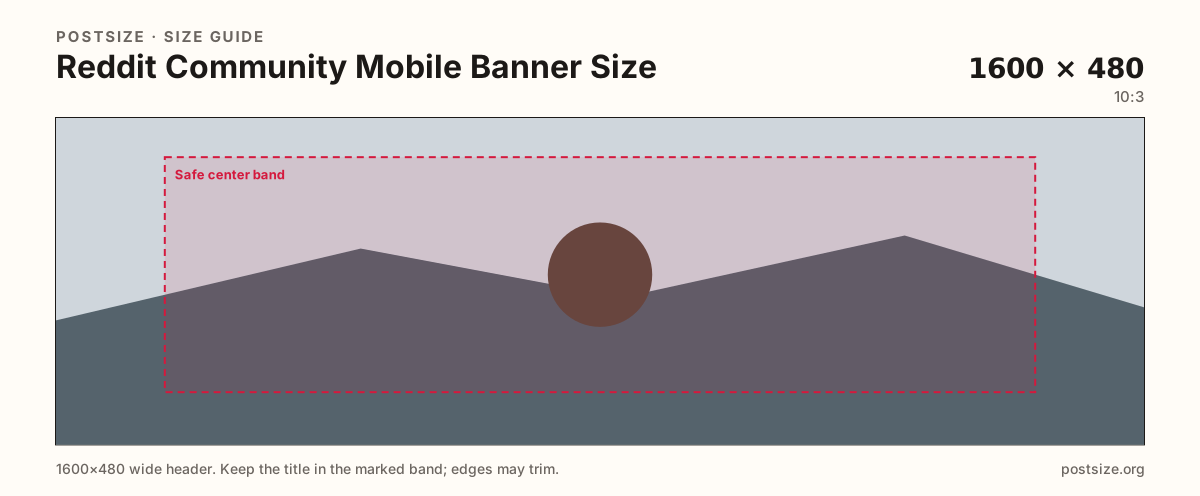
Put the community name and primary mark in the center safe band. Far edges are atmosphere—phones and layout chrome can tighten them. Pair the banner with the community icon so search and feed lists stay recognizable.
Personal profile banners look similar but upload from the user profile editor. Moderators change community banners in community appearance / mod tools. Soft meme screenshots look unfinished next to a calm brand stage.
Same short banner strip—quiet lower-left for the avatar, subject in the open mid/right band.
Tick these off against your crop preview—nothing is saved.
Similar-looking slots often use different ratios—do not reuse one export for all of them.
1600 × 480
This page. Taller mobile-oriented header.
1920 × 384
5:1 desktop-style community header—separate guide.
512 × 512
Circle mark—separate upload.
1920 × 384
Personal account header—not community art.
| Surface | Typical size | Note |
|---|---|---|
| Community mobile banner | 1600 × 480 | This page. Taller mobile-oriented header. |
| Community desktop banner | 1920 × 384 | 5:1 desktop-style community header—separate guide. |
| Community icon | 512 × 512 | Circle mark—separate upload. |
| Profile banner | 1920 × 384 | Personal account header—not community art. |
Desktop community banners are commonly 1920×384 (5:1). Mobile-oriented banners often prefer 1600×480 (10:3). Reusing one file for both usually fails one of the two crops.
Phones and Reddit chrome can trim the far sides of a wide banner. A wordmark glued only to the left or right rim often disappears for some visitors.
JPG suits photo backgrounds; PNG suits flat brand art. Prefer sRGB. Start from a sharp master—Reddit compression punishes soft upscales.
Upload a wide graphic, choose Community mobile banner (1600×480), keep the title inside the center band, then download. Cropping stays in your browser.
From this download to a live upload in a few minutes.
Download the 1600×480 JPG or PNG from the tool.
As a mod, open community appearance / look and feel and update the mobile-oriented banner if your settings expose that slot.
Confirm on a phone and compare with the desktop 1920×384 header.
If the title clips, re-crop with more center margin and replace the file.
A practical size is 1600×480 (10:3). Desktop-style community banners commonly use 1920×384—export them separately.
No. Desktop community headers are often 1920×384 (5:1). Mobile-oriented art here targets 1600×480.
No. Profile banners belong to your account. Community banners upload in subreddit appearance / mod tools.
Yes, if your community appearance still uses a desktop-style header. Pair it with this 1600×480 export when both slots exist.
Yes. This guide includes an in-browser crop—files stay on your device until you download and upload yourself.