
Space cover (practical)
Recommended1200×628 ~1.91:1
Practical Quora Space cover card. Community habit near link/OG cards—preview on the Space after upload.
Use in toolQuora · Image size
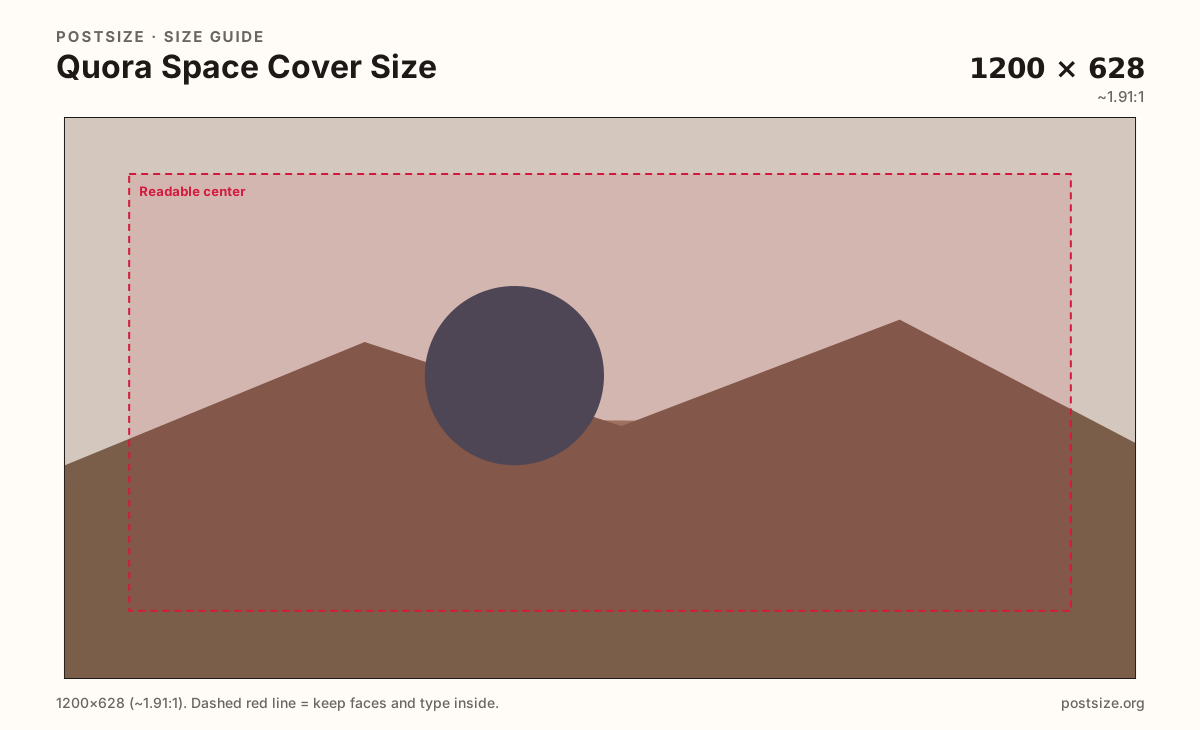
Quora Space covers commonly use a wide ~1200×628 card. Export that practical size, keep the topic hook clear, then download—this is not a profile photo.
Browser crop · stays on your device
1200 × 628
Add a photo to crop
Upload a topic graphic—or try the sample—then keep the hook inside the safe zone before you download.
Spaces are topic communities on Quora. Profile pictures are separate circular stamps.
Export this for Quora upload.
1200×628 ~1.91:1
Practical Quora Space cover card. Community habit near link/OG cards—preview on the Space after upload.
Use in tool| Asset | Pixels | Ratio | Notes | Action |
|---|---|---|---|---|
| Space cover (practical) Recommended | 1200×628 | ~1.91:1 | Practical Quora Space cover card. Community habit near link/OG cards—preview on the Space after upload. | Use in tool |
Quora Spaces are topic-focused communities: creators and brands gather followers around a subject, then publish posts and answers inside that Space. The cover is the wide card that signals the topic before someone follows.
1200×628 is a practical community size near familiar Open Graph / Facebook share cards. It is honest UI sizing—not a forever official pixel mandate. Preview the Space page after upload.
Profile pictures stay small circles (practical 400×400). Stretching a Space cover into an avatar (or the reverse) fails both jobs.
Reddit banners and Facebook group covers can inspire art, but Quora Spaces reward clear topic literacy—what is this Space about?—over decorative noise.
Same landscape card—edges and tiny type fail after compression or multi-image crop.
Tick these off against your crop preview—nothing is saved.
Similar-looking slots often use different ratios—do not reuse one export for all of them.
1200 × 628
This page. Practical Space topic card.
400 × 400
Circular avatar—separate guide.
1200 × 630
Similar ratio starter—preview on Quora.
Varies
Inline answer art—not the Space cover.
| Surface | Typical size | Note |
|---|---|---|
| Space cover | 1200 × 628 | This page. Practical Space topic card. |
| Profile picture | 400 × 400 | Circular avatar—separate guide. |
| Facebook / OG card | 1200 × 630 | Similar ratio starter—preview on Quora. |
| Answer image (ad hoc) | Varies | Inline answer art—not the Space cover. |
Followers decide in a second whether this Space matches their interest. One clear subject plus a short title beats a collage of every related niche.
Profiles are personal trust stamps; Spaces are topic banners. Facebook/OG cards share a convenient ratio—still preview Quora chrome.
JPG for photos; PNG for hard titles and icons. Prefer sRGB. Keep weight reasonable for mobile uploads.
Upload a topic graphic, choose Space cover (1200×628), keep the hook in the zone, then download.
From this download to a live upload in a few minutes.
Download the 1200×628 JPG or PNG from the tool.
In Quora, open Space settings / appearance and upload the cover.
Preview the Space page on a phone.
If the topic is unclear, simplify the hook and re-export.
A practical export is 1200×628 (~1.91:1). Preview on the Space page after upload.
A Space is a topic community on Quora—separate from your personal profile. The cover brands that community.
No. Profile pictures are small circles (practical 400×400). Space covers are wide topic cards.
No. Practical community sizing as of 2026-08-21. Always preview before you publish.
Yes. Files stay on your device until you download and upload to Quora yourself.