
Practical square
Recommended400×400 1:1
Practical square for Quora circular avatars. Keep the face inside the guide—preview on Quora.
Use in toolQuora · Image size
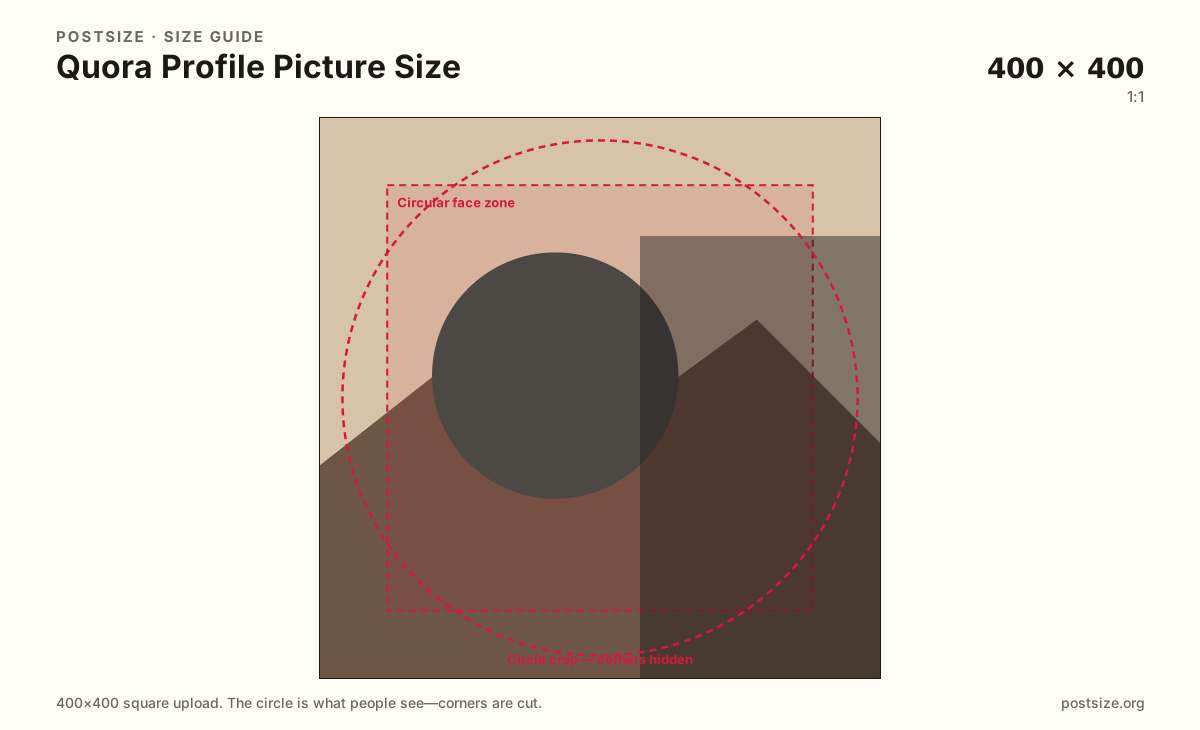
Quora shows your photo as a circle beside answers and profiles. Export a clear 400×400 square, keep the face inside the guide, then download.
Browser crop · stays on your device
400 × 400
Add a photo to crop
Upload a headshot or logo—or try the sample—then keep the subject inside the circle guide before you download.
Answers and feeds shrink this file. Space covers are a different wide card.
Export this for Quora upload.
400×400 1:1
Practical square for Quora circular avatars. Keep the face inside the guide—preview on Quora.
Use in tool| Asset | Pixels | Ratio | Notes | Action |
|---|---|---|---|---|
| Practical square Recommended | 400×400 | 1:1 | Practical square for Quora circular avatars. Keep the face inside the guide—preview on Quora. | Use in tool |
On Quora, your avatar sits beside every answer in a feed of experts and opinions. A practical 400×400 square with a clear face builds more trust than a soft crop from a Space cover.
Circles clip corners. Wide wordmarks and edge-only logos fail first in answer lists. Fill most of the guide with one recognizable face or simple mark.
LinkedIn and Twitter/X avatars can be starters. Quora’s answer chrome still deserves a dedicated preview—especially for professional credentials audiences expect.
Space covers (~1200×628) brand topic communities. They are not substitutes for a personal avatar.
Same circle mask—corners disappear; design for the tiny comment-size icon.
Tick these off against your crop preview—nothing is saved.
Similar-looking slots often use different ratios—do not reuse one export for all of them.
400 × 400
This page. Circular answer / profile stamp.
1200 × 628
Topic community card—separate guide.
Square starters
Common starters—re-crop for Quora.
Not the avatar
Put credentials in bio / answers, not rim text.
| Surface | Typical size | Note |
|---|---|---|
| Profile picture | 400 × 400 | This page. Circular answer / profile stamp. |
| Space cover | 1200 × 628 | Topic community card—separate guide. |
| LinkedIn / X avatar | Square starters | Common starters—re-crop for Quora. |
| Credentials graphic | Not the avatar | Put credentials in bio / answers, not rim text. |
Readers decide whether to trust an answer partly from the face next to it. Clear, professional headshots usually outperform abstract logos for personal accounts.
Your profile is you; a Space is a topic community. Keep both exports. Do not invent a fake wide personal banner as a Quora profile header here.
JPG for photos; PNG for flat logos. Prefer sRGB. Keep weight light for mobile profile updates.
Upload a headshot, keep Practical square selected, drag until the face sits in the guide, then download.
From this download to a live upload in a few minutes.
Download the 400×400 JPG or PNG from the tool.
In Quora, open profile settings and upload the photo.
Check how it looks beside an answer on a phone.
If the face clips, enlarge and re-export.
A practical export is 400×400 (1:1). Quora shows it as a circle—preview beside an answer after upload.
No. Space covers are wide topic cards (practical 1200×628). Avatars are small circles.
Often as a starter. Re-crop to 400×400 and confirm the circle on Quora.
No. Practical community sizing as of 2026-08-21. Always preview before you publish.
Yes. Files stay on your device until you download and upload to Quora yourself.