
Post feed (recommended)
Recommended1920×1080 16:9
Patreon help recommends 1920×1080 for image posts and inline images in the member feed.
Use in toolPatreon · Image size
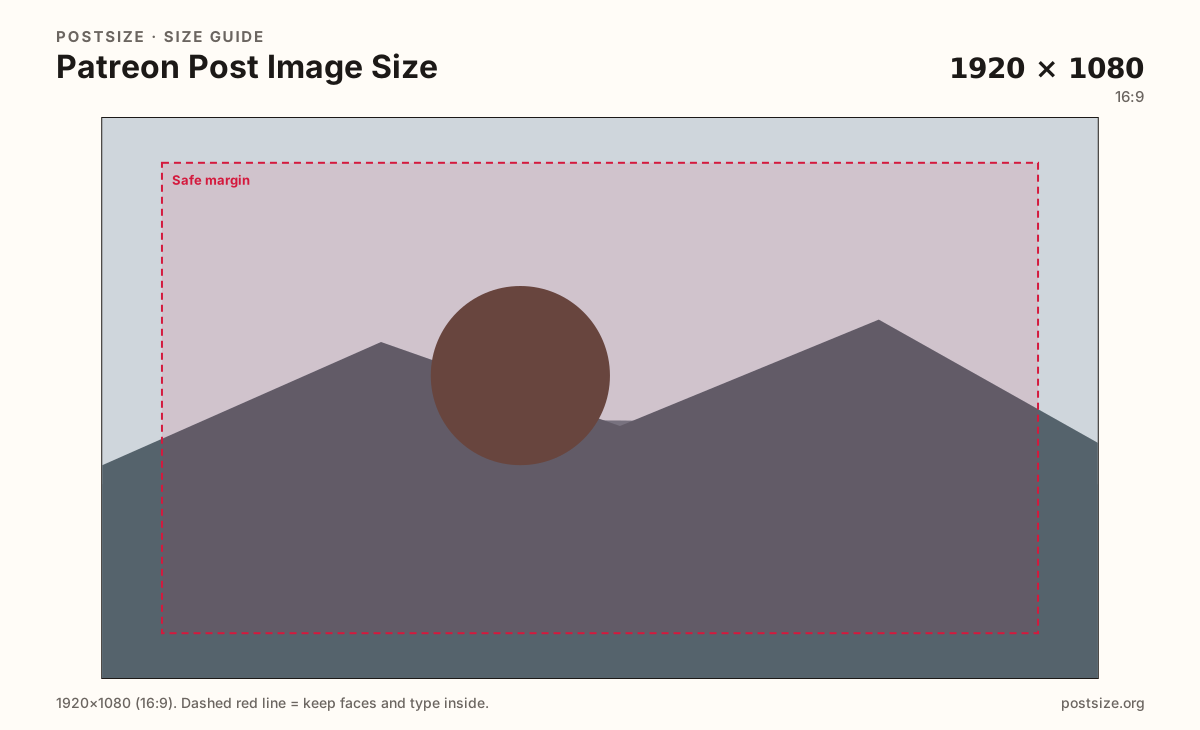
Patreon recommends 1920×1080 (16:9) for post-feed images. Export a clear landscape still, keep subjects inside the safe margin, then download in your browser.
Browser crop · stays on your device
1920 × 1080
Add a photo to crop
Upload a photo or graphic—or try the sample—then keep the subject inside the safe margin before you download.
Design for a 16:9 feed card. Other ratios can show side bars in the post feed—prefer this frame for the cleanest look.
Export this for Patreon upload.
1920×1080 16:9
Patreon help recommends 1920×1080 for image posts and inline images in the member feed.
Use in tool| Asset | Pixels | Ratio | Notes | Action |
|---|---|---|---|---|
| Post feed (recommended) Recommended | 1920×1080 | 16:9 | Patreon help recommends 1920×1080 for image posts and inline images in the member feed. | Use in tool |
Patreon help lists 1920×1080 for image posts and inline images in the post feed. The feed presents images in a 16:9-friendly frame—other ratios can show bars or unexpected crops.
This is not the creator-page cover. The cover is a short 1600×400 banner. Stretching that strip into a post looks unfinished next to native 16:9 art.
Gallery and inline images still benefit from the same ratio habit. Keep important faces and type inside a quiet margin so compression and UI chrome do not nibble the hook.
Tier images, drops covers, and digital-product heroes are other slots with different recommended sizes. Start here for member posts; re-crop if you are dressing a tier card or drop.
Same landscape card—edges and tiny type fail after compression or multi-image crop.
Tick these off against your crop preview—nothing is saved.
Similar-looking slots often use different ratios—do not reuse one export for all of them.
1920 × 1080
This page. Member feed stills.
1600 × 400
Page banner—different ratio.
1024 × 1024
Circular avatar—separate file.
| Surface | Typical size | Note |
|---|---|---|
| Post / inline image | 1920 × 1080 | This page. Member feed stills. |
| Cover / hero | 1600 × 400 | Page banner—different ratio. |
| Profile picture | 1024 × 1024 | Circular avatar—separate file. |
Patreon notes that the post feed displays images in a 16:9 ratio. Matching that frame avoids letterboxing and keeps the hero intentional. You can upload other shapes—expect bars or a tighter crop.
Three jobs, three artboards. The cover sells the page at 4:1. The avatar is a circle. The post still carries the update in the feed at 16:9.
JPG for photos, PNG for flat graphics. Prefer sRGB. A sharp 1920×1080 usually looks better than a huge noisy master Patreon will recompress anyway.
Upload a photo, choose Post feed (1920×1080), drag until the subject clears the margin, then download. Cropping stays in the browser.
From this download to a live upload in a few minutes.
Download the 1920×1080 JPG (photos) or PNG (graphics) from the tool.
Create or edit a Patreon post and insert the image.
Preview the member feed on phone and desktop.
If bars appear or the subject feels cropped, re-crop here and replace the file.
1920×1080 (16:9) is the practical recommended size for image posts and inline images in the member feed.
Yes, but the feed is 16:9-friendly. Other shapes may show bars or crop tighter—prefer 16:9 for the cleanest look.
No. Covers are 1600×400 (4:1). Posts are 1920×1080 (16:9). Export separately.
JPG for photographs, PNG for hard-edged graphics. Export sRGB.
Yes. The in-browser crop stays on your device until you download and upload to Patreon yourself.