
OG / social image (practical)
Recommended1200×628 ~1.91:1
Practical ~1.91:1 card for Medium article and social link previews.
Use in toolMedium · Image size
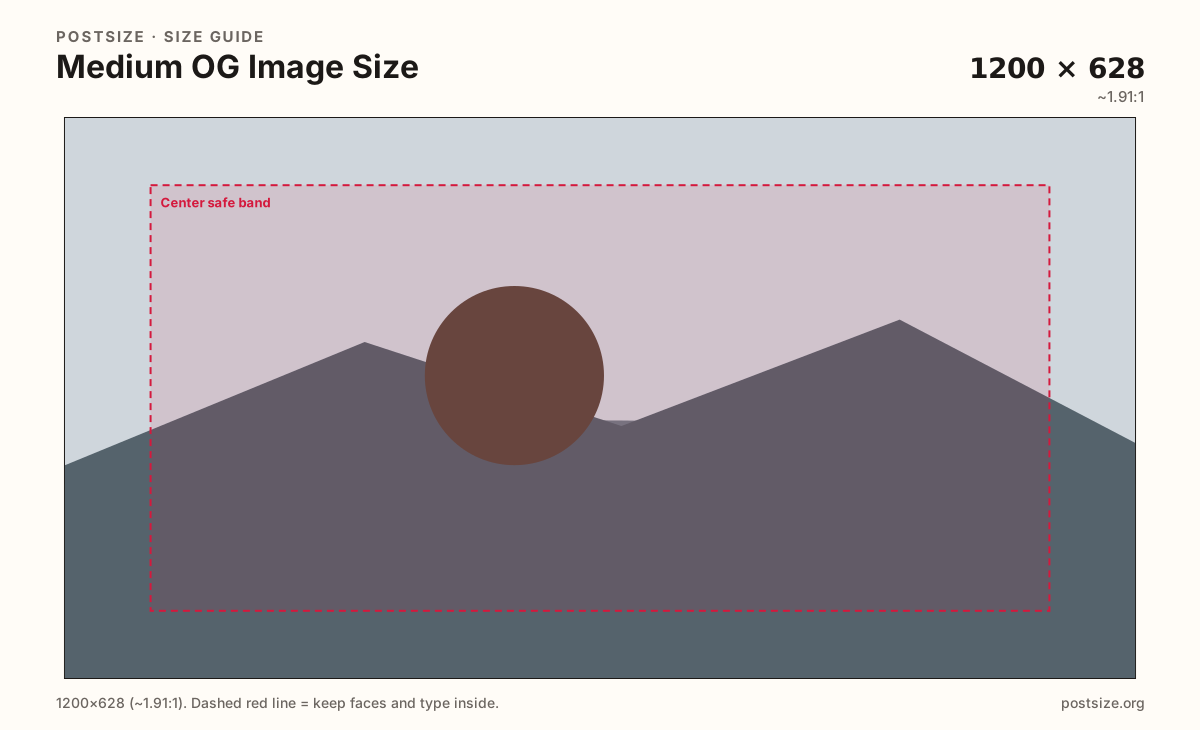
Medium article and publication social cards commonly use 1200×628. Keep headlines inside the center band, then download in your browser.
Browser crop · stays on your device
1200 × 628
Add a photo to crop
Upload a story photo or flat graphic—or try the sample—then keep the headline inside the center band before you download.
This is the share card—not the square publication logo. Protect the center headline; edges can clip in chat apps.
Export this for Medium upload.
1200×628 ~1.91:1
Practical ~1.91:1 card for Medium article and social link previews.
Use in tool| Asset | Pixels | Ratio | Notes | Action |
|---|---|---|---|---|
| OG / social image (practical) Recommended | 1200×628 | ~1.91:1 | Practical ~1.91:1 card for Medium article and social link previews. | Use in tool |
When someone shares a Medium story on X, Facebook, LinkedIn, Slack, or iMessage, platforms often pull a wide ~1200×628 preview. That card is the sales pitch for the click—long before anyone opens the essay. Faces and headlines parked on the far edges can clip behind platform chrome.
Publication logos are squares. Stretching a logo or a vertical phone photo into 1200×628 looks unfinished next to editorial cards with a clear subject and one short title. Design the share image for the story hook, not for the publication monogram.
Medium may also use the story’s featured image in-product. Treat the OG export as the social master: high contrast, readable at chat-preview size, and free of microscopic captions. Soft screenshots of the Medium editor UI look amateur next to purpose-built cards.
Export once for Medium’s social / custom preview settings, then verify the live share on at least one network. Caches linger—if you swap art mid-campaign, expect some clients to show the old card until refresh.
Same landscape card—edges and tiny type fail after compression or multi-image crop.
Tick these off against your crop preview—nothing is saved.
Similar-looking slots often use different ratios—do not reuse one export for all of them.
1200 × 628
This page. Story share card.
1000 × 1000
Square mark—separate guide.
Varies
Editorial photo—still re-crop for OG.
Often ~1200 wide
Similar wide card—re-export per platform.
| Surface | Typical size | Note |
|---|---|---|
| OG / social image | 1200 × 628 | This page. Story share card. |
| Publication logo | 1000 × 1000 | Square mark—separate guide. |
| In-story featured image | Varies | Editorial photo—still re-crop for OG. |
| Substack OG habit | Often ~1200 wide | Similar wide card—re-export per platform. |
Most people see your Medium OG card as a small rectangle in a feed or DM—not as a full-bleed hero. One face or product plus a short title beats a dense magazine cover.
Test at phone width. If you cannot read the hook without zooming, the share will underperform even when the essay is excellent.
The logo is for chrome. The OG card sells one story. Stretching a 1000×1000 mark into 1200×628 wastes the wide canvas and looks like a placeholder.
Export 1200×628 as JPG or PNG in sRGB. Keep the subject inside the center band. Avoid huge masters that social crawlers may time out on.
Upload a photo or flat graphic, keep OG / social image (1200×628) selected, drag until the headline sits in the center band, then download. Cropping stays in the browser.
From this download to a live upload in a few minutes.
Download the 1200×628 JPG or PNG from the tool.
In Medium, set the story’s social / custom preview image (wording varies) to this file.
Share the story link into a private Slack or X draft and confirm the unfurl.
If the headline clips, enlarge it inside the center band and replace.
About 1200×628 (~1.91:1) is a practical social / link-preview card for Medium stories.
No. Logos are squares (~1000×1000). OG images are wide cards for sharing.
Mainly in link previews when the story URL is shared on social apps and chat tools. In-product featured images can differ—still crop a dedicated OG master.
Reuse the photo, then re-crop to 1200×628 and check Medium’s preview. Ratios and safe zones are close but not identical across products.
JPG for photographs, PNG for flat title graphics. Prefer sRGB either way.