
Practical landscape default
Recommended1920×1080 16:9
Honest practical default for timeline cards—not a single mandatory Mastodon pixel rule. Instance attachment limits and clients still vary.
Use in toolMastodon · Image size
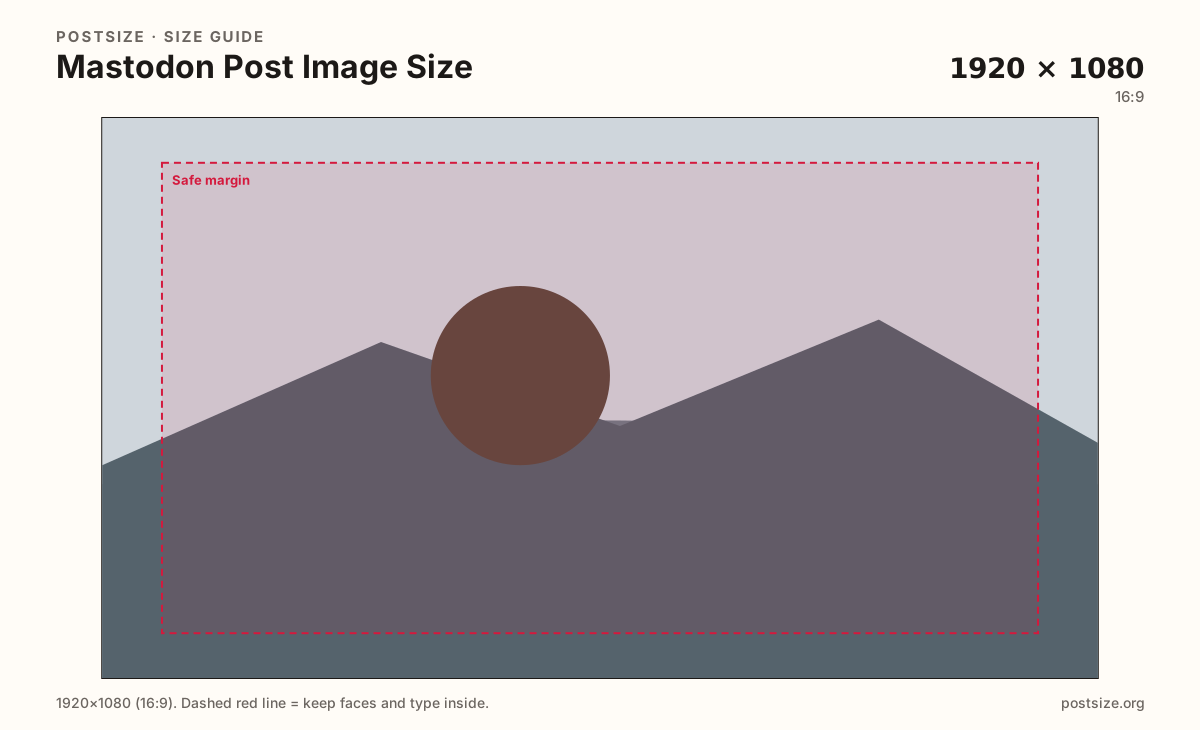
Mastodon does not force one post pixel size. Export a clear 1920×1080 (16:9) landscape as a practical default, keep subjects inside the safe margin, then download in your browser.
Browser crop · stays on your device
1920 × 1080
Add a photo to crop
Upload a photo or graphic—or try the sample—then keep the subject inside the safe margin before you download.
There is no universal mandatory post size. 16:9 at 1920×1080 is a clean practical export for most timelines—confirm your instance media rules if uploads fail.
Export this for Mastodon upload.
1920×1080 16:9
Honest practical default for timeline cards—not a single mandatory Mastodon pixel rule. Instance attachment limits and clients still vary.
Use in tool| Asset | Pixels | Ratio | Notes | Action |
|---|---|---|---|---|
| Practical landscape default Recommended | 1920×1080 | 16:9 | Honest practical default for timeline cards—not a single mandatory Mastodon pixel rule. Instance attachment limits and clients still vary. | Use in tool |
Unlike a platform that documents one feed pixel for every creator, Mastodon lets you attach images in many shapes. Clients and themes still prefer clear framing. A purposeful 1920×1080 (16:9) still looks intentional next to soft phone dumps and letterboxed banners.
This is not a claim that every instance requires 1920×1080. It is a practical landscape default that reads well in home timelines, on phones, and when the image is opened full-screen. Square and taller art can work—export those on purpose instead of hoping a random crop lands well.
Attachment count, max dimensions, and file weight vary by instance. Some servers allow larger media; others reject heavy files near a ~2MB default. Check your home instance if an upload fails.
The profile header (1500×500) and the avatar square are different jobs. Do not paste the header into a post as a shortcut, and do not stretch a post still into the header slot.
Same landscape card—edges and tiny type fail after compression or multi-image crop.
Tick these off against your crop preview—nothing is saved.
Similar-looking slots often use different ratios—do not reuse one export for all of them.
1920 × 1080 (practical)
This page. Timeline still—not a mandatory global rule.
1500 × 500
Profile header—separate export.
800 × 800 (try)
Avatar circle—not a post substitute.
| Surface | Typical size | Note |
|---|---|---|
| Post / media attachment | 1920 × 1080 (practical) | This page. Timeline still—not a mandatory global rule. |
| Header / banner | 1500 × 500 | Profile header—separate export. |
| Profile picture | 800 × 800 (try) | Avatar circle—not a post substitute. |
Mastodon does not publish one universal “you must upload exactly these pixels” rule for every timeline photo. Clients render attachments flexibly. Use 1920×1080 when you want a predictable widescreen card; switch to square or portrait when the subject needs it—just crop on purpose.
Federated servers set their own media caps, allowed formats, and sometimes stricter moderation of large files. A file that works on one instance may fail on another after you migrate.
JPG suits photographs. PNG suits flat graphics. Prefer sRGB. Leave room in the file budget for alt text and captions—do not burn the whole limit on needless megapixels.
Upload a photo, choose Practical landscape default (1920×1080), keep the subject inside the safe margin, then download. Processing stays in your browser.
From this download to a live upload in a few minutes.
Download the 1920×1080 JPG (or PNG for hard-edged graphics) from the tool.
Compose a post on your Mastodon instance and attach the image.
Add alt text that describes the image for screen-reader users.
Publish, then check the timeline card on phone and desktop.
There is no single mandatory size. 1920×1080 (16:9) is a strong practical landscape default for timeline cards. Square or taller frames can work when the subject needs them.
No. That preset is a practical export on this site, not a universal Mastodon rule. Confirm your instance media limits if an upload fails.
No. The header is a 1500×500 profile banner. Post attachments are separate media on a status—export them separately.
Yes. This guide includes an in-browser crop—files stay on your device until you download and attach them on your instance yourself.