
Article / header (practical)
Recommended1920×1080 16:9
Practical Full HD article/header master. Stronger than shipping only a soft ~1200×627 featured crop.
Use in toolLinkedIn · Image size
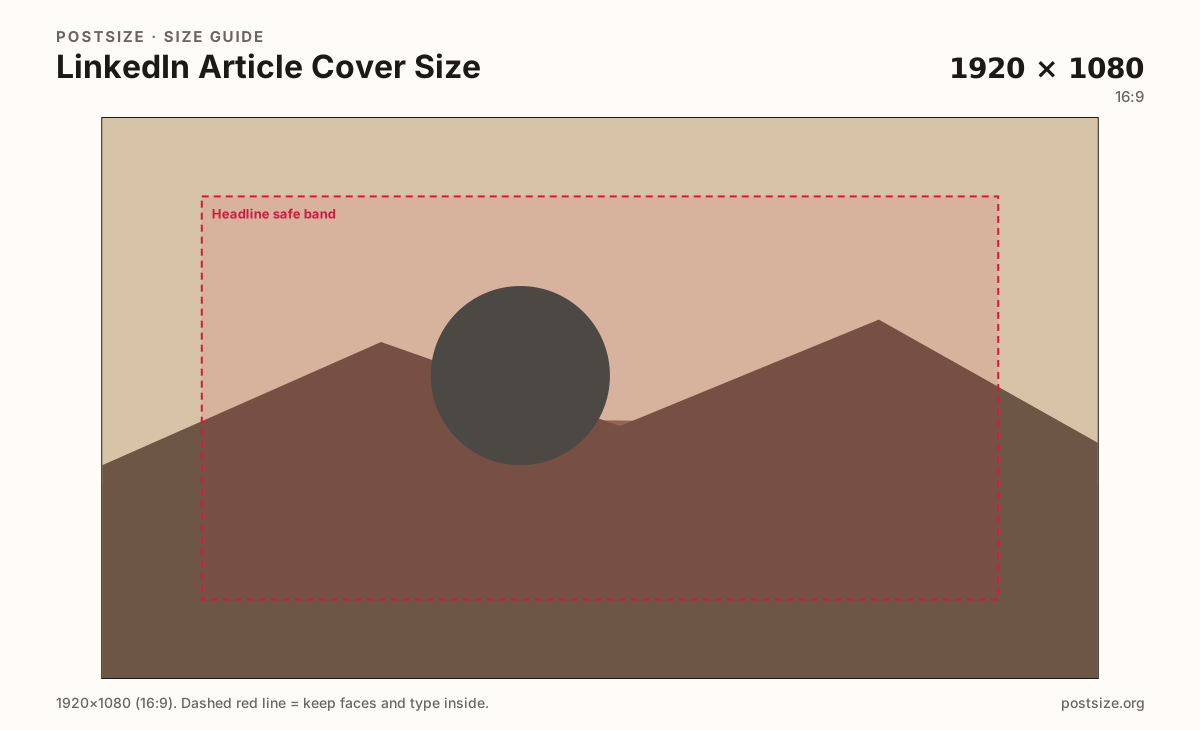
LinkedIn article and featured covers look sharp at a practical 1920×1080. Keep headlines in the center band, then download a clear still.
Browser crop · stays on your device
1920 × 1080
Add a photo to crop
Upload a story photo or title card—or try the sample—then keep the headline inside the safe band before you download.
This is the article hero / featured cover—not the personal 1584×396 profile banner and not a square carousel slide.
Export this for LinkedIn upload.
1920×1080 16:9
Practical Full HD article/header master. Stronger than shipping only a soft ~1200×627 featured crop.
Use in tool| Asset | Pixels | Ratio | Notes | Action |
|---|---|---|---|---|
| Article / header (practical) Recommended | 1920×1080 | 16:9 | Practical Full HD article/header master. Stronger than shipping only a soft ~1200×627 featured crop. | Use in tool |
Reference sizes and crops—not always separate upload files.
1200×627 ~1.91:1
Common article/share featured habit. Prefer the 1920×1080 master, then verify this crop if LinkedIn shows a wider card.
Use in tool| Asset | Pixels | Ratio | Notes | Action |
|---|---|---|---|---|
| Featured ~1.91:1 reference | 1200×627 | ~1.91:1 | Common article/share featured habit. Prefer the 1920×1080 master, then verify this crop if LinkedIn shows a wider card. | Use in tool |
LinkedIn articles and long-form publishers need a hero that still reads in the feed as a compact card. A practical 1920×1080 (16:9) master keeps photography sharp when LinkedIn downscales. Many teams only ship ~1200×627—fine as a featured reference, softer when LinkedIn or partners ask for more resolution.
Personal profile covers are 1584×396 strips. Stretching that banner into an article hero crops faces and slogans. Feed posts near 1200×627 are cousins of the featured card—not replacements for a dedicated article header.
Keep the title or subject in the center safe band. Edge type disappears behind LinkedIn chrome and in multi-column layouts on desktop.
Carousel slides are 1080×1080 squares. Do not paste an article cover into a carousel and accept letterboxing.
Same landscape card—edges and tiny type fail after compression or multi-image crop.
Tick these off against your crop preview—nothing is saved.
Similar-looking slots often use different ratios—do not reuse one export for all of them.
1920 × 1080
This page. Practical Full HD master.
1200 × 627
Common ~1.91:1 card check.
1200 × 627
Short post attach—related but separate.
1584 × 396
Profile banner—do not stretch here.
| Surface | Typical size | Note |
|---|---|---|
| Article / header | 1920 × 1080 | This page. Practical Full HD master. |
| Featured reference | 1200 × 627 | Common ~1.91:1 card check. |
| Feed post image | 1200 × 627 | Short post attach—related but separate. |
| Personal cover | 1584 × 396 | Profile banner—do not stretch here. |
Feed and share cards often display near 1.91:1. Starting from Full HD preserves detail when LinkedIn compresses or when you also reuse the hero on a blog. Use the 1200×627 preset as a check—not as the only master if you can upload sharper.
Short posts, article heroes, and carousel slides are three jobs. Reusing one export for all three is how soft or letterboxed creative happens.
Primary export 1920×1080 in sRGB. Keep headlines inside the safe band. Avoid multi-hundred-megabyte masters that stall the article editor.
Upload a photo or title card, keep Article / header (1920×1080) selected, drag until the headline sits in the safe band, then download. Optionally switch to 1200×627 to compare.
From this download to a live upload in a few minutes.
Download the 1920×1080 JPG or PNG from the tool.
Set it as the LinkedIn article cover / featured image in the editor.
Optionally export the 1200×627 preset and compare the live card.
Publish a draft view on phone and desktop; replace if the headline clips.
A practical master is 1920×1080 (16:9). Many featured cards also land near 1200×627—verify both.
No. Personal covers are 1584×396. Article heroes need a dedicated crop.
Reuse the photo, then prefer a 1920×1080 master and re-check the featured card crop.
JPG for photographs, PNG for flat title graphics. Prefer sRGB either way.
Yes. In-browser crop—files stay on your device until you download and upload on LinkedIn.