
Live cover (practical)
Recommended1080×1920 9:16
Practical full-screen vertical for Live entry cards. Same pixels as Stories/Reels stills—different chrome and job.
Use in toolInstagram · Image size
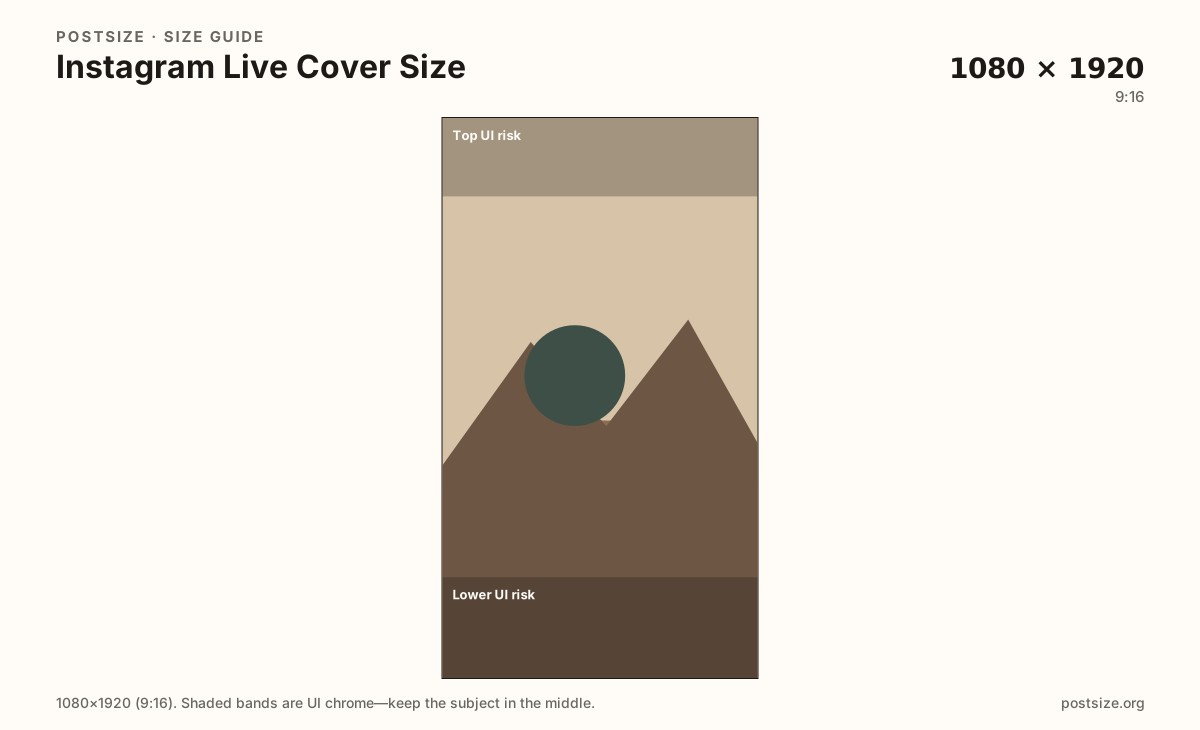
Instagram Live covers commonly use a full-phone 9:16 frame at 1080×1920. Keep faces out of chrome bands, then download in your browser—this is not a Reel or Story export.
Browser crop · stays on your device
1080 × 1920
Add a photo to crop
Upload a vertical photo—or try the sample—then keep faces between the UI risk bands before you download.
This is a Live-stream still—not a Reel you publish to the grid/Reels tab and not an ephemeral Story. Keep the hook out of top and bottom UI bands.
Export this for Instagram upload.
1080×1920 9:16
Practical full-screen vertical for Live entry cards. Same pixels as Stories/Reels stills—different chrome and job.
Use in tool| Asset | Pixels | Ratio | Notes | Action |
|---|---|---|---|---|
| Live cover (practical) Recommended | 1080×1920 | 9:16 | Practical full-screen vertical for Live entry cards. Same pixels as Stories/Reels stills—different chrome and job. | Use in tool |
When you go Live on Instagram, the entry card is a vertical still that has to say the room is open. Creator practice commonly ships 1080×1920 (9:16)—the same pixel box as Stories and many Reels frames. The job is still different: Live badges, viewer counts, and comment chrome sit on your art in ways a finished Reel or a 24-hour Story does not.
Reusing a Reel cover or a Story export without re-checking Live UI is how titles vanish under the Live pill or sit under the bottom comment stack. Reuse the photo for brand continuity; re-crop with quieter top and bottom bands for the stream card.
Feed posts (often 4:5) and highlight covers (circles) are unrelated. Do not stretch a 4:5 post into Live art. Profile pictures remain circular squares and never replace a Live cover.
Put one clear hook in the mid band: face, product, or short lockup. Paragraphs of on-image text die after compression. Update the cover when the Live topic changes so returning viewers are not tapping yesterday’s art.
Same full-screen frame—top and bottom UI chrome cover anything glued to the edges.
Tick these off against your crop preview—nothing is saved.
Similar-looking slots often use different ratios—do not reuse one export for all of them.
1080 × 1920
This page. Stream entry / Live card still.
1080 × 1920
Published Reel—same pixels, different chrome.
1080 × 1920
Ephemeral Story—different stickers and job.
1080 × 1350
4:5 feed photo—wrong ratio for Live.
| Surface | Typical size | Note |
|---|---|---|
| Live cover | 1080 × 1920 | This page. Stream entry / Live card still. |
| Reels frame | 1080 × 1920 | Published Reel—same pixels, different chrome. |
| Story still | 1080 × 1920 | Ephemeral Story—different stickers and job. |
| Feed post | 1080 × 1350 | 4:5 feed photo—wrong ratio for Live. |
Reels publish a finished clip to the Reels surface and often the feed. Stories disappear after 24 hours with sticker-heavy chrome. Live covers invite people into an open broadcast with Live-specific badges. Same 1080×1920 box, three intents.
If your best frame is from a previous Reel, crop it again with Live chrome in mind instead of uploading the old cover unchanged.
Live UIs draw badges, viewer counts, and comments over your pixels. Treat the mid third as the only guaranteed message area.
JPG for photos, PNG for flat graphics. Prefer sRGB. A sharp 1080×1920 usually beats a soft upscale.
Upload a vertical photo, choose Live cover (1080×1920), keep the subject between the risk bands, then download. Cropping stays in the browser.
From this download to a live upload in a few minutes.
Download the 1080×1920 JPG or PNG from the tool.
In Instagram Live setup, set the cover / entry still before you go live (labels vary by app version).
Preview on a phone with Live UI in mind.
If type sits under chrome, re-crop toward the mid band.
1080×1920 (9:16) is a practical default for Live entry stills. Keep the subject out of top and bottom UI bands.
Same pixels often, different job. Reels and Stories publish clips; Live covers invite people into a stream with different chrome—re-check before you go live.
Often as a starting file—both are 9:16—but re-check Instagram Live overlays before you publish.
Yes. The in-browser crop stays on your device until you download and set it in Instagram Live yourself.