
Phone screenshot (practical)
Recommended1080×1920 9:16
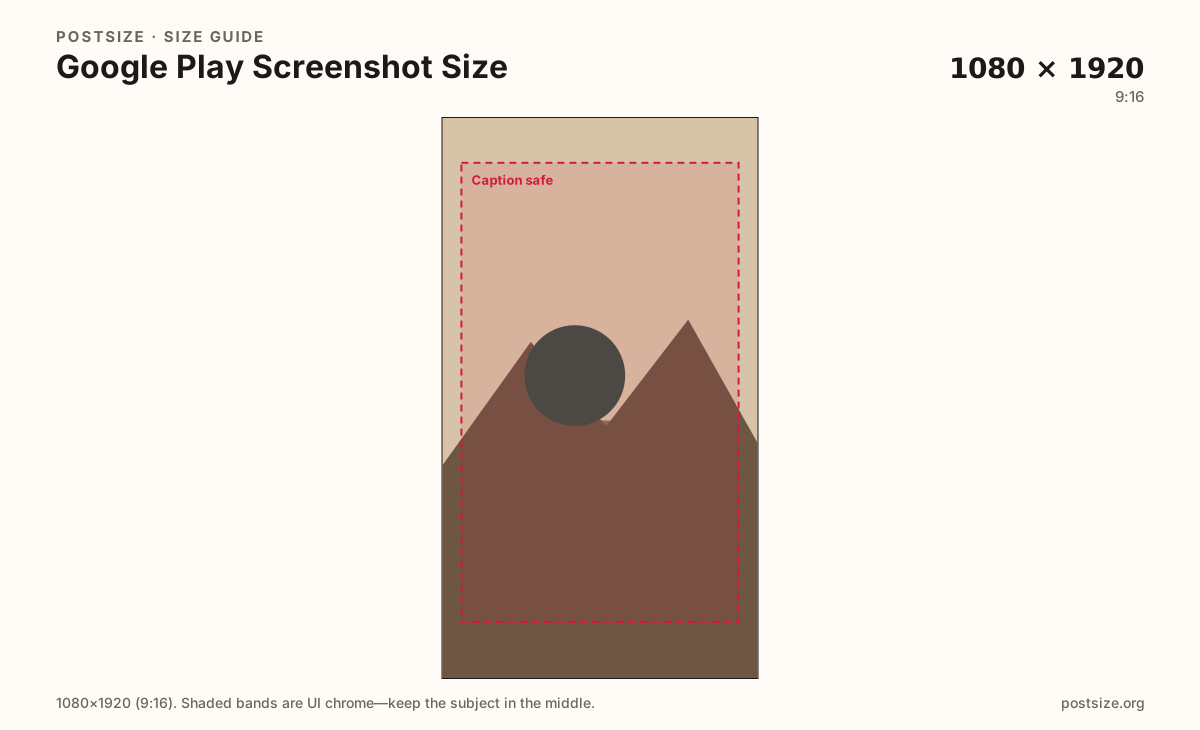
Common vertical phone screenshot. Play accepts a range—stay sharp and within Console limits.
Use in toolGoogle Play · Image size
Google Play phone screenshots commonly use 1080×1920. Add a 1024×500 feature graphic for the store header, then download before Play Console.
Browser crop · stays on your device
1080 × 1920
Add a photo to crop
Upload a UI capture or promo flat—switch presets for screenshots vs feature graphic.
Play Console enforces min/max edges and file rules that change. These are practical masters—validate in Console before release.
Export this for Google Play upload.
1080×1920 9:16
Common vertical phone screenshot. Play accepts a range—stay sharp and within Console limits.
Use in tool1920×1080 16:9
Landscape phone / tablet-style captures when your app is landscape-first.
Use in tool1024×500 ~2:1
Store listing header graphic—not a phone screenshot.
Use in tool| Asset | Pixels | Ratio | Notes | Action |
|---|---|---|---|---|
| Phone screenshot (practical) Recommended | 1080×1920 | 9:16 | Common vertical phone screenshot. Play accepts a range—stay sharp and within Console limits. | Use in tool |
| Phone landscape | 1920×1080 | 16:9 | Landscape phone / tablet-style captures when your app is landscape-first. | Use in tool |
| Feature graphic | 1024×500 | ~2:1 | Store listing header graphic—not a phone screenshot. | Use in tool |
Phone screenshots are the swipeable gallery on your Play listing. A practical vertical master is 1080×1920 (9:16). Landscape apps should also prepare 1920×1080 frames.
The feature graphic (1024×500) is the wide header on the store listing—not a screenshot. Export it separately with large type and quiet edges.
Apple’s App Store uses different mandatory pixel classes (for example 1290×2796). Re-crop per store; do not stretch an iOS export into Play.
Before release, check current min/max dimensions and screenshot count limits inside Play Console.
Same full-screen frame—top and bottom UI chrome cover anything glued to the edges.
Tick these off against your crop preview—nothing is saved.
Similar-looking slots often use different ratios—do not reuse one export for all of them.
1080 × 1920
This page default.
1920 × 1080
Landscape-first apps.
1024 × 500
Listing header.
1290 × 2796
Separate Apple guide.
| Surface | Typical size | Note |
|---|---|---|
| Phone screenshot | 1080 × 1920 | This page default. |
| Landscape phone | 1920 × 1080 | Landscape-first apps. |
| Feature graphic | 1024 × 500 | Listing header. |
| App Store iPhone | 1290 × 2796 | Separate Apple guide. |
Switch the crop preset to 1024×500 when you build the listing header. Do not letterbox a phone screenshot into that slot.
From this download to a live upload in a few minutes.
Download phone screenshots and the feature graphic separately.
Upload in Play Console → Store presence → Main store listing.
Order the gallery; set the feature graphic in its field.
Use Console’s preview before production rollout.
A practical phone default is 1080×1920. Confirm min/max edges in Play Console—Play accepts a range if the image stays sharp.
1024×500 pixels. It is the listing header, not a phone screenshot.
Only after re-cropping to Play’s habits. Pixel classes differ.
Yes. Download, then upload in Play Console yourself.