
Square photo / post (recommended)
Recommended720×720 1:1
Practical square for Google Business posts and many photo uploads. Clear subject, light file, easy to scan on mobile Maps.
Use in toolGoogle Business · Image size
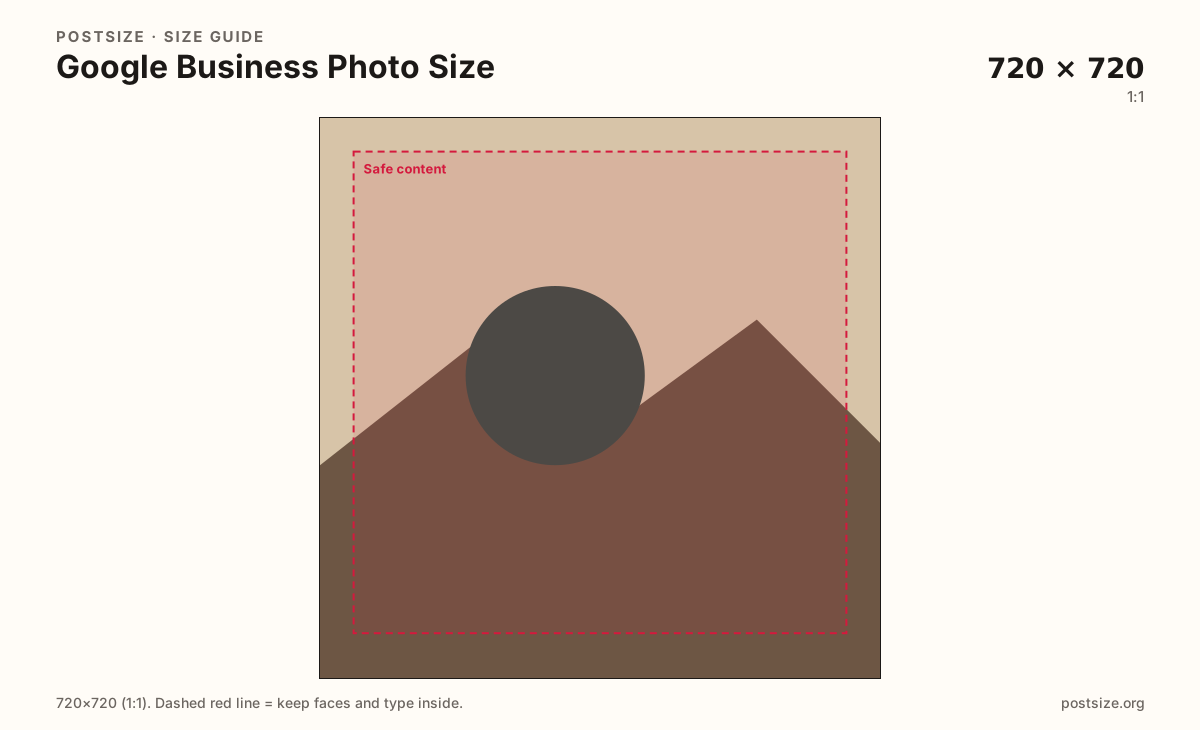
Square gallery photos travel well on Google Business Profile. Export 720×720, keep the storefront or product inside a safe margin, then download in your browser before you publish.
Browser crop · stays on your device
720 × 720
Add a photo to crop
Upload a storefront or product photo—or try the sample—then keep the subject inside the margin before you download.
Start square. Google surfaces photos in Search, Maps, and the Business Profile—small cards punish edge-glued subjects and tiny type.
Export this for Google Business upload.
720×720 1:1
Practical square for Google Business posts and many photo uploads. Clear subject, light file, easy to scan on mobile Maps.
Use in tool| Asset | Pixels | Ratio | Notes | Action |
|---|---|---|---|---|
| Square photo / post (recommended) Recommended | 720×720 | 1:1 | Practical square for Google Business posts and many photo uploads. Clear subject, light file, easy to scan on mobile Maps. | Use in tool |
Reference sizes and crops—not always separate upload files.
1080×1080 1:1
Same 1:1 ratio at higher pixels when the original is clear. Still keep the composition centered for small cards.
Use in tool| Asset | Pixels | Ratio | Notes | Action |
|---|---|---|---|---|
| Larger clear square | 1080×1080 | 1:1 | Same 1:1 ratio at higher pixels when the original is clear. Still keep the composition centered for small cards. | Use in tool |
Google Business Profile photos show up in Search, Maps, and the Photos tab. Many placements are smaller than a social feed post. A clear square (720×720) with a clear subject beats a soft landscape panorama that gets center-cropped into confusion.
Owners often upload phone dumps: tilted interiors, huge menus as screenshots, or banners designed for Facebook covers. Those files look unfinished next to clean competitor photos. Crop on purpose for the square card customers actually tap.
Publishing an update, offer, or event? Use the Google Business post size guide—same 720×720 habit, framed for the Posts composer. Cover / wide header art is another job entirely; open the cover guide instead of stretching a 1024×576 banner into this square.
Keep text off the image when you can. Hours, offers, and CTAs belong in Google posts and profile fields. If you must put words on the photo, make them large and inside the safe margin.
If you only need the small logo next to the business name, use the profile picture guide instead. This page is for square gallery photos of the place and products.
Same feed frame—keep the subject inside the margin phones actually show.
Tick these off against your crop preview—nothing is saved.
Similar-looking slots often use different ratios—do not reuse one export for all of them.
720 × 720
This page. Photos-tab and many gallery-style uploads.
720 × 720
Same pixels—Posts / offers framing on the post guide.
1024 × 576 common
Landscape cover recommendation—different guide.
Square preferred
Identity badge—see the profile picture guide; not a storefront post.
Clear, well-lit originals
Interiors, team, products—still avoid soft upscales.
| Surface | Typical size | Note |
|---|---|---|
| Square gallery photo | 720 × 720 | This page. Photos-tab and many gallery-style uploads. |
| Google Business post | 720 × 720 | Same pixels—Posts / offers framing on the post guide. |
| Cover (wide) | 1024 × 576 common | Landscape cover recommendation—different guide. |
| Logo / profile mark | Square preferred | Identity badge—see the profile picture guide; not a storefront post. |
| Additional photos | Clear, well-lit originals | Interiors, team, products—still avoid soft upscales. |
Show what a customer gets: the storefront, a signature product, a clean interior, or a recognizable team moment. Avoid cluttered collages and watermark forests.
Straighten horizons. Level buildings look more trustworthy than skewed phone shots. Leave a little margin so Google’s UI chrome does not clip the subject.
JPG in sRGB is the everyday choice for photos. Keep files clear but not enormous. Google may re-encode uploads; noisy screenshots rarely survive well.
Square gallery photos fill the Photos tab. Google posts use the same 720×720 habit for updates and offers. Covers are wider landscape frames. Reuse the photography if you want—export each slot on purpose.
Upload a storefront or product photo, choose Square photo (720×720), drag until the subject sits inside the margin, then download. Processing stays on your device.
From this download to a live upload in a few minutes.
Download the 720×720 JPG from the tool.
Open Google Business Profile → Posts or Photos.
Upload the file and complete any category or caption fields Google asks for.
Check the result on your phone in Search or Maps.
If the subject feels tight, re-crop with more margin and upload again.
A clear square—720×720—works well for many gallery uploads. Keep the subject centered for small Search and Maps cards.
Both use 720×720. This page is for gallery photos; open the post size guide when you are publishing an update or offer in Posts.
Instagram feed posts often use 1080×1350. Google Business posts and photos work better as squares. Re-crop instead of forcing a 4:5 social export.
Google accepts many shapes, but square crops are predictable for posts. For wide headers, use the cover size guide.
Use a clean square with the mark centered. Logos are often shown small—avoid wide wordmarks that get clipped.
JPG for photographs of your business. PNG can help for flat logo graphics with hard edges.
Usually a small social export was upscaled, or the original was out of focus. Start from a clear camera file and export a true square.
No. This page is for square posts/photos. See the Google Business cover guide for the common 1024×576 landscape recommendation.
Not exactly. Posts show the place or product; the logo is a small identity mark. Open the profile picture guide when you are updating the badge next to the business name.
Yes—Google renamed the product. Square post and gallery photos still belong here; covers and logos are separate guides.