
Listing photo (practical)
Recommended1600×1600 1:1
Practical high-res listing still for search tiles and gallery zoom. Not a store banner strip.
Use in tooleBay · Image size
eBay listing photos look sharpest as a 1600×1600 square. Keep the item inside the safe margin, then download in your browser.
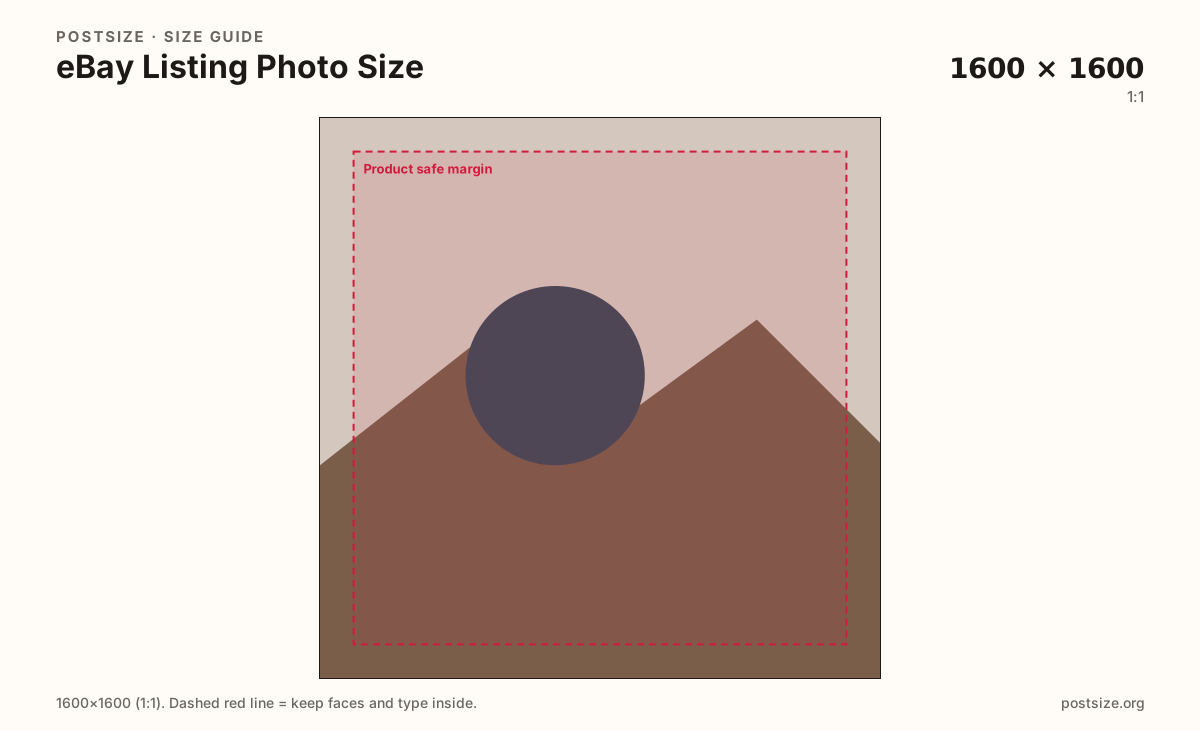
Browser crop · stays on your device
1600 × 1600
Add a photo to crop
Upload a product shot—or try the sample—then keep the item inside the safe margin before you download.
Export a clear 1600×1600 square when the source allows it. eBay accepts other ratios, but a square master keeps search and gallery crops predictable.
Export this for eBay upload.
1600×1600 1:1
Practical high-res listing still for search tiles and gallery zoom. Not a store banner strip.
Use in tool| Asset | Pixels | Ratio | Notes | Action |
|---|---|---|---|---|
| Listing photo (practical) Recommended | 1600×1600 | 1:1 | Practical high-res listing still for search tiles and gallery zoom. Not a store banner strip. | Use in tool |
Buyers judge eBay listings from small search tiles and then open the gallery. A practical high-resolution still is 1600×1600. That gives eBay room to generate smaller sizes without looking soft on modern phones.
Square masters read cleanly in grids and avoid letterboxing surprises when eBay shows a square-leaning card. If the product is very tall or wide, still keep critical edges inside the safe margin so zoom and crop stay intentional.
Stock photos with tiny watermarks, dark underexposed phone shots, and stretched store-banner strips look unfinished next to sellers who ship true 1600px captures. Start from a sharp original—do not invent detail with upscaling.
Amazon main images push white backgrounds harder; eBay is more flexible, but a clean backdrop still wins clicks. Secondary angles (labels, defects, scale) should match the same clarity habit even if composition differs.
Same feed frame—keep the subject inside the margin phones actually show.
Tick these off against your crop preview—nothing is saved.
Similar-looking slots often use different ratios—do not reuse one export for all of them.
1600 × 1600
This page. Primary gallery / search still.
Same clarity habit
Details, scale, defects—keep them sharp.
2000 × 2000
Different marketplace—white BG rules differ.
| Surface | Typical size | Note |
|---|---|---|
| Listing photo | 1600 × 1600 | This page. Primary gallery / search still. |
| Secondary gallery | Same clarity habit | Details, scale, defects—keep them sharp. |
| Amazon main image | 2000 × 2000 | Different marketplace—white BG rules differ. |
eBay recompresses uploads. Starting at 1600×1600 keeps search tiles and gallery zooms usable on retina phones without shipping enormous files.
The first photo sells the click. Secondary photos answer questions: scale, labels, wear, packaging. Keep the same clarity habit for the whole set.
JPG suits product photography. PNG suits flat graphics. Prefer sRGB. Keep weight reasonable for mobile data.
Upload a product photo, choose Listing photo (1600×1600), drag until the item clears the margin, then download. Cropping stays in your browser.
From this download to a live upload in a few minutes.
Download the 1600×1600 JPG (photos) or PNG (graphics) from the tool.
In Seller Hub, open the listing → Photos and upload as the primary or gallery image.
Check search-tile and zoom previews on phone and desktop.
If the item feels cropped or soft, re-crop from a sharper source and replace the file.
A practical primary size is 1600×1600. Square masters keep search and gallery crops predictable.
Not strictly, but a 1600×1600 square is a strong default for tiles and zoom. Always preview the live listing.
Close but not identical. Amazon often pushes 2000×2000 on pure white for the main image. eBay is more flexible—still prefer a clean, sharp square.
JPG for photographs, PNG for hard-edged graphics. Export sRGB either way.
Yes. This guide includes an in-browser crop—files stay on your device until you download and upload to eBay yourself.