
Multi-image frame (practical)
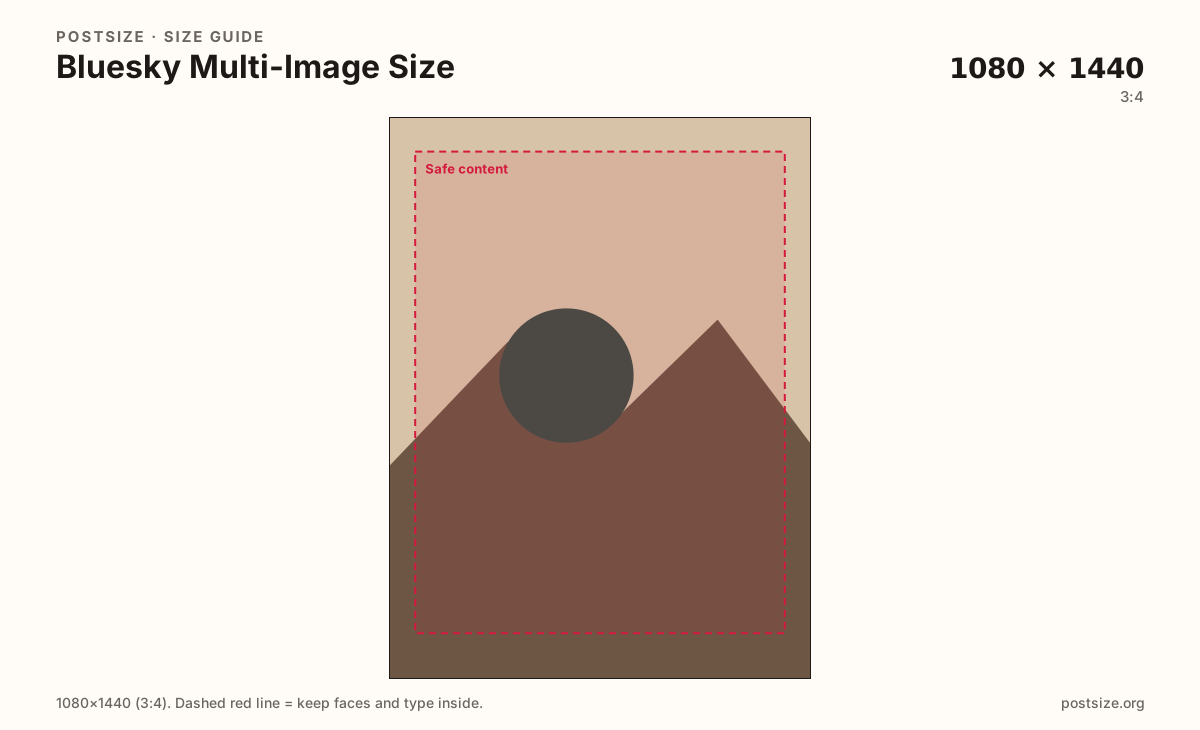
Recommended1080×1440 3:4
Practical portrait for multi-image posts—feeds often crop multi cells toward ~3:4.
Use in toolBluesky · Image size
Bluesky multi-image posts often crop toward ~3:4. Export 1080×1440 frames, keep subjects centered, then download each photo in your browser.
Browser crop · stays on your device
1080 × 1440
Add a photo to crop
Upload a photo—or try the sample—then keep faces centered inside the margin before you download.
This is a multi-image cell habit—not the wide ~16:9 single timeline card. Single and multi crops differ; export on purpose for the layout you will attach.
Export this for Bluesky upload.
1080×1440 3:4
Practical portrait for multi-image posts—feeds often crop multi cells toward ~3:4.
Use in tool1080×1080 1:1
Square reference when you compare habits—not a substitute for ~16:9 single timeline cards.
Use in tool| Asset | Pixels | Ratio | Notes | Action |
|---|---|---|---|---|
| Multi-image frame (practical) Recommended | 1080×1440 | 3:4 | Practical portrait for multi-image posts—feeds often crop multi cells toward ~3:4. | Use in tool |
| Square reference (single habit) | 1080×1080 | 1:1 | Square reference when you compare habits—not a substitute for ~16:9 single timeline cards. | Use in tool |
On Bluesky, one photo often sits as a wide ~16:9 timeline card. Attach two or more and many clients show tighter cells—commonly toward about 3:4. A practical 1080×1440 export keeps faces and products inside that tighter window instead of losing edges that looked fine as a single widescreen.
This page is honest about the gap: there is no single official “one pixel” mandate for every client. Treat 1080×1440 as a practical multi-image habit, and use the square preset only as a compositional reference—not as a replacement for the dedicated single-post ~16:9 guide.
Center what matters. A subject glued to the far left of a single-image crop can vanish when the grid tightens. Keep similar subject scale across the set so the gallery feels intentional.
Threads and Instagram carousels lean on 4:5 swipe stacks. Bluesky multi-image is a grid job first—re-crop when you cross-post instead of stretching a Meta carousel into a Bluesky cell.
Same feed frame—keep the subject inside the margin phones actually show.
Tick these off against your crop preview—nothing is saved.
Similar-looking slots often use different ratios—do not reuse one export for all of them.
1080 × 1440
This page. Practical ~3:4 cell habit.
1200 × 675 (~16:9)
Wide single card—different crop job.
1080 × 1080
Optional habit check in the tool.
3000 × 1000 typical
Wide header—not a gallery cell.
| Surface | Typical size | Note |
|---|---|---|
| Multi-image frame | 1080 × 1440 | This page. Practical ~3:4 cell habit. |
| Single timeline photo | 1200 × 675 (~16:9) | Wide single card—different crop job. |
| Square reference | 1080 × 1080 | Optional habit check in the tool. |
| Profile banner | 3000 × 1000 typical | Wide header—not a gallery cell. |
People often glance once. Lead with the strongest frame, keep middle images one idea each, and avoid stuffing CTAs into a clipped corner of the last cell.
A single Bluesky photo usually wants the wide ~16:9 post guide. A multi-attach gallery wants this tighter ~3:4 habit. Instagram/Threads carousels are swipe stacks at 4:5—re-crop when you move assets across apps.
Export 1080×1440 per multi-image frame in sRGB. Keep subjects inside the safe margin. Use the square preset only to compare composition—not as a silent stand-in for single ~16:9 posts.
Upload each photo, keep Multi-image frame (1080×1440) selected, drag until the subject sits centered in the safe margin, then download. Repeat for the full set.
From this download to a live upload in a few minutes.
Download each 1080×1440 frame (JPG for photos, PNG for flat graphics).
On Bluesky, compose a post and attach the images in order.
Put detail in the post text—not as microscopic type on every cell.
Preview on a phone: confirm faces survive the multi-image grid.
If a subject clips, recenter inside the margin and replace that frame.
A practical size is 1080×1440 (3:4) per frame. Feeds and clients often crop multi-image cells tighter than a single widescreen card.
Single posts commonly read as wide ~16:9 cards. Multi-image layouts often tighten toward ~3:4. Re-crop for the layout you will actually attach.
Square can work as a compositional reference, but 1080×1440 better matches the taller multi-cell habit. Prefer 3:4 when faces must survive the grid.
Reuse the photo, not the finished Meta 4:5 export blindly. Re-crop toward 1080×1440 and preview the Bluesky grid.
Yes. Crop each frame in the browser, then attach the set on Bluesky yourself.