
Project cover (practical 16:9)
Recommended1920×1080 16:9
Practical Full HD project cover for Behance grids. Community habit—preview on Behance after upload.
Use in toolBehance · Image size
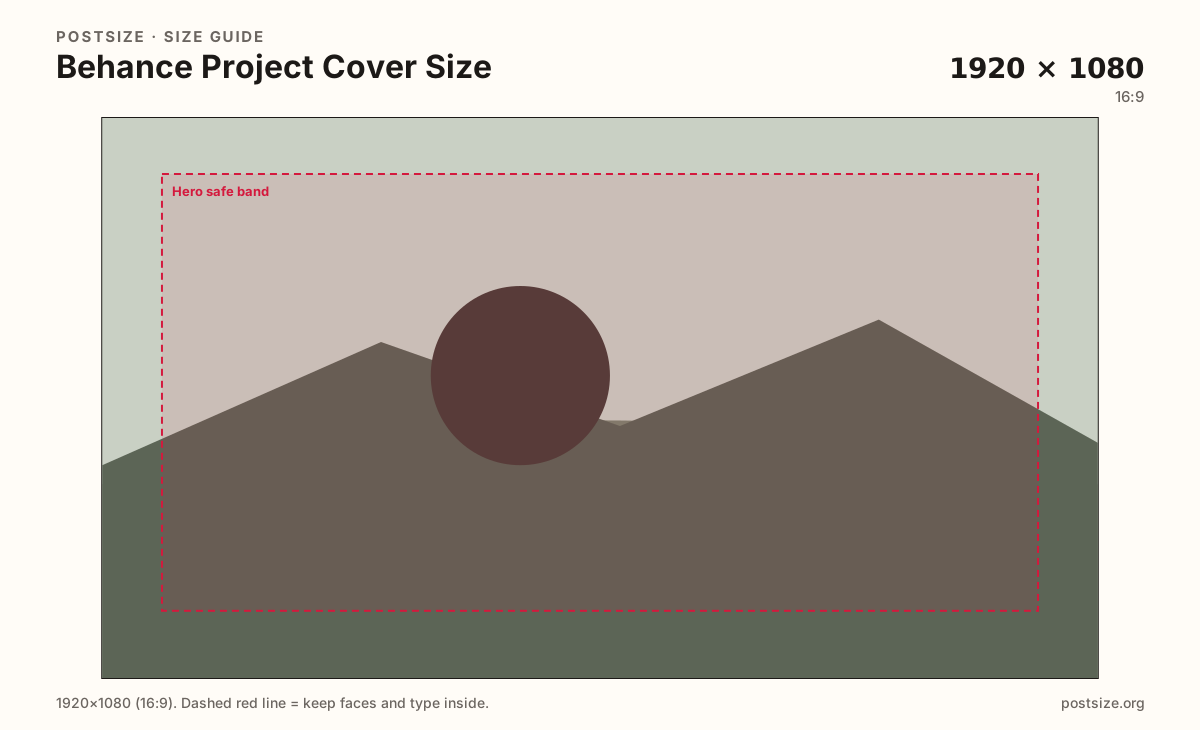
Behance project covers are portfolio billboards. Export a practical 1920×1080 (optional 1400×1050), keep the hero centered, then download.
Browser crop · stays on your device
1920 × 1080
Add a photo to crop
Upload a project hero—or try the sample—then keep the strongest frame inside the safe band before you download.
Project covers sell the folio in the discovery grid. Avatars are a separate square mark.
Export this for Behance upload.
1920×1080 16:9
Practical Full HD project cover for Behance grids. Community habit—preview on Behance after upload.
Use in tool1400×1050 ~4:3
Practical alternate when a taller cover fits the project better. Still preview live.
Use in tool| Asset | Pixels | Ratio | Notes | Action |
|---|---|---|---|---|
| Project cover (practical 16:9) Recommended | 1920×1080 | 16:9 | Practical Full HD project cover for Behance grids. Community habit—preview on Behance after upload. | Use in tool |
| Alternate ~4:3 | 1400×1050 | ~4:3 | Practical alternate when a taller cover fits the project better. Still preview live. | Use in tool |
Behance (Adobe) is a portfolio network: projects live as case studies, and the cover is the stamp in discovery grids and profile galleries. A practical 1920×1080 (16:9) master keeps the hero sharp when the grid shrinks it.
Unlike Instagram posts, Behance covers sell craft and process. Soft phone dumps and letterboxed phone screenshots look unfinished next to intentional folio frames. Start from a true Full HD (or clearer) master.
Some projects prefer a taller ~4:3 still (practical 1400×1050). Use it on purpose when the work needs more vertical room—not as a random alternate. Always preview the live project card.
Instagram 4:5 frames and other portfolio shots can be starters. Re-crop for Behance’s cover habit and keep the avatar (512×512) as a separate professional mark.
Same landscape card—edges and tiny type fail after compression or multi-image crop.
Tick these off against your crop preview—nothing is saved.
Similar-looking slots often use different ratios—do not reuse one export for all of them.
1920 × 1080
This page default. Practical Full HD stamp.
1400 × 1050
Optional alternate on this page.
512 × 512
Profile mark—separate guide.
Varies
Reuse art—re-crop for Behance covers.
| Surface | Typical size | Note |
|---|---|---|
| Project cover 16:9 | 1920 × 1080 | This page default. Practical Full HD stamp. |
| Project cover ~4:3 | 1400 × 1050 | Optional alternate on this page. |
| Avatar | 512 × 512 | Profile mark—separate guide. |
| Instagram / social starter | Varies | Reuse art—re-crop for Behance covers. |
Recruiters and clients skim covers before opening case studies. One strongest frame beats a collage of every deliverable. Put process detail inside the project modules.
16:9 is the practical default here. ~4:3 helps taller work. Instagram 4:5 and other portfolio shots need a dedicated Behance crop—do not stretch.
JPG for photo covers; PNG for hard graphics and type. Prefer sRGB. Start sharp—Behance will not invent detail from a soft phone dump.
Upload a project hero, choose Project cover (1920×1080), keep the subject in the band, then download. Switch to ~4:3 only when intentional.
From this download to a live upload in a few minutes.
Download the 1920×1080 (or 1400×1050) JPG or PNG from the tool.
In Behance, edit the project and set the cover / thumbnail.
Preview the project on your profile grid and in discovery.
If the hero vanishes at grid size, simplify and re-export.
A practical export is 1920×1080 (16:9). 1400×1050 (~4:3) is an optional alternate. Preview on Behance after upload.
Use 16:9 as the default. Switch to ~4:3 when the project needs more vertical room—and preview the live card either way.
No. Avatars are 512×512 profile marks. Covers are project billboards.
No. Practical community sizing as of 2026-08-21. Always preview before you publish.
Yes. Files stay on your device until you download and upload to Behance yourself.